
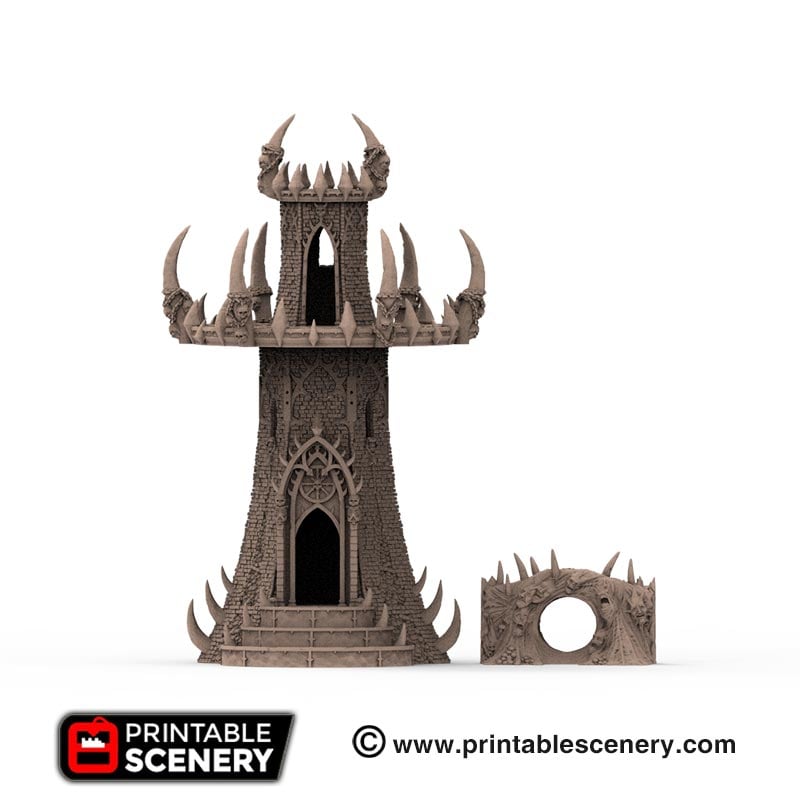
Dwarves, Elves and Demons scale reference
Below are the scale reference guides for the models showing their sizes in relation to other models in their corresponding ranges. Dwarven scale reference Elven scale reference Demon scale reference
Below are the scale reference guides for the models showing their sizes in relation to other models in their corresponding ranges. Dwarven scale reference Elven scale reference Demon scale reference
We have partnered with independent companies around the world who can print-to-order terrain and miniatures from the Printable Scenery collection. Each of these companies has a commercial license to print and sell our products. Each product page has an option to “get it printed”. This will open a drop-down menu with links to our licensed… Read more
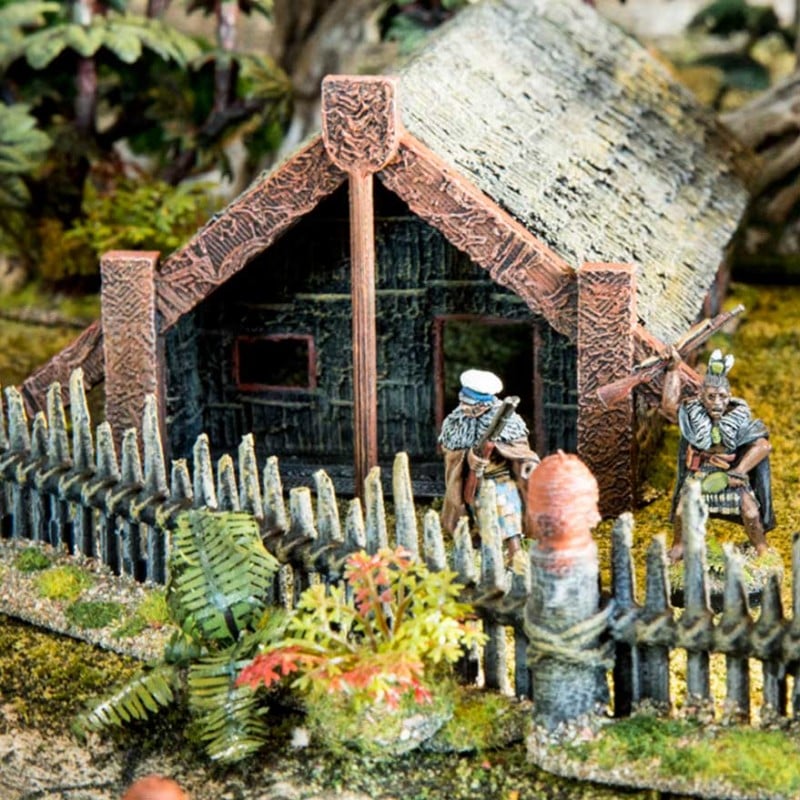
A simple way to paint your Printable Scenery Maori pa palisade and buildings is a process called ‘dry-brushing’.. This is a fairly quick way of painting large lots of scenery. The results look good despite being a somewhat ‘rough and ready’ process. This technique is particularly useful for things like rough wood and thatch –… Read more
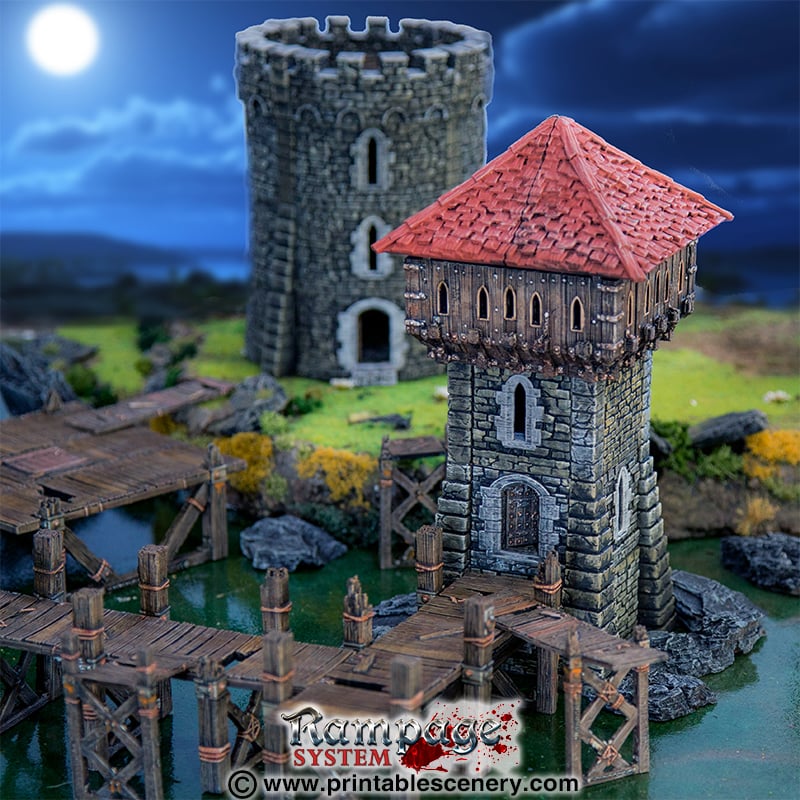
Rampage Castle takes OpenLOCK one step further, with side-locking OpenLOCK clips. These allow you to connect side columns and buttresses to create dungeons, buildings and castle layouts. Rampage Castle components are fully interchangeable with Rampage Dungeons, as well as our other OpenLOCK tiles. This makes them perfect for Dungeons & Dragons, Pathfinder RPG by Paizo and many other… Read more
What is an STL file? .STL is the most common file format used in 3D printing. STL stands for STereoLithography, and is a file type which contains data of a 3D object’s layout, as generated by computer-aided design (CAD) software. Being one of the most widely used file formats for 3D printing, STL is found… Read more
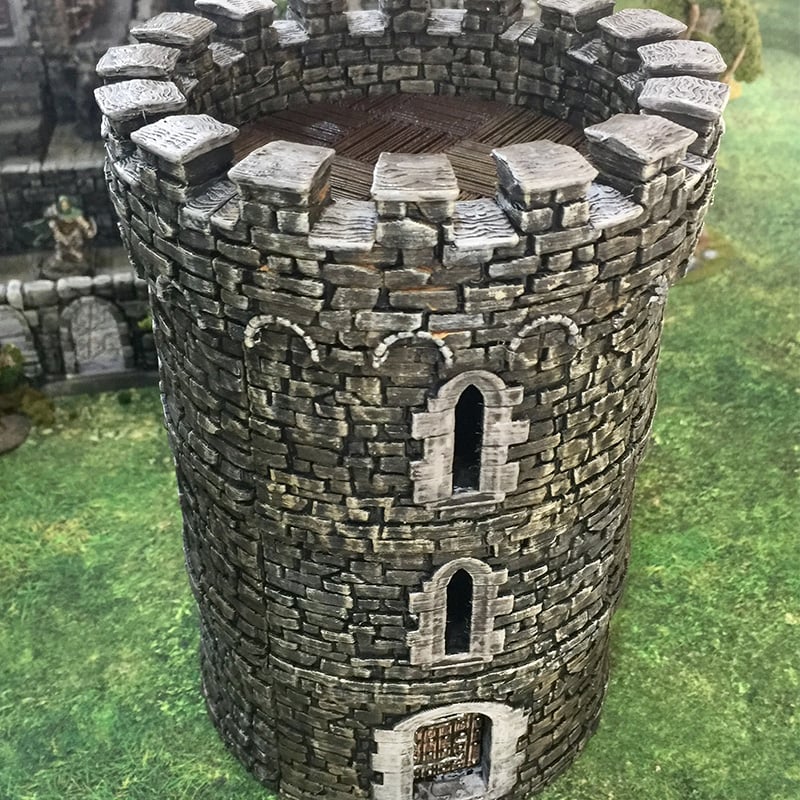
Instructions for building the Round Tower 4 x G-RPG-Machicolations 8 x G-RPG-BrickWall-Slit 3 x G-BrickWall 1 x G-RPG-BrickDoor 16 x F Floor tiles. The Round Tower components that require printing (Print these parts at 2 micron/0.2mm nozzle) Step 1: Attach one OpenLOCK clip to the G-RPG BrickDoor slot underneath the door. Then clip in one… Read more
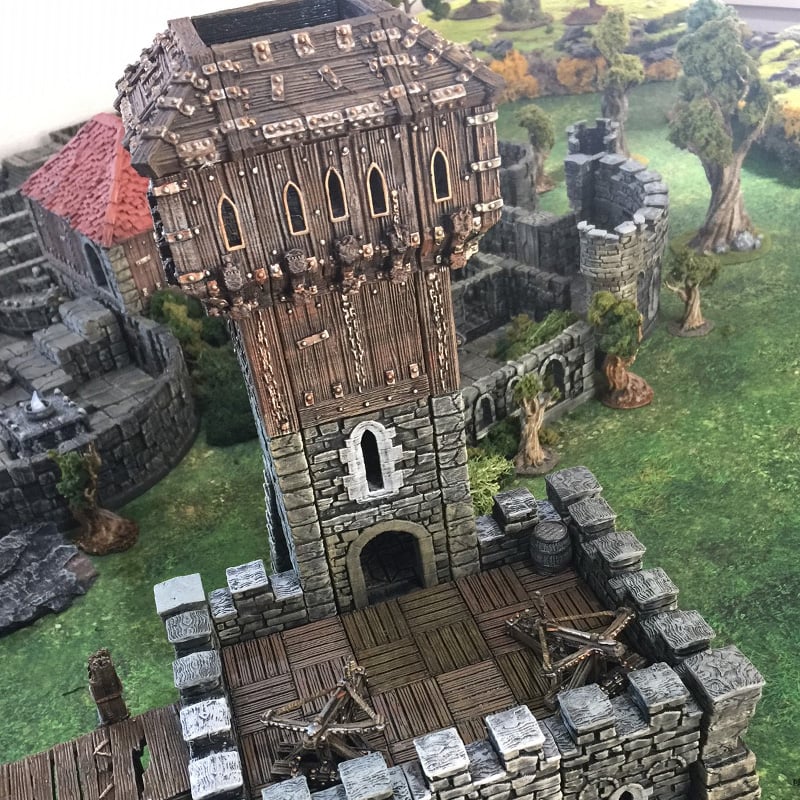
Instructions for building the Keep The Keep components that require printing (Print these parts at 2 micron/0.2mm nozzle) 12 x E Floor Tiles 2 x A-RPG-Brickwall Left & Right BA-RPG-Machicolations 3 x A-RPG-Machicolations 2 x A-RPG-BrickArch 4 x Column-L-RPG Left & Right BA-RPG-BrickWall-Slit 3 x A-RPG-BrickWall-Slit Includes tiles printed for the original Tower … Read more
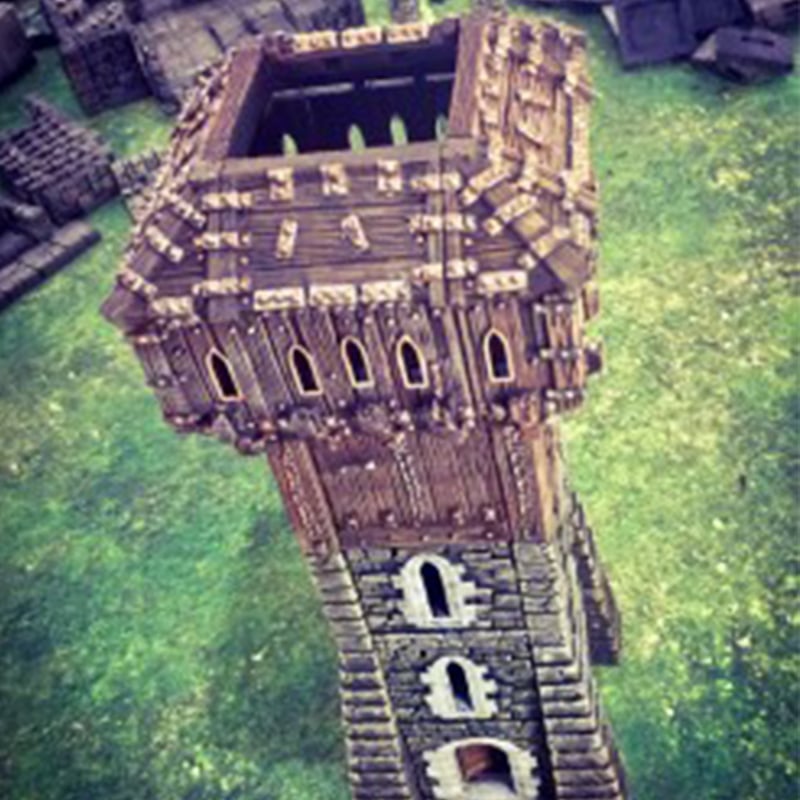
Rampage Castle Tower with Hoarding Refer to Instructions for building the Rampage Castle Tower before building the Hoarding. Hoarding components that you need to print (Print these parts at 2 micron). 4 x RPG-Hoarding-Roof 4 x RPG-A-Hoarding 4 x RPG-Hoarding Corner 4 x RPG-Hoarding-Roof-Corner
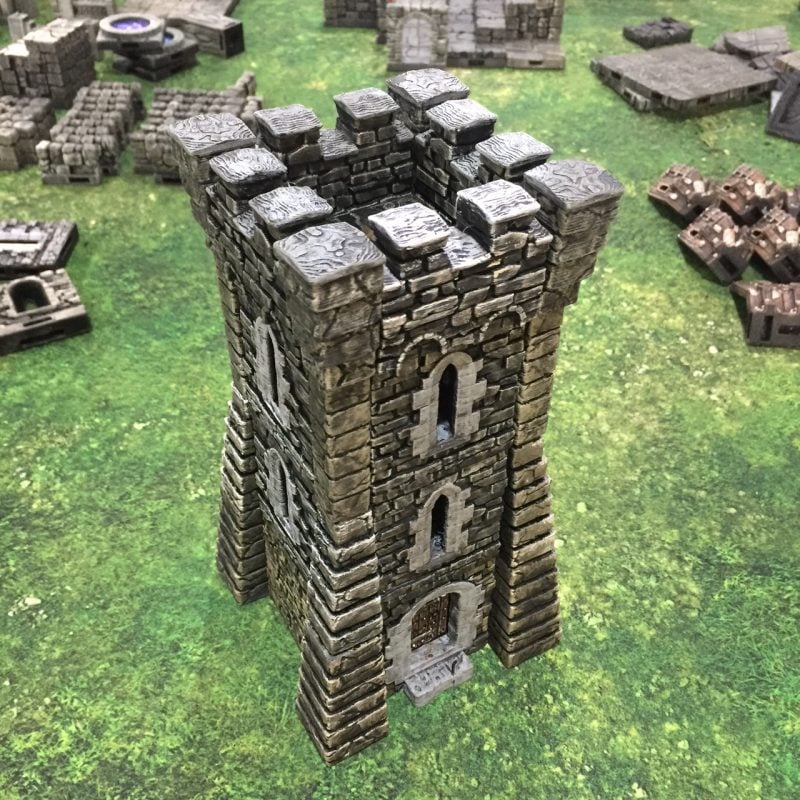
Instructions for building the Rampage Castle Tower Basic tower components that require printing (Print these parts at 2 micron/0.2mm nozzle) OpenLOCK Clips 4.2 and above 4 x A-RPG Machicolations 4 x Column Machicolations 8 x A-RPG-Brickwall- Slit 4 x Corner-Buttress-L1 4 x Corner-Buttress-L2 4 x Column-L-Rpg 3 x A-RPG-Brickwall 1 x A-RPG-BrickDoor 4 x Any… Read more
Here are the settings for the Prusa Slicer v2.0 that we recommend and use on our Prusa I3 Mk3’s. Layers and Perimeters Layer Height: We recommend 0.2 for the vast majority of models, moving down to 0.1 when printing smaller pieces like furniture. Vertical Shells: We have it set at 2, if you do modify… Read more