

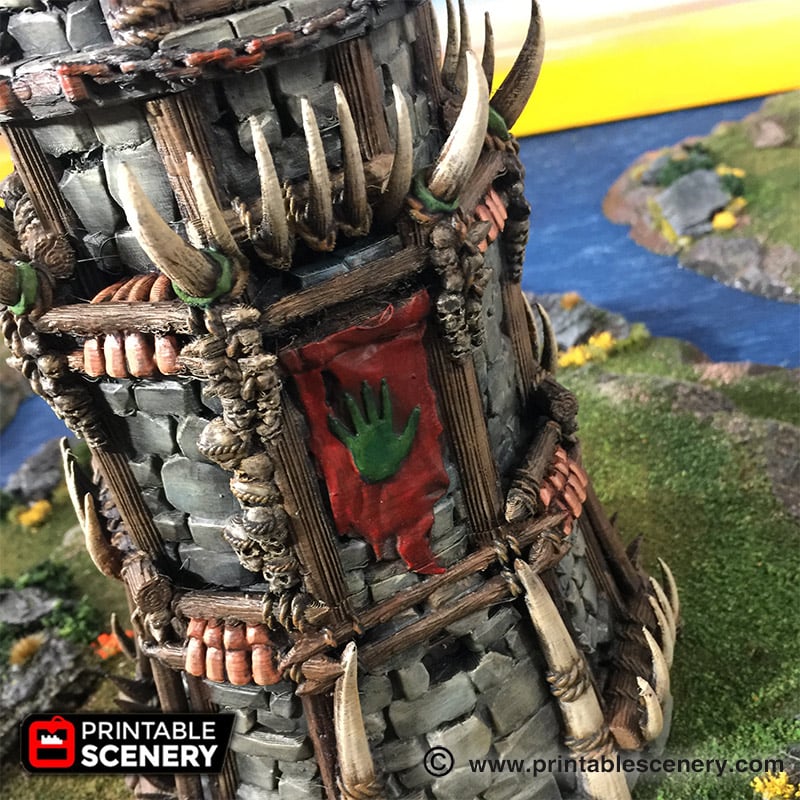
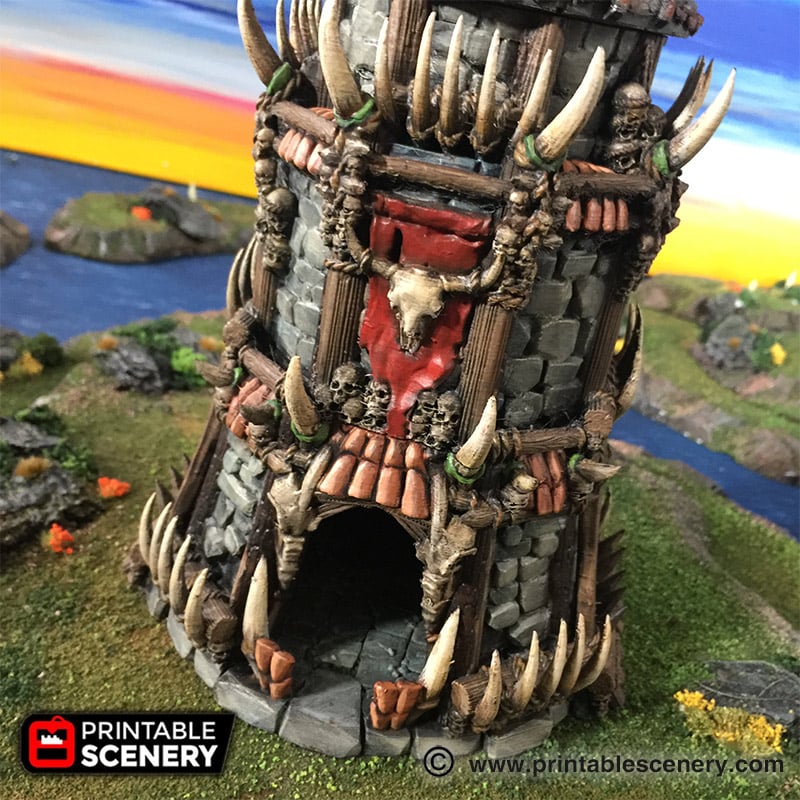
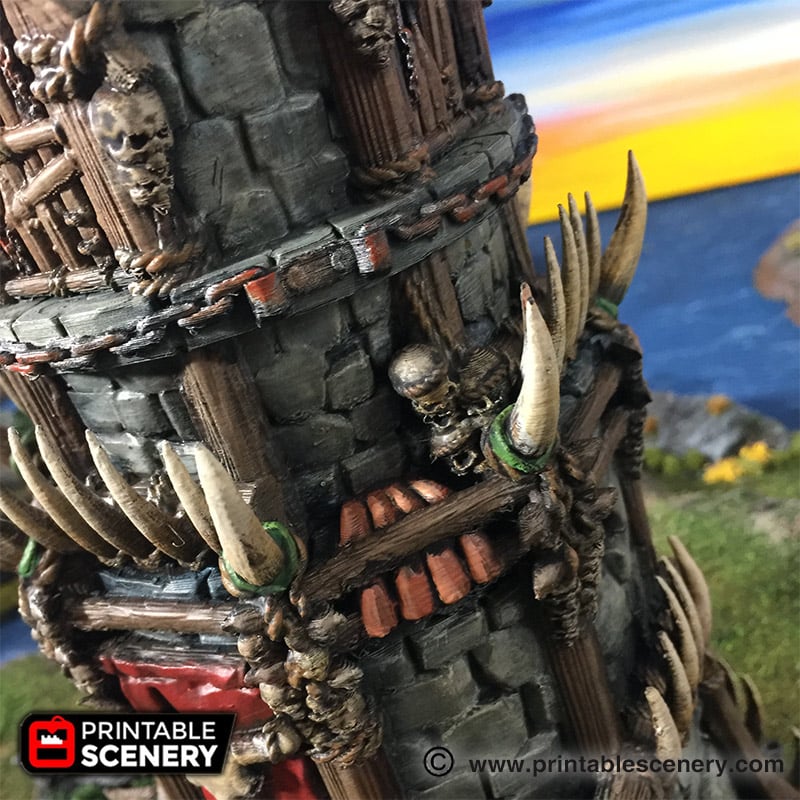
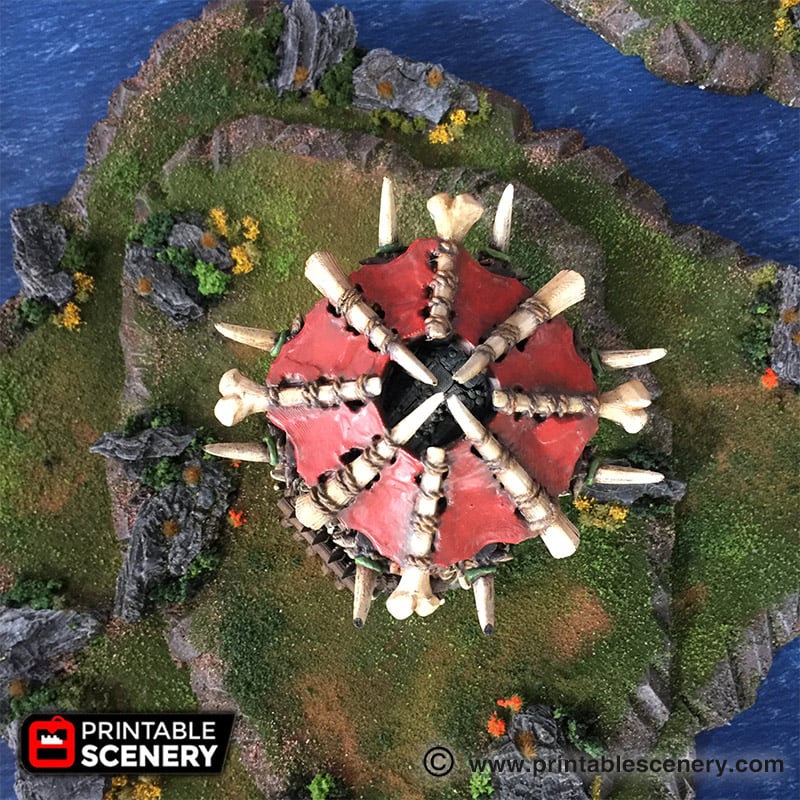
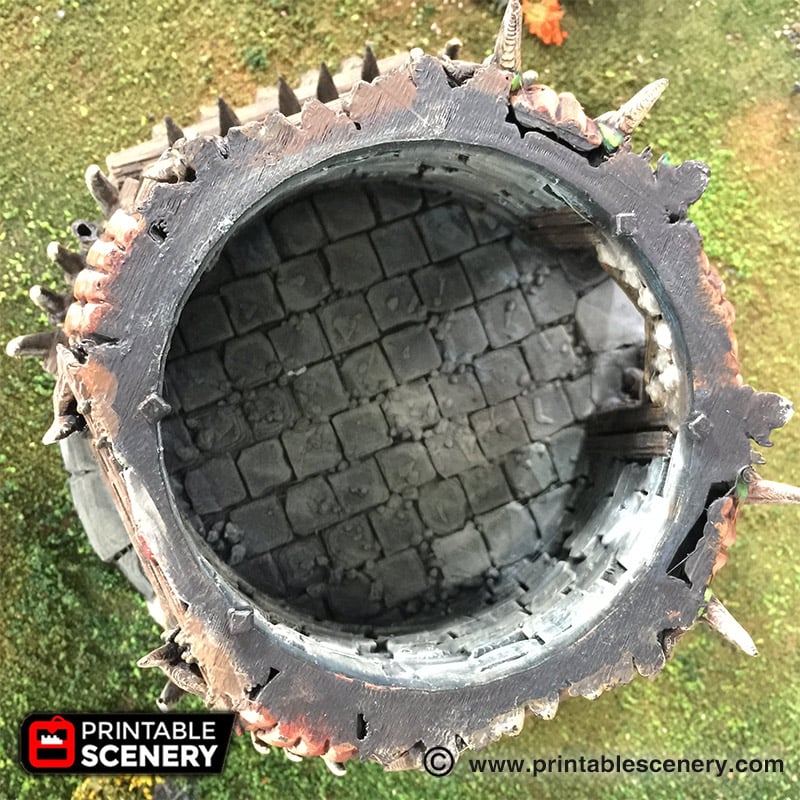
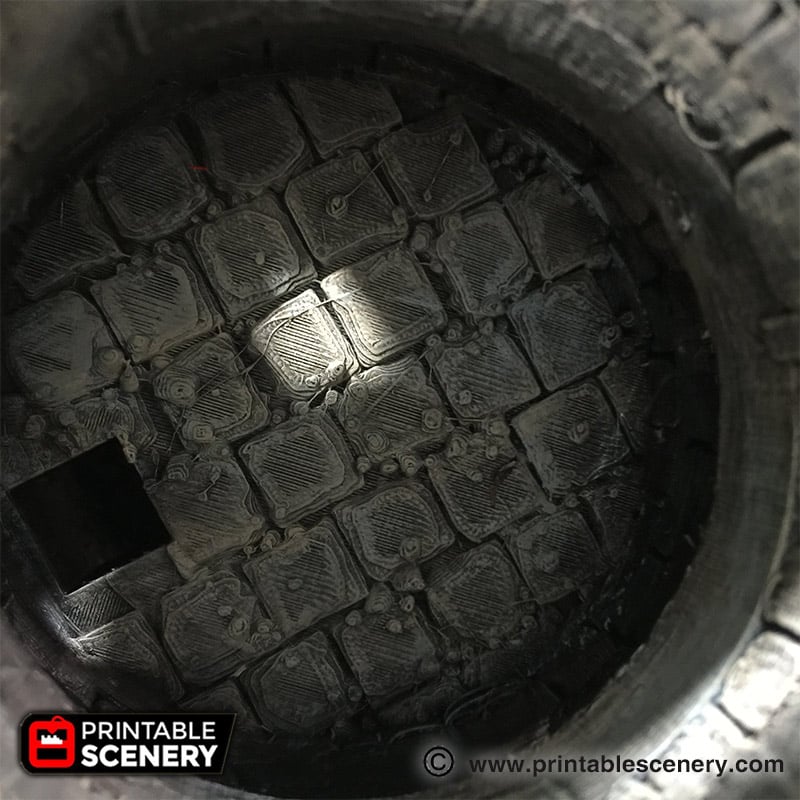
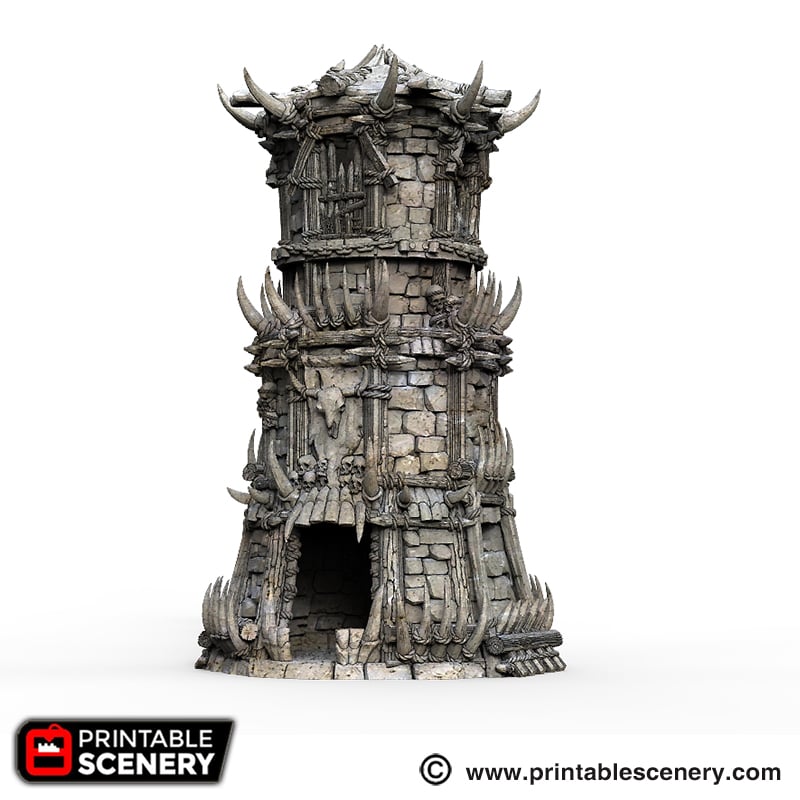
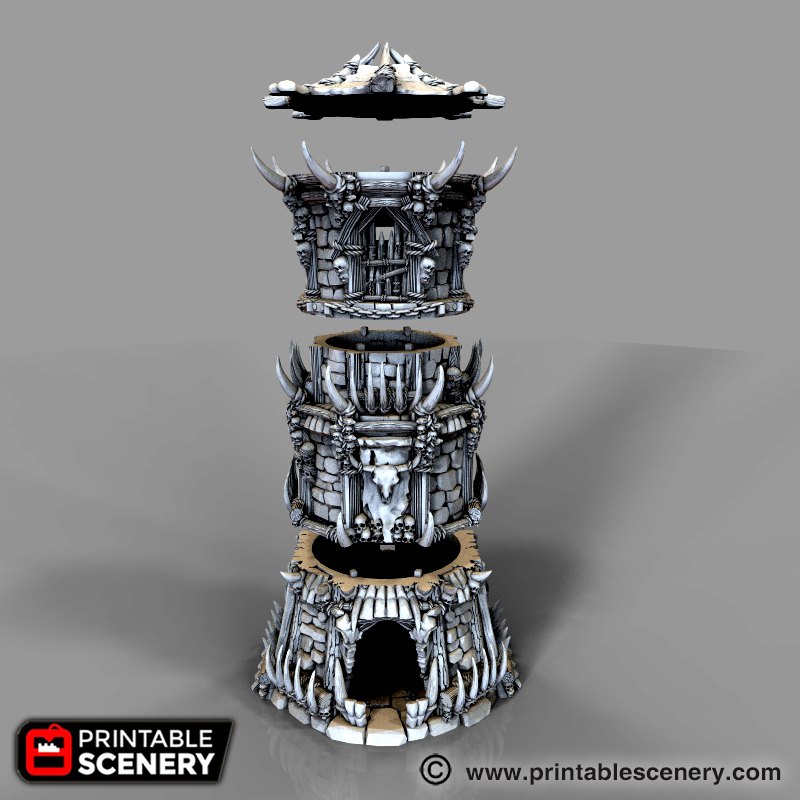
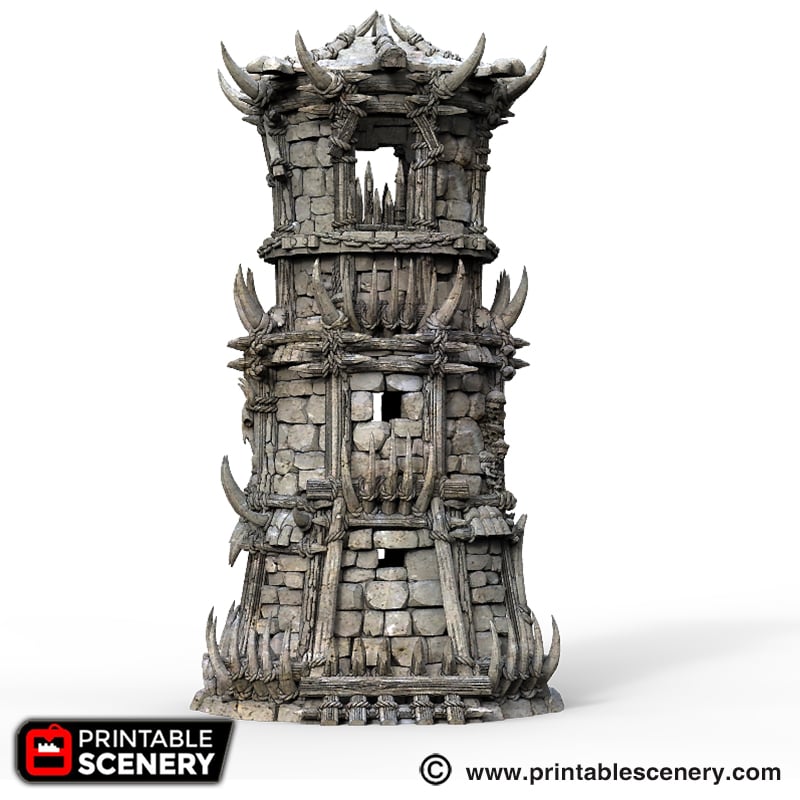
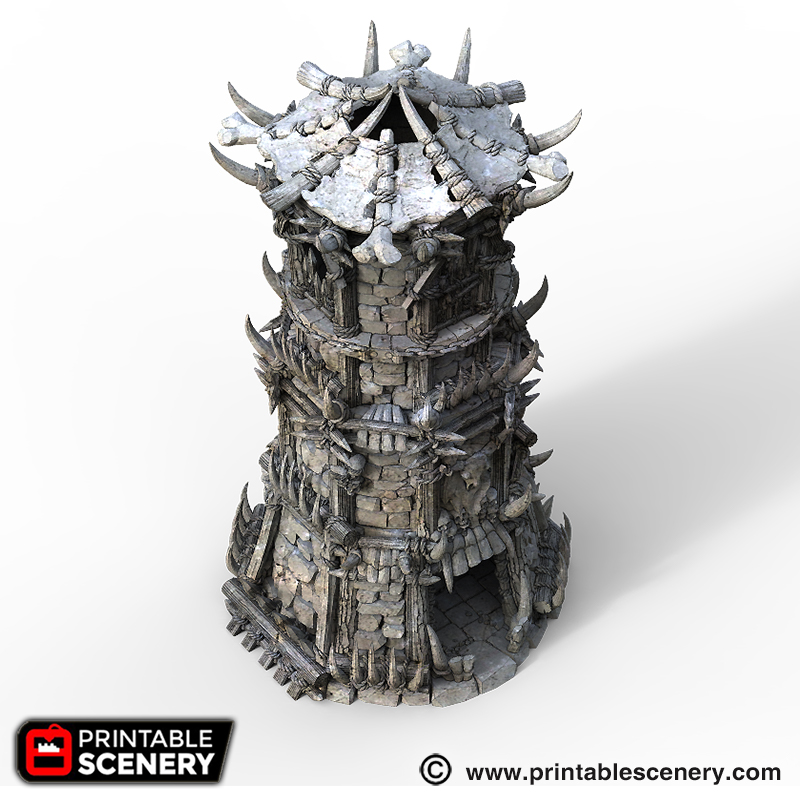
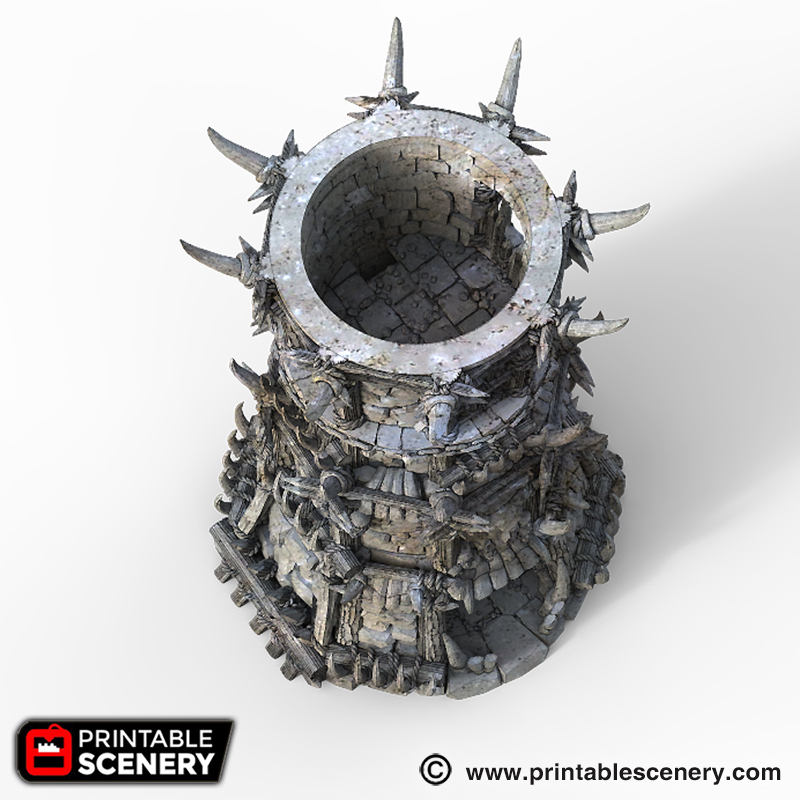
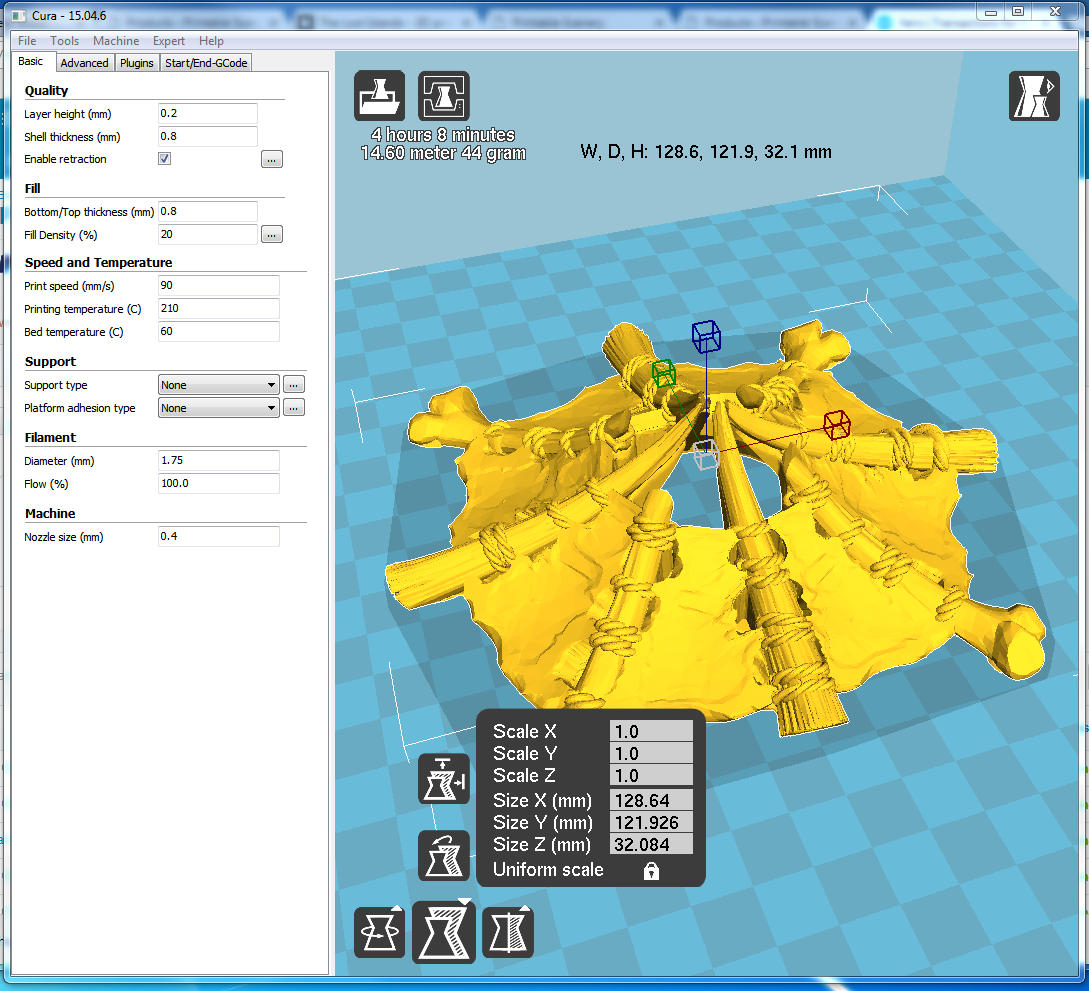
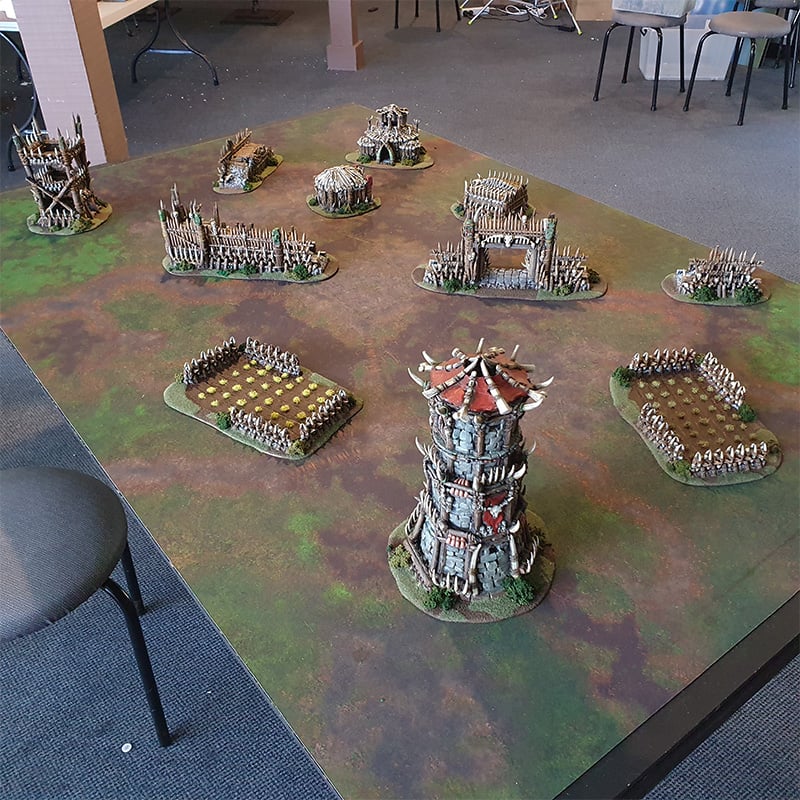
Description
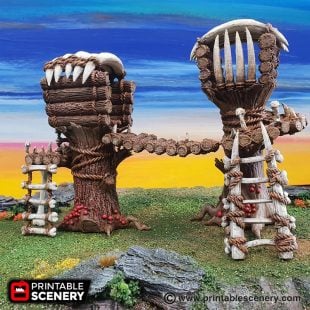
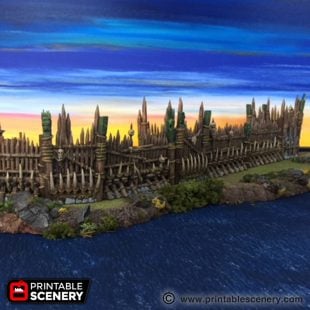
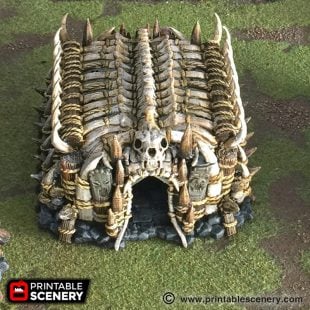
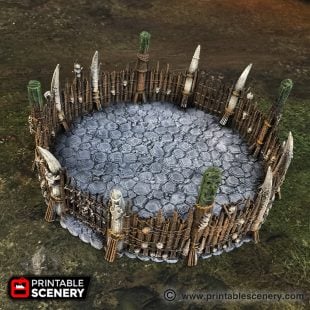
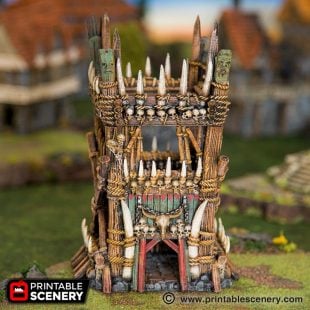
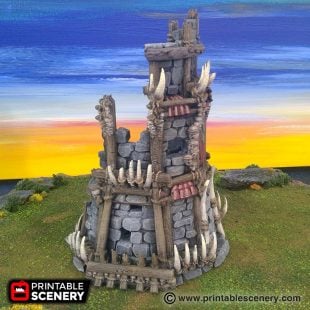
The horns along the walls sounded at first light, just as the Captain heard the rhythmic drumming from outside the Tribal Fort. He’d been granted an audience inside, but his men were camped outside the walls. He dashed to the nearest window and was horrified to see another horde of orcs in black armour rushing the fort, his men caught between the orcs and the wall. He grabbed his sword and raced to the gate. To his shock, they were opening the gates; the red armour orcs, his new allies, were running to meet the new tribe. They were going to save the humans.
Updates:
- 16 April 2019 (version 1.1) Small printer option added.
- 20 November 2019 (version 1.2) Solid options added.
Notes for the Tribal Fort:
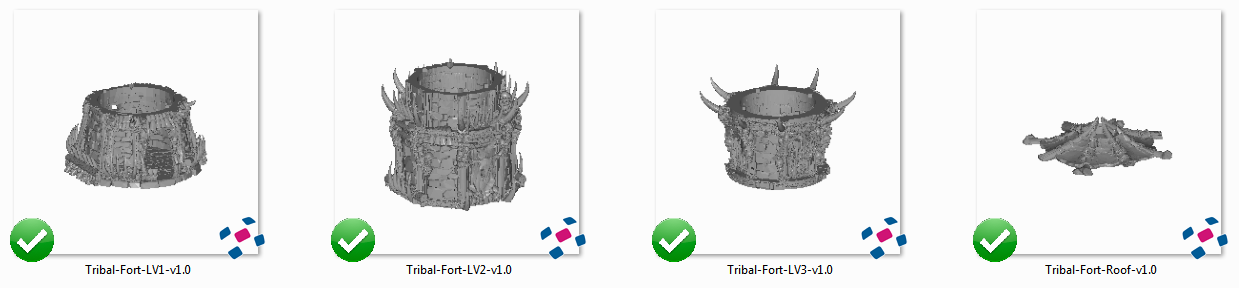
- The reference sheet for the small printer option is included in the zip file.
- Right-click on the image below and “Save As” to download the reference sheet for this pack.
- Product measurements can be found in the image gallery.
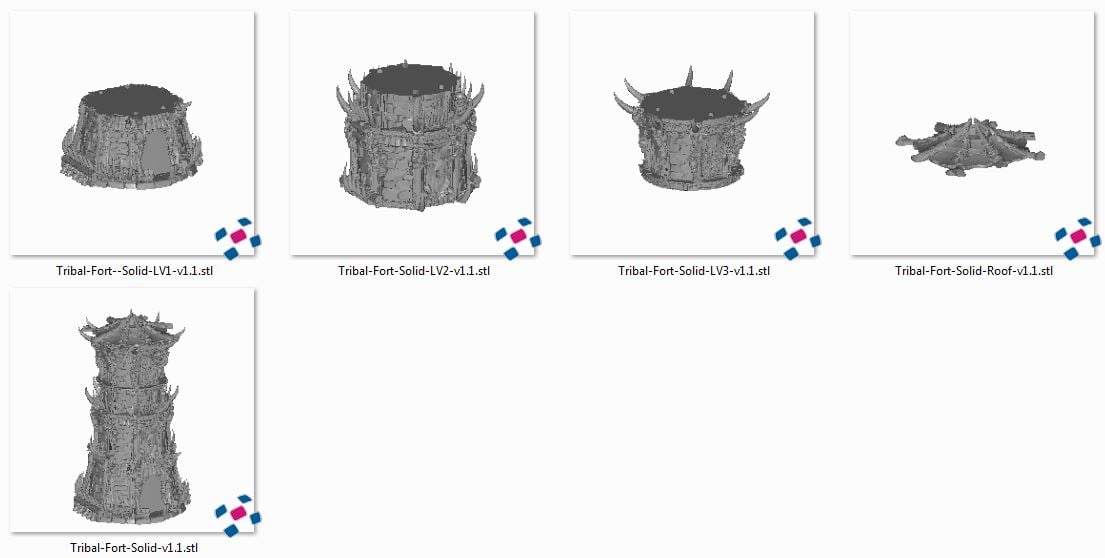
Solid Reference

andy_d99 (verified owner) –
Can you print each part in sections if you have a smaller print plate?
(will be using this for warhammer) so the 28mm scale is that ideal for it?
Thanks,
Sam Campbell –
I’ll make sure we add a small print version for this to be added to development queue. This model is in 28mm scale.
Jo Boorer –
Small Printer option is available for this model
closeencounter07 –
Someone is selling 3D prints of your Tribal Fort on Etsy in violation of the Printable Scenery terms and conditions. You should report this to Etsy. Here is the link: https://www.etsy.com/listing/1508751043/wrath-of-the-lich-king-3d-upgrade
Jo Boorer –
Thanks for reporting this to us. I have notified Etsy
livier_7 (verified owner) –
Hi,
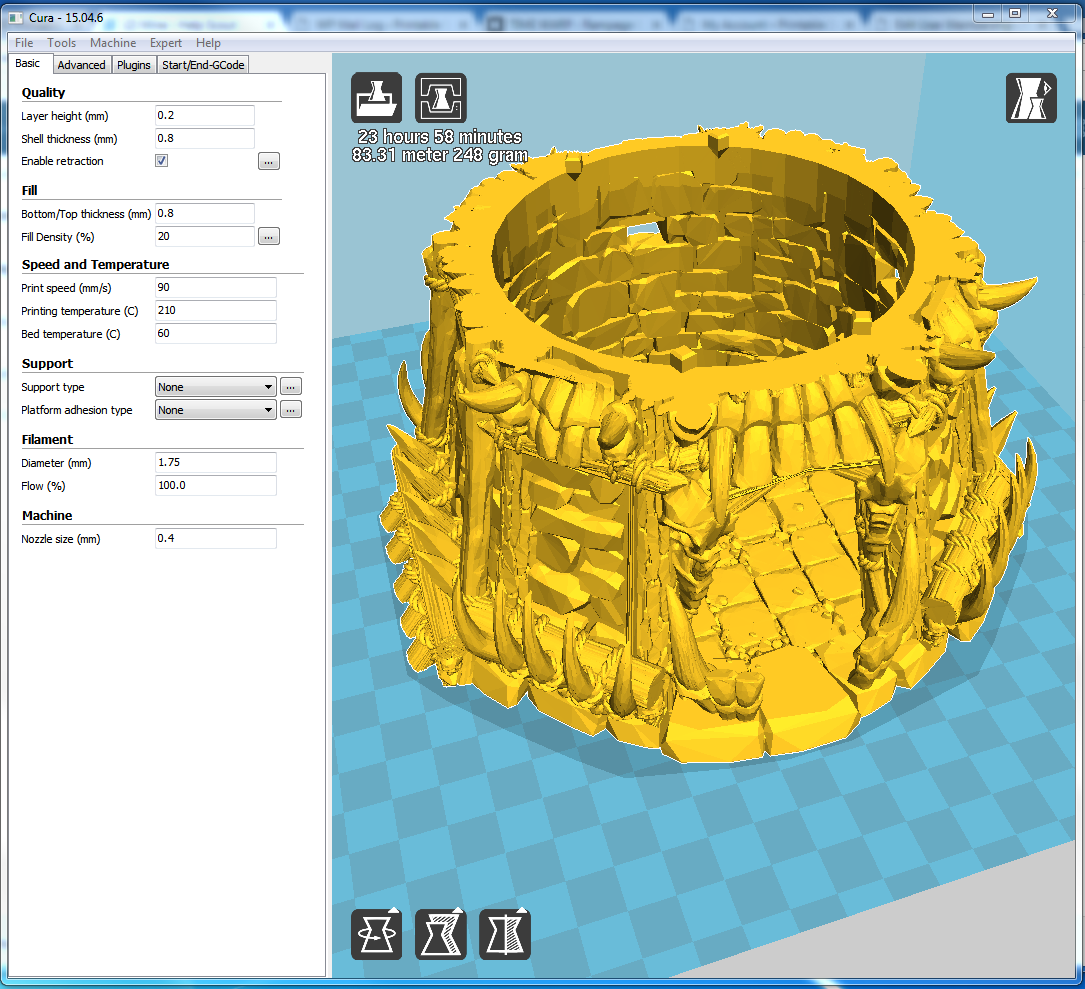
unable to print the first level of the print.
stuck on the slicer 25% any cubic Kobra S1
thank you
Joanne Boorer –
Hi, thanks for reaching out. I have sliced this model part in the Anycubic slicer and Chitubox fine. Run the part in software programs and can’t find any errors to fix. My suggestion is either try turning the model on the buildplate or try another slicer. Also you could try to reach out to the Any Cubic forum.