
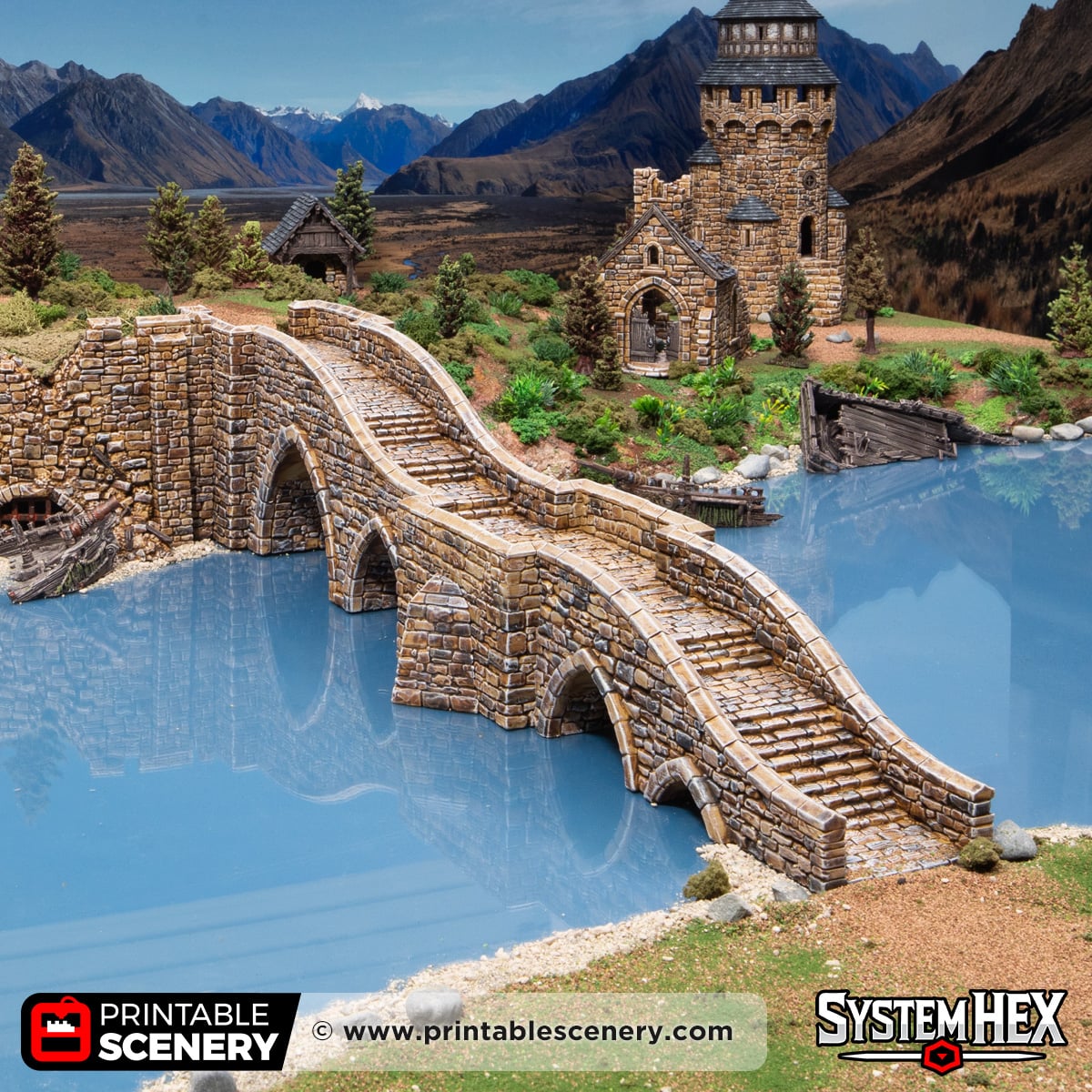
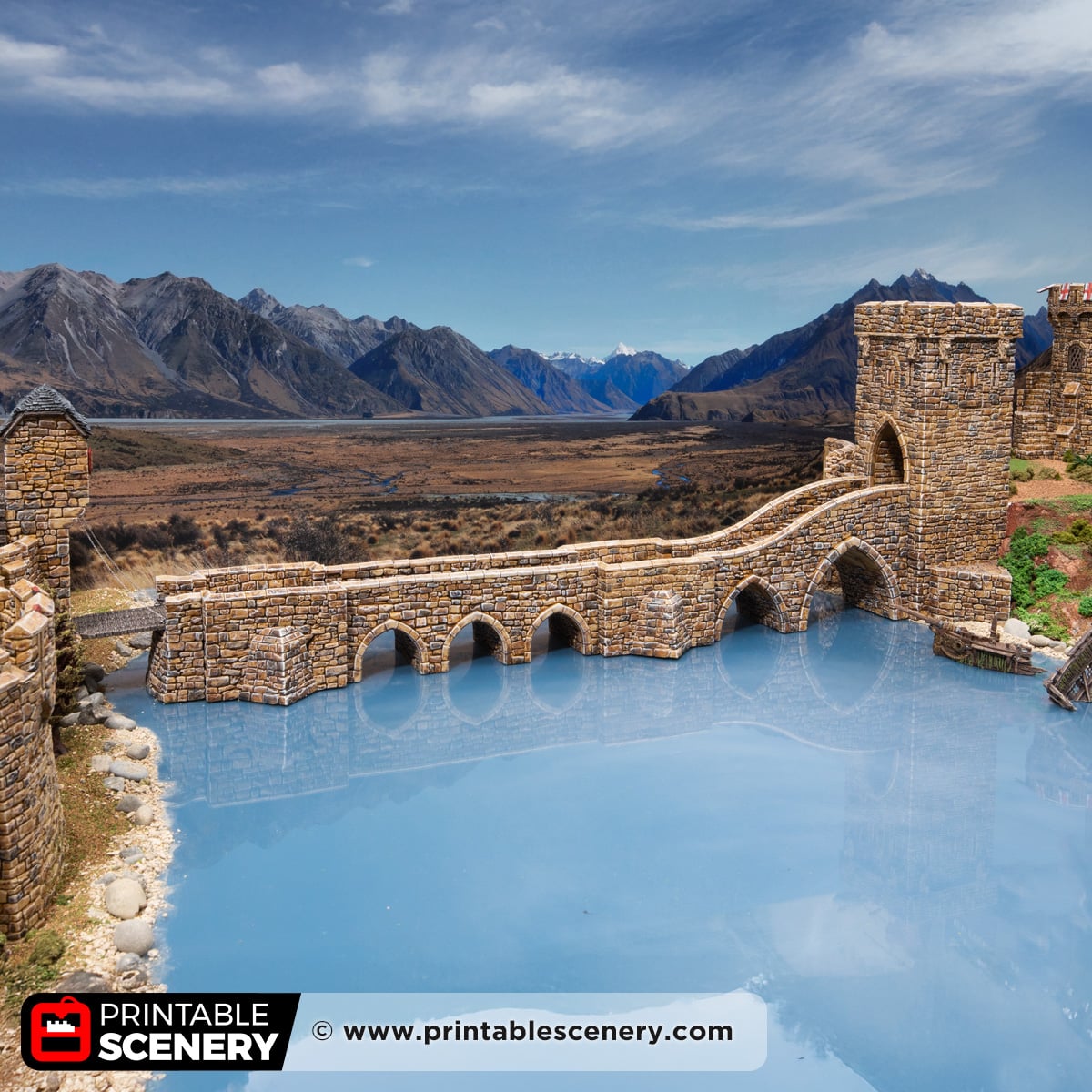
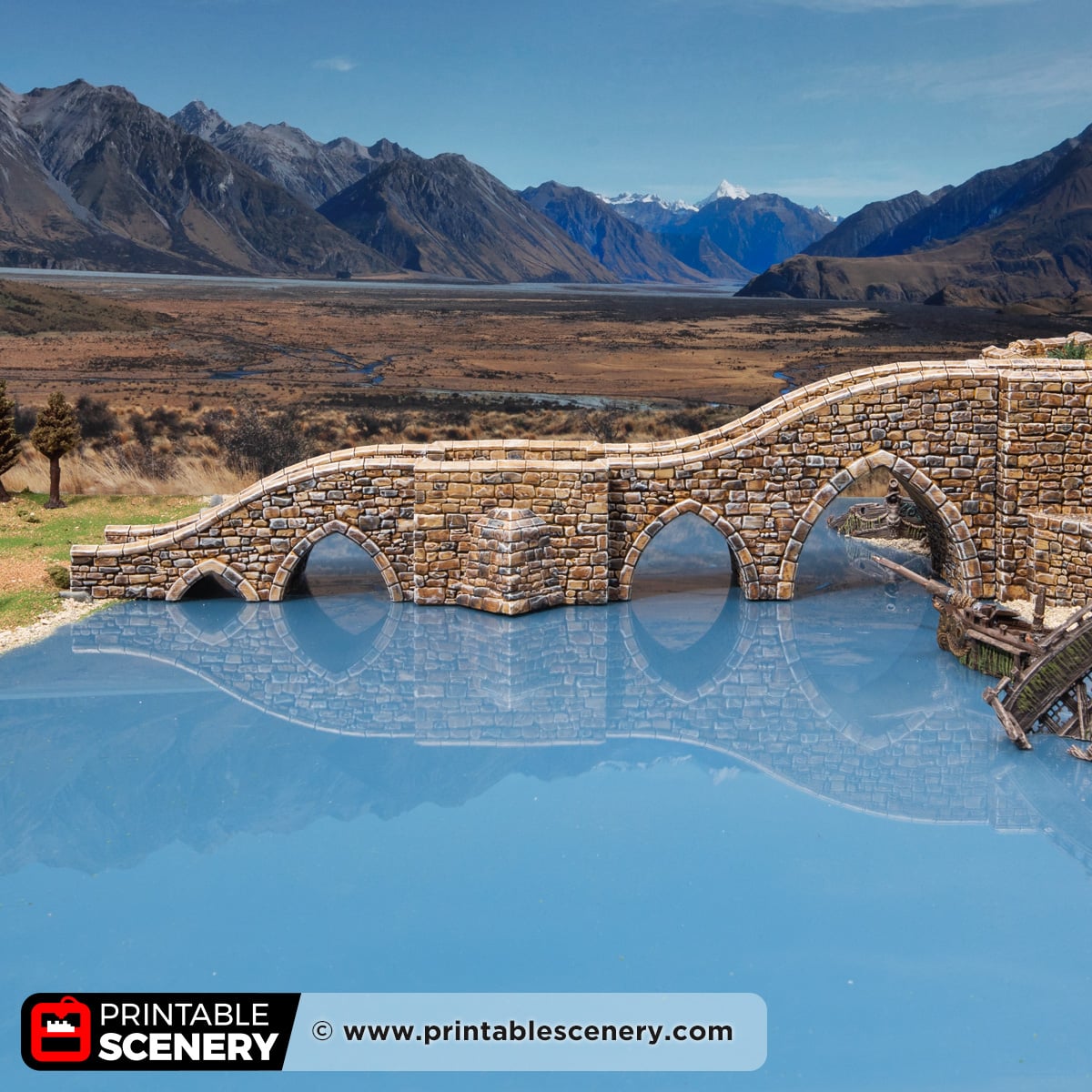
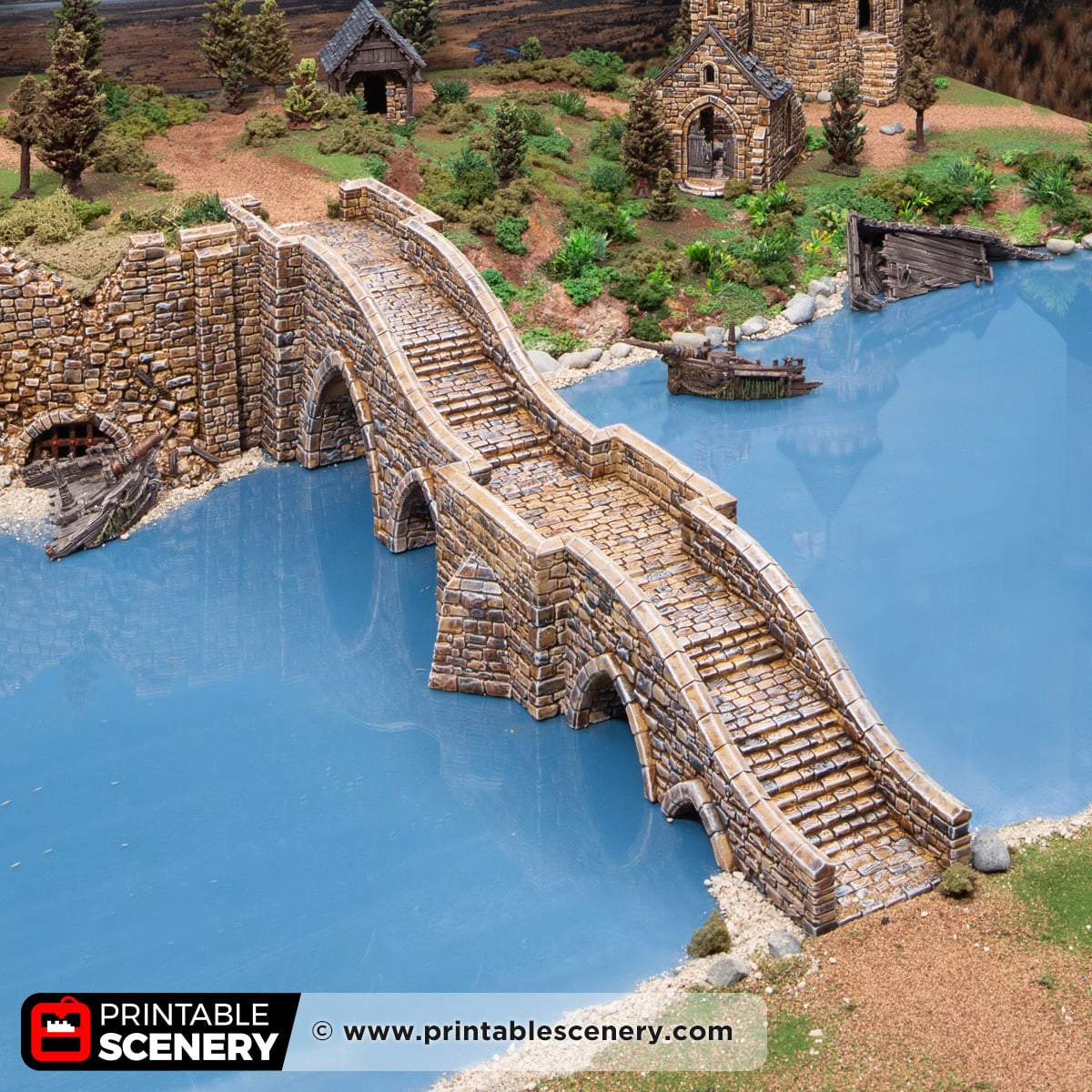
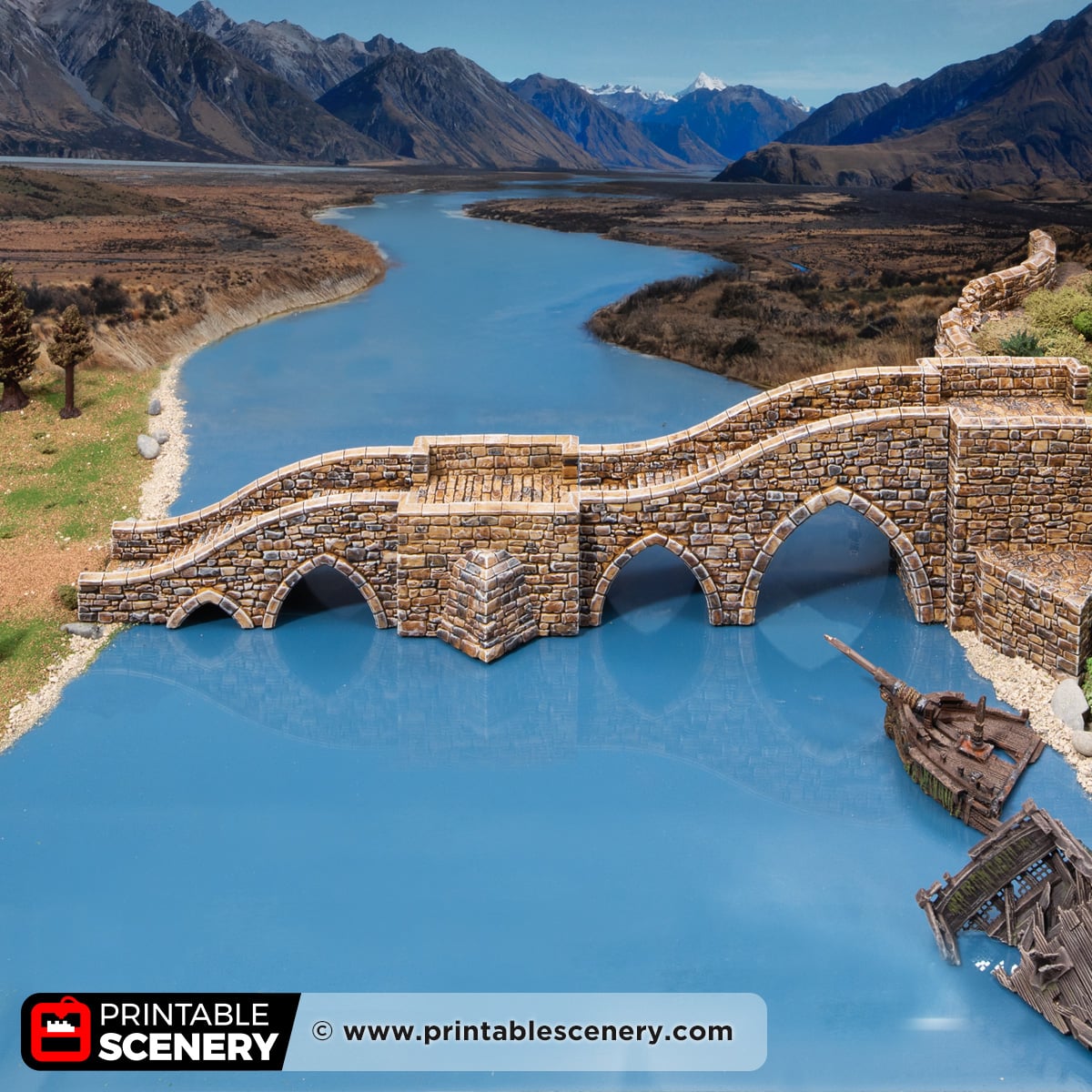
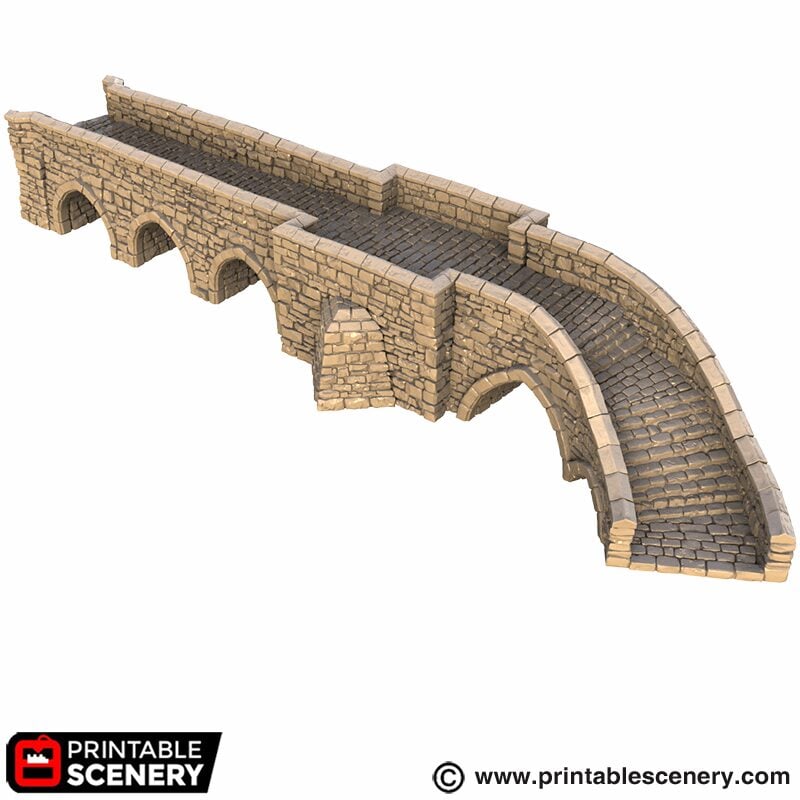
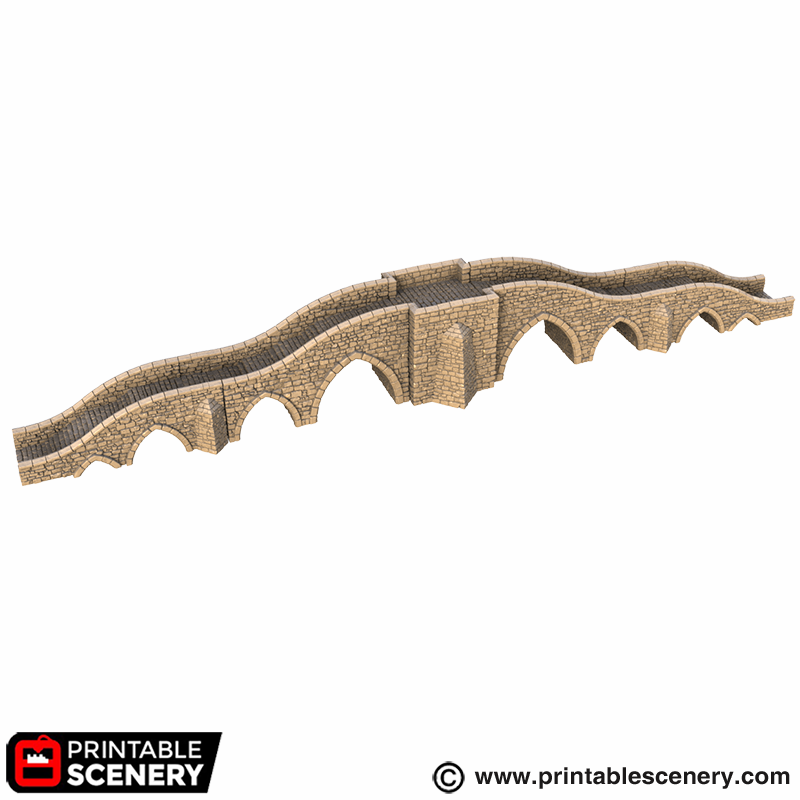
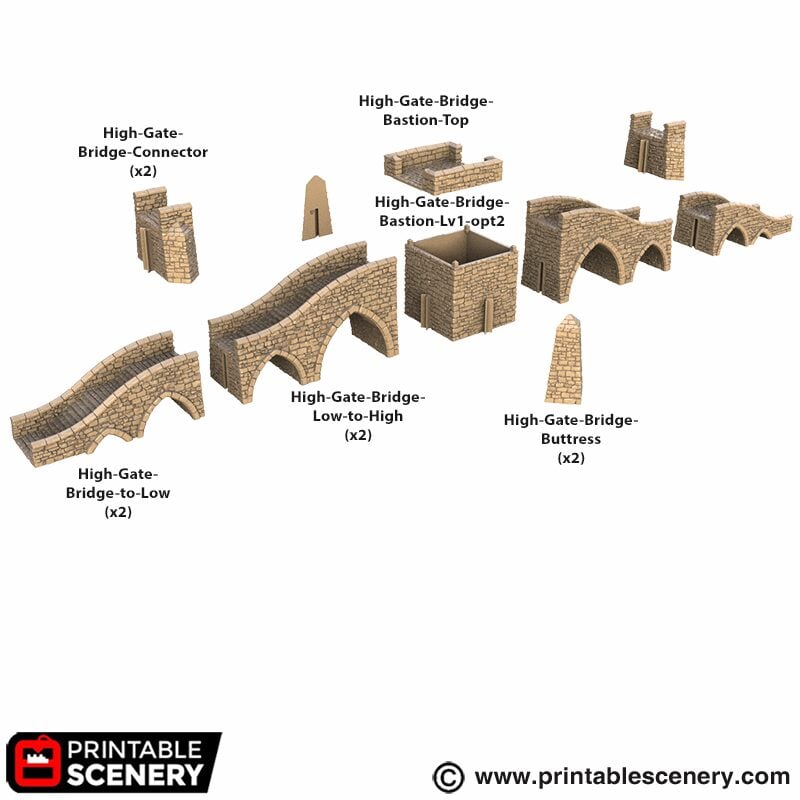
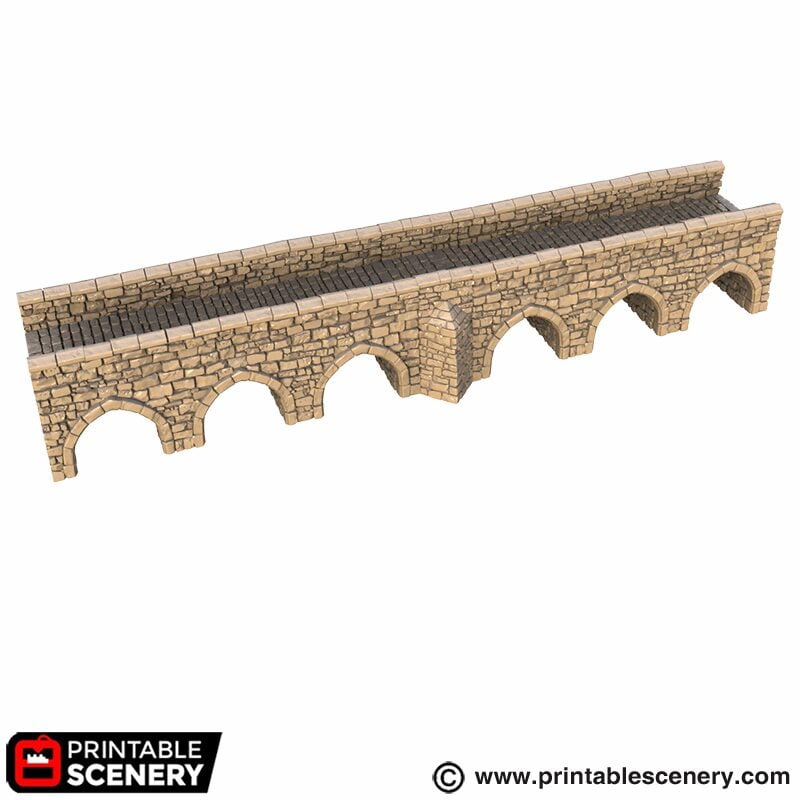
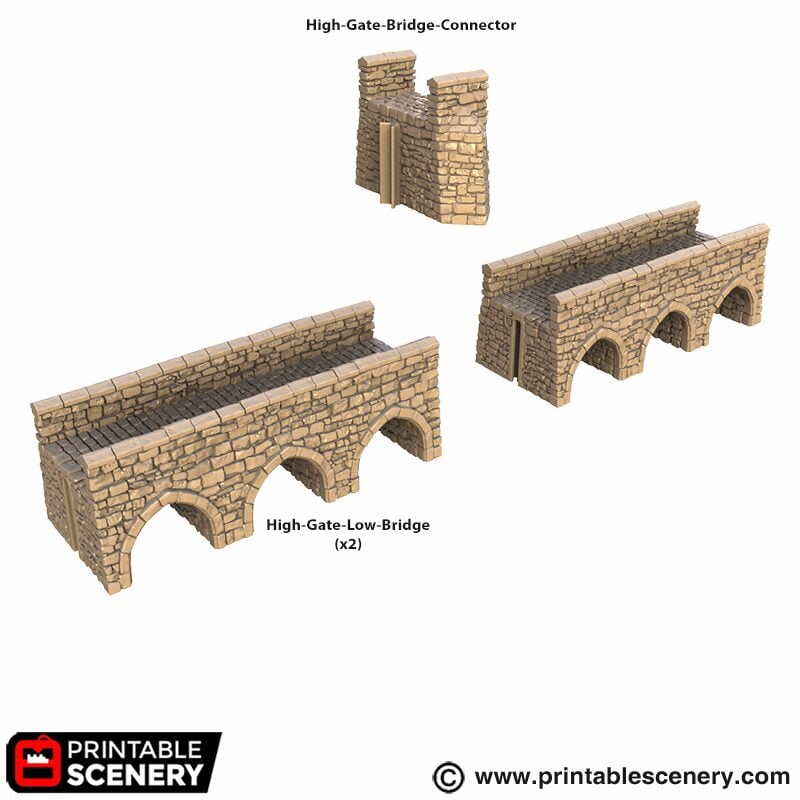
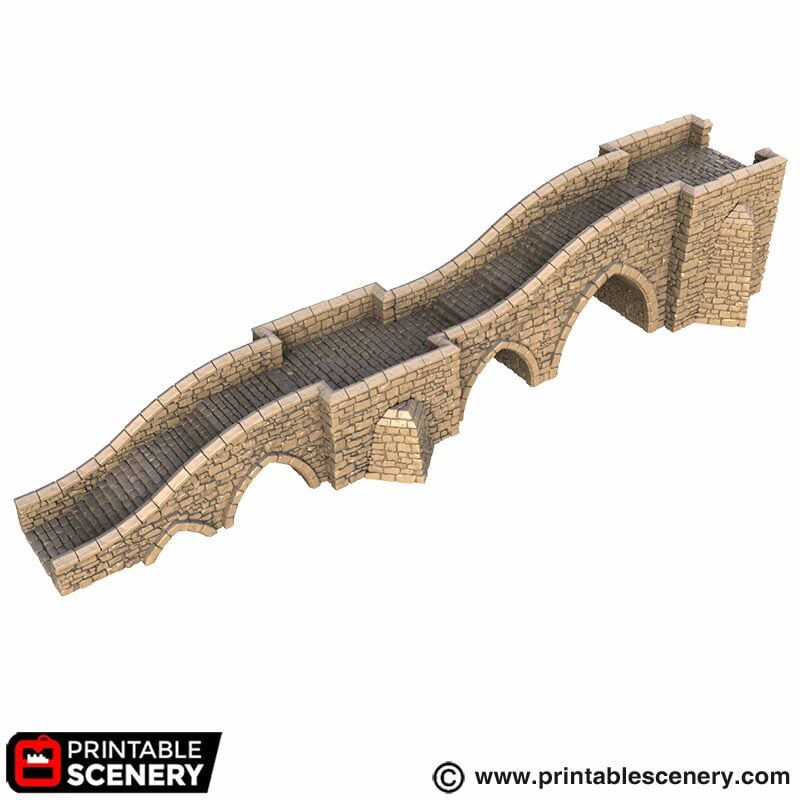
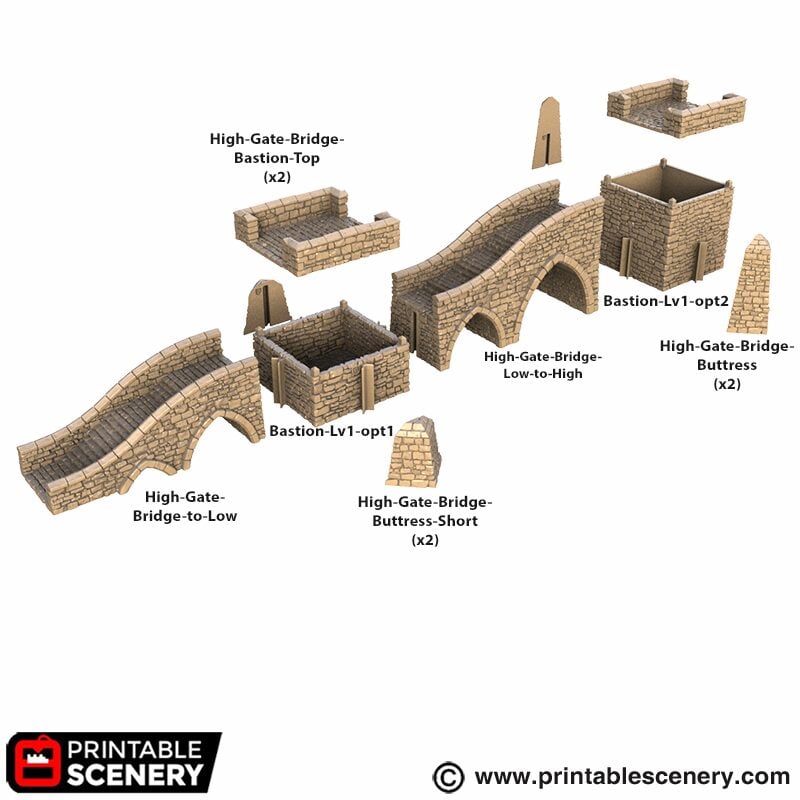
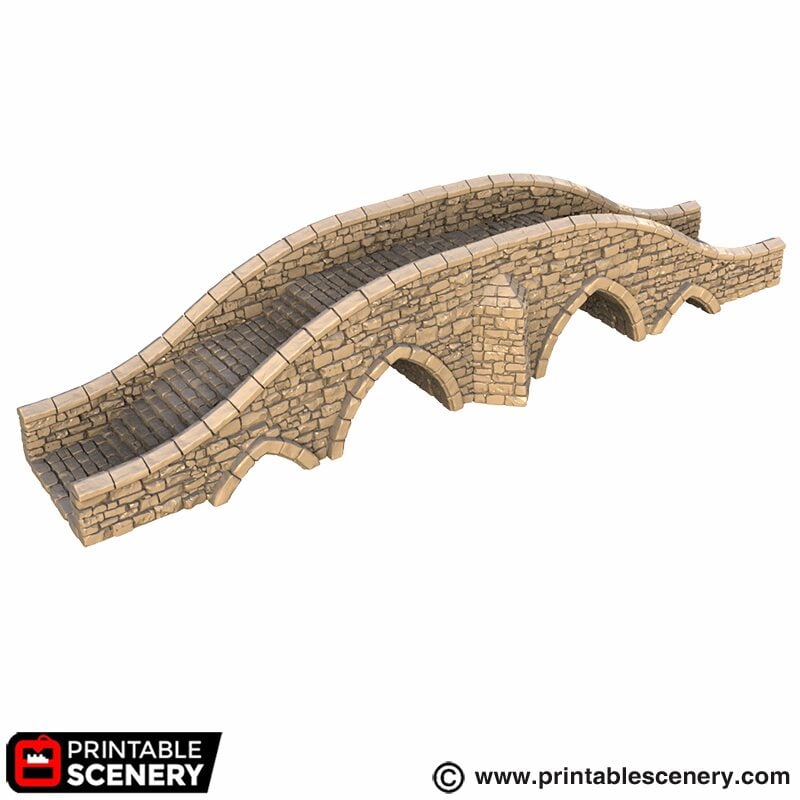
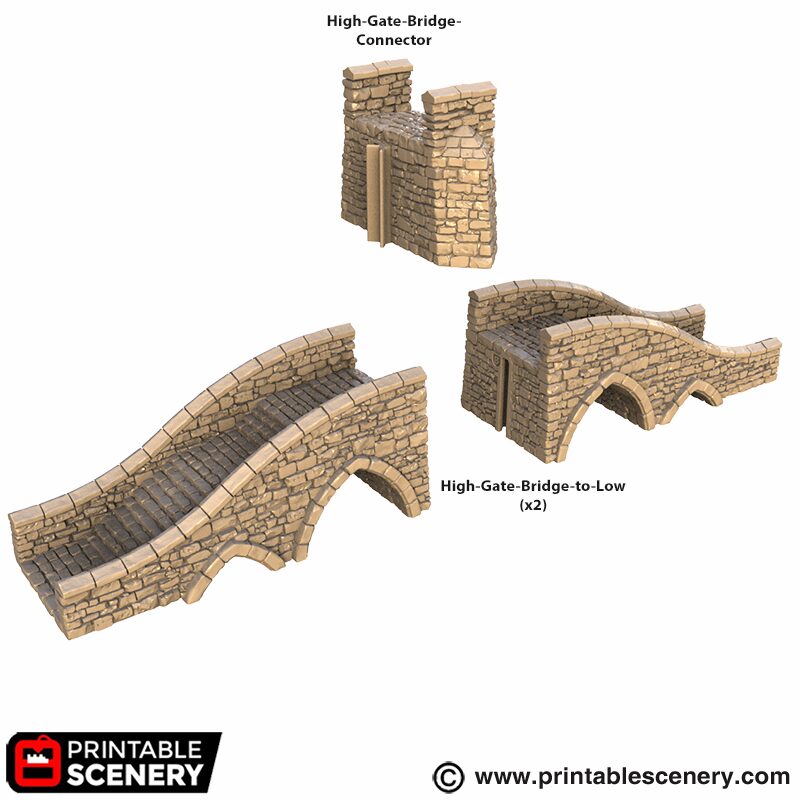
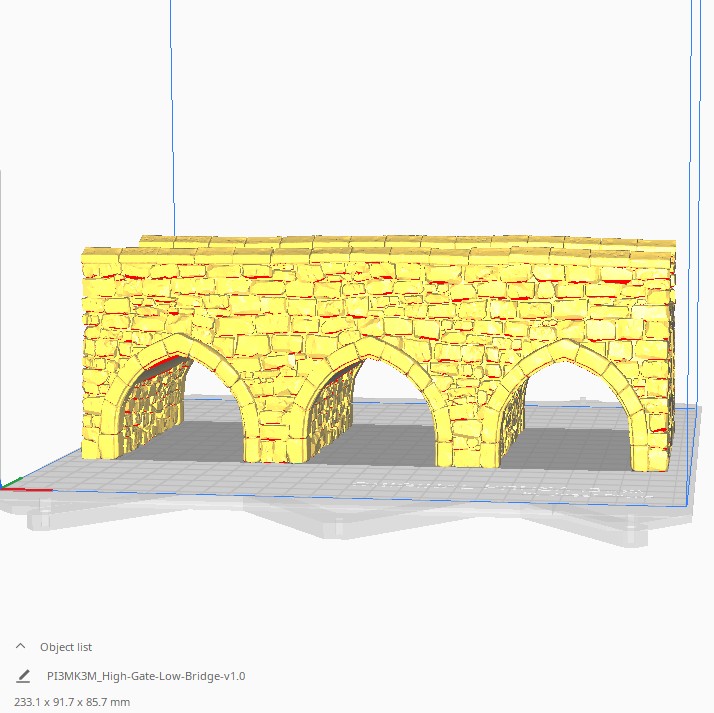
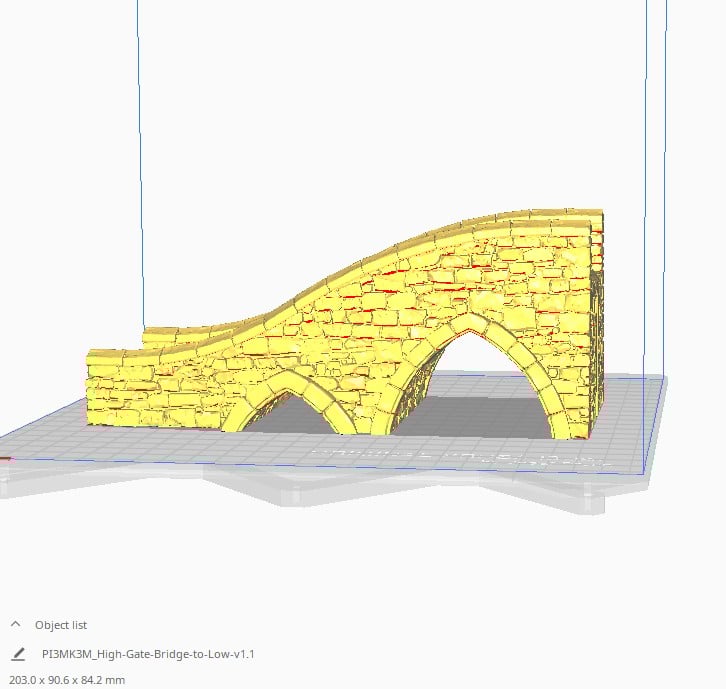
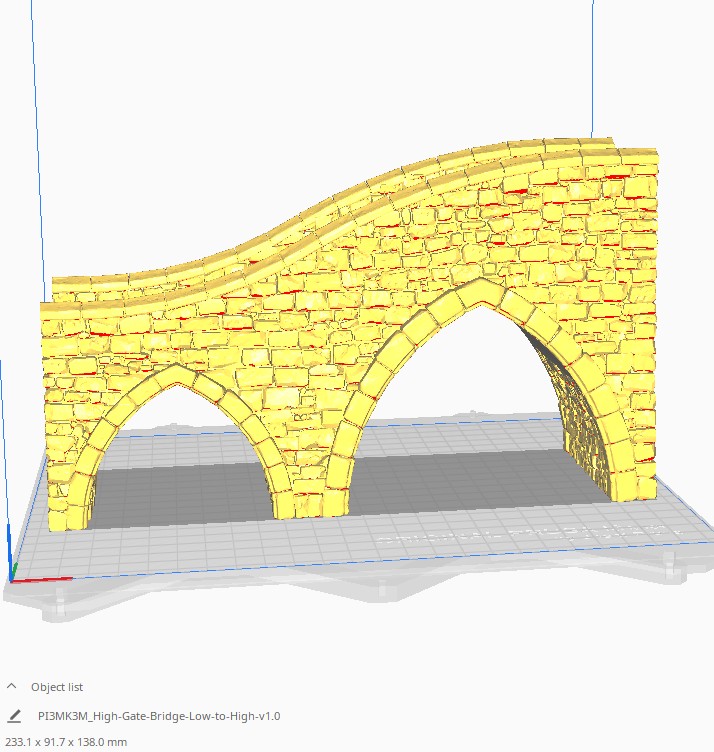
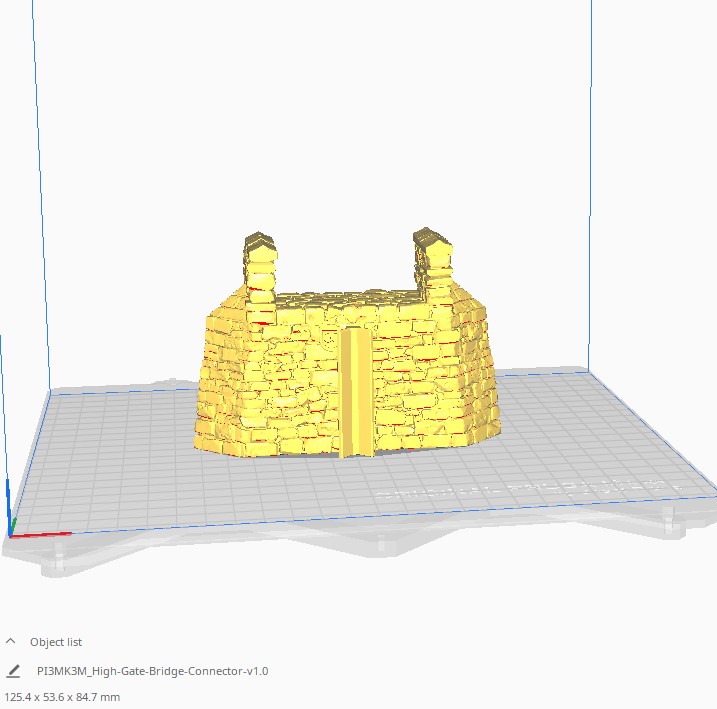
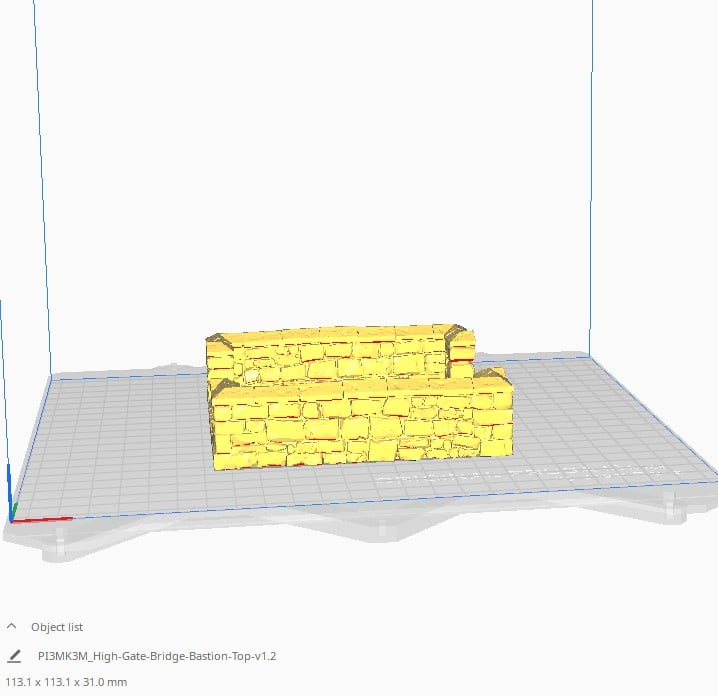
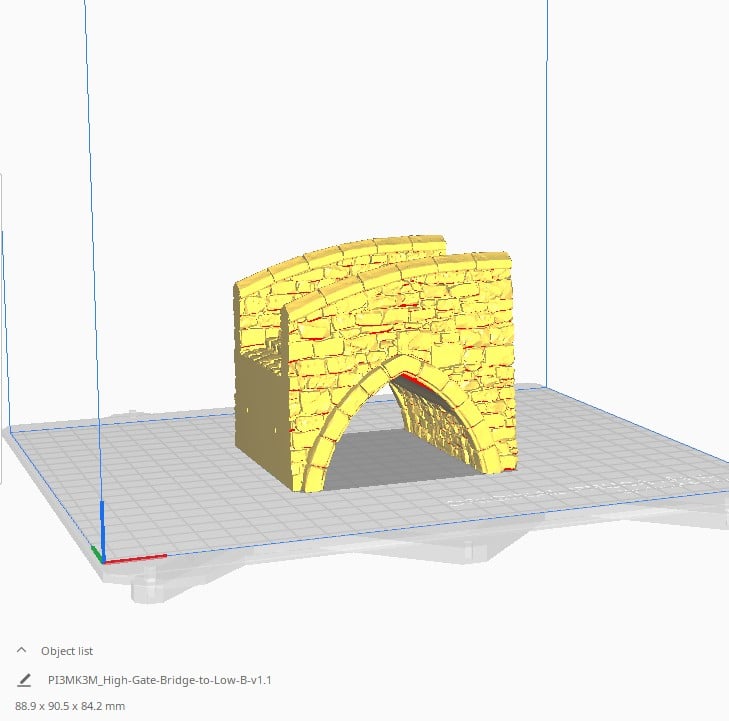
Description
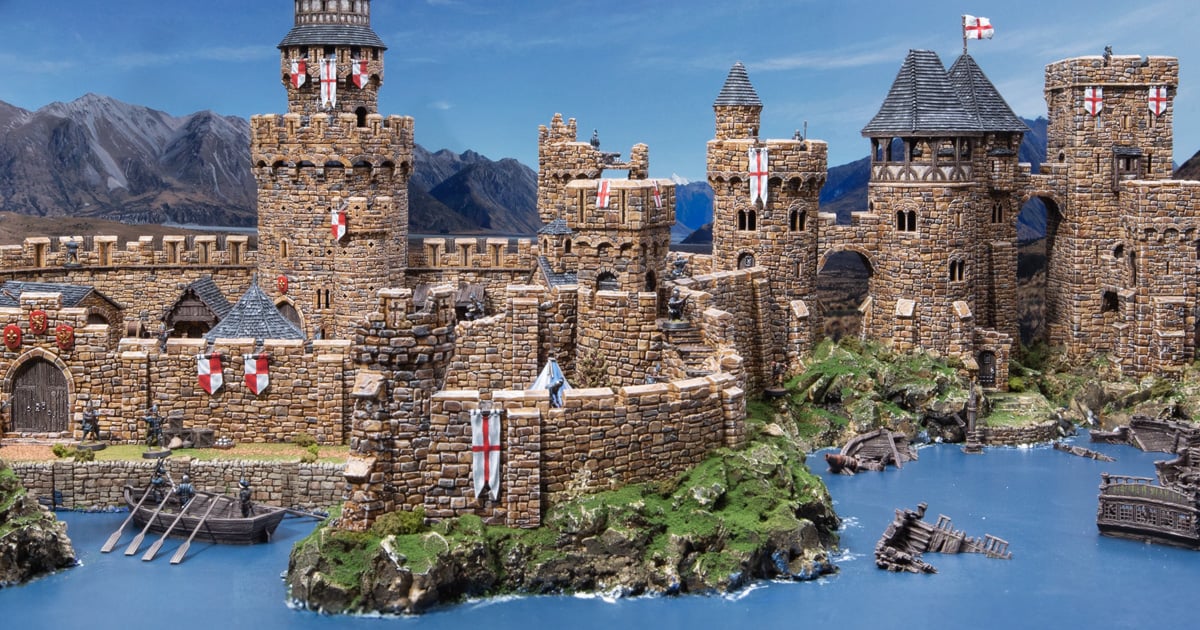
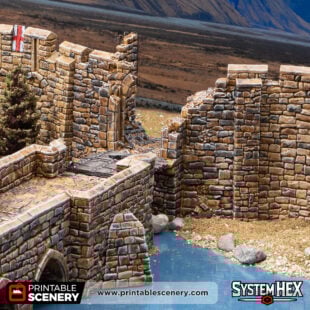
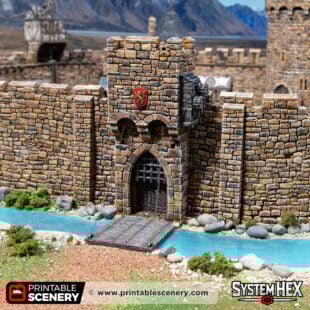
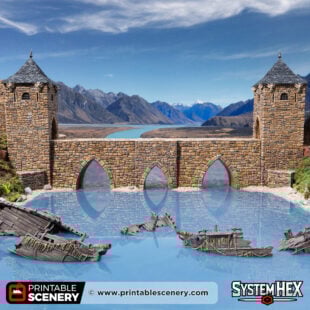
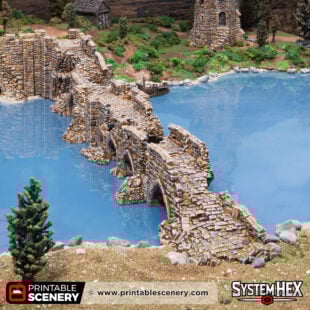
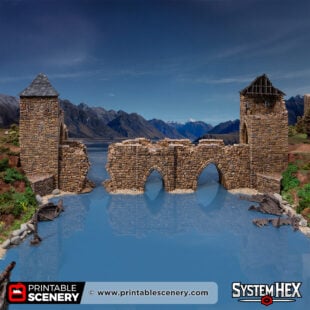
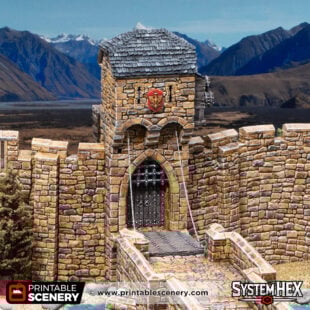
The waves of the Lazul River lapped against the rocks as the Prince of the West rode along the cobblestones of High Gate Bridge. Trumpets marked his arrival while flags of his house were draped along the walls to welcome him. But as he approached the Gate, the drawbridge did not fall. As the remainder of his party caught up to him on the bridge, the soldiers emerged from the forest behind them, and the archers drew their bows from the battlements. A look of horror crossed the Prince’s face.
Find out about how to use SystemHEX in our article here.
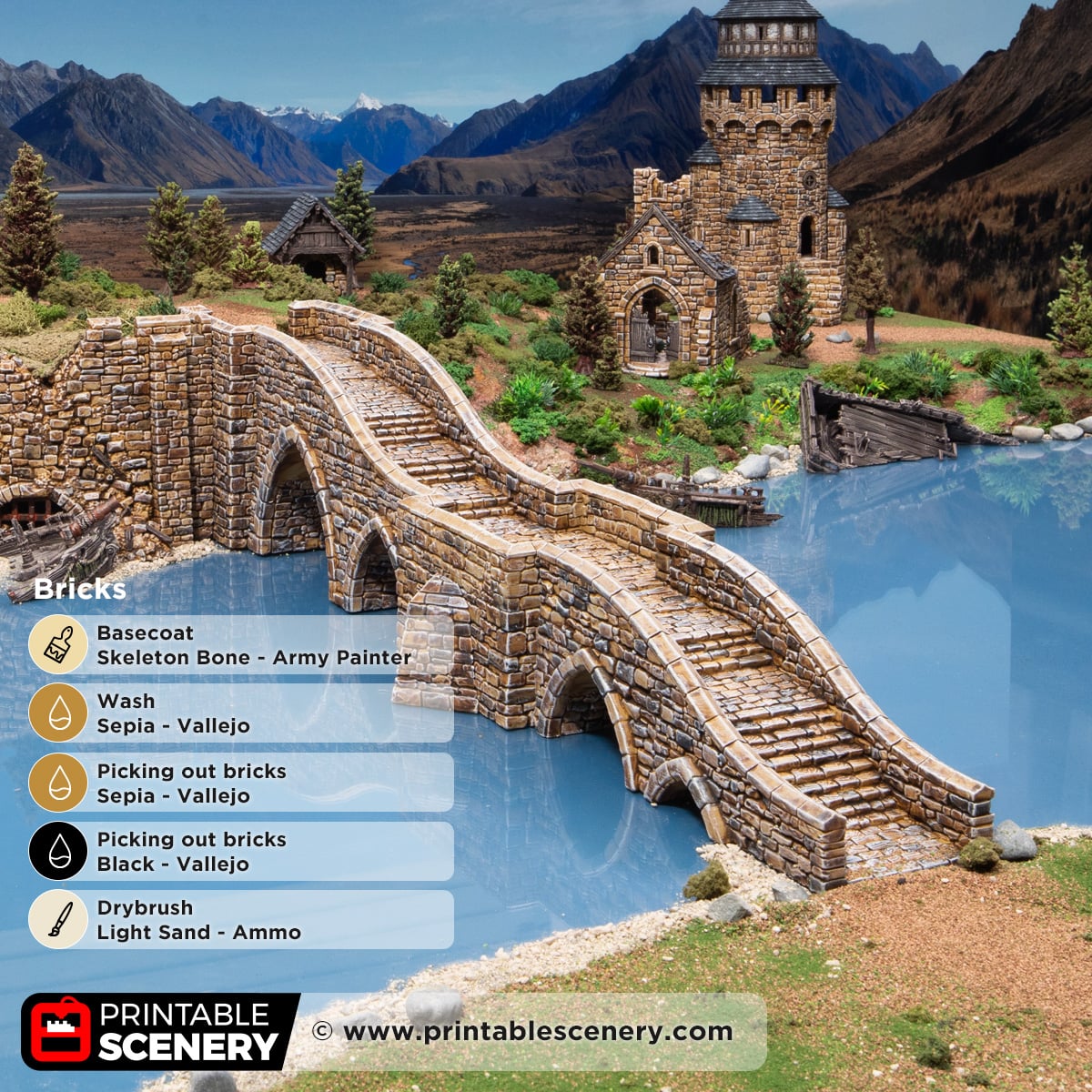
Our paint guide for castle bricks is here, and painting Wattle & Daub and Roof tiles is here. Check out this article here for tips on printing Throne & Ash models.
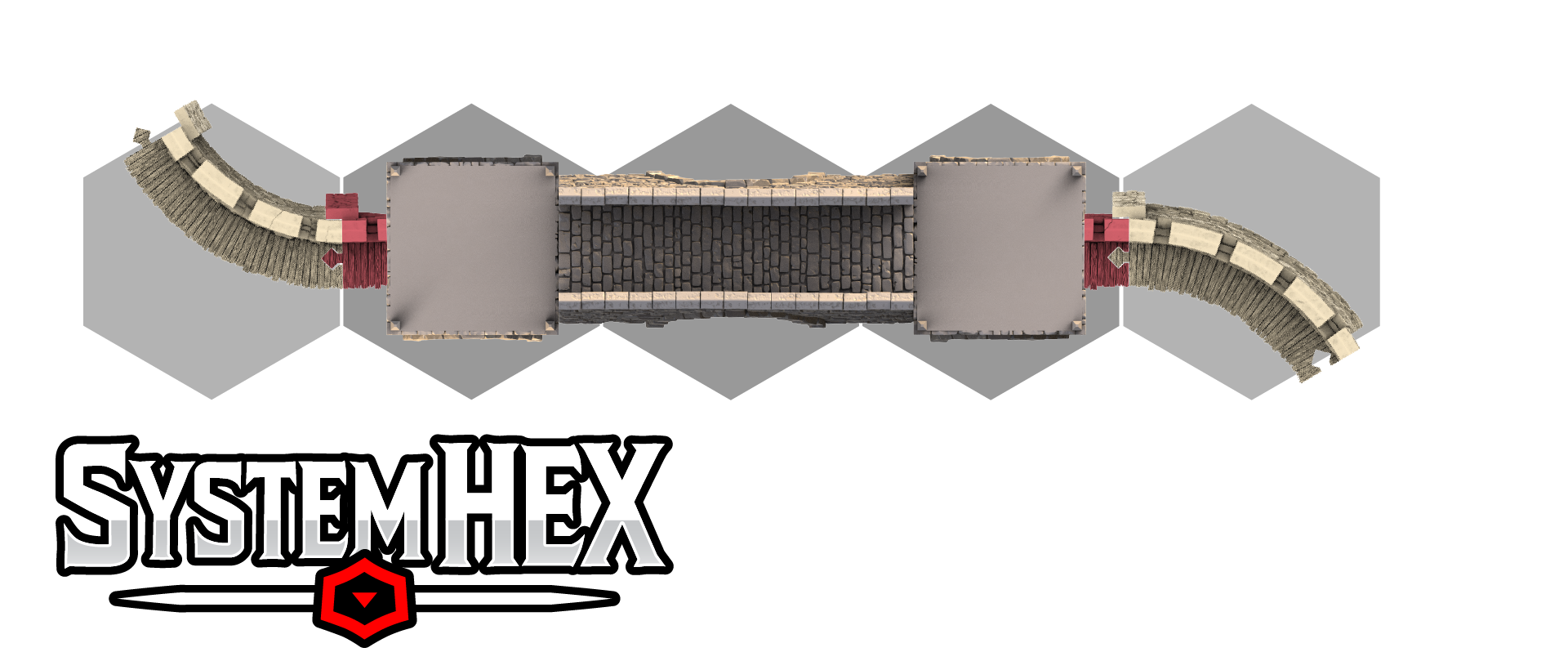
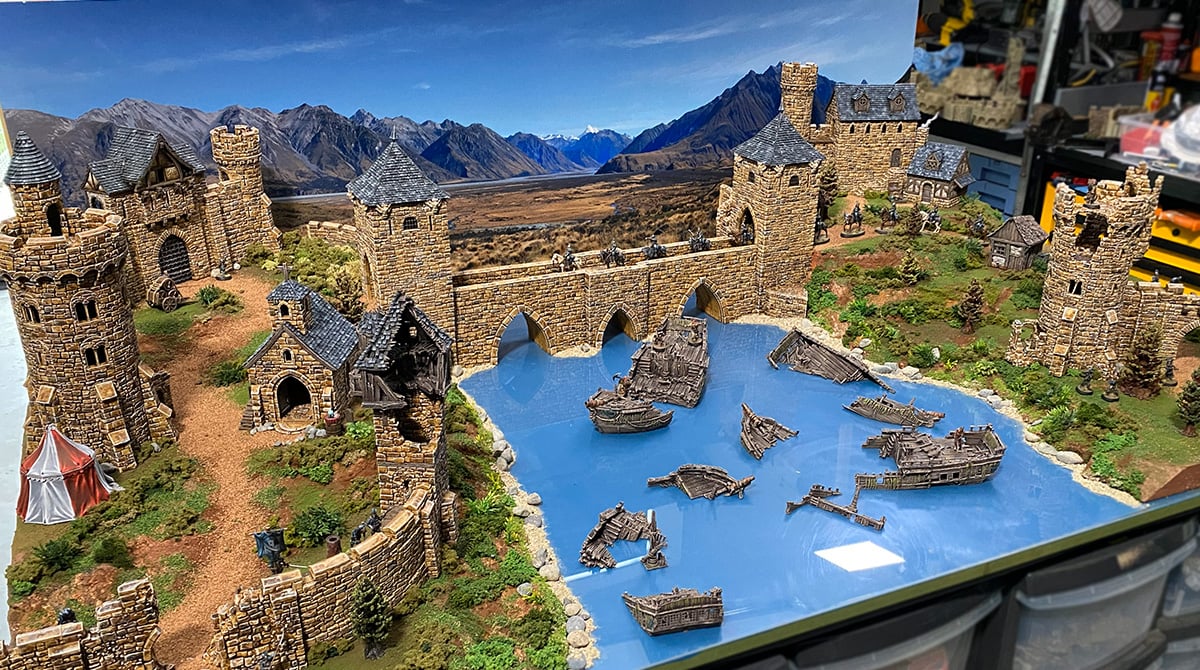
See below how the High Gate Bridge tessellates with SystemHEX.
Updates:
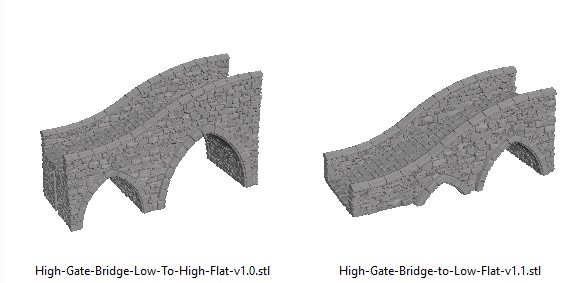
- 19 December 2025 (version 1.3) High-Gate-Bridge-Low-To-High-Flat and High-Gate-Bridge-to-Low-Flat added for a non-stair option.
- 6 January 2025 (version 1.4) An X-Adaptor has been added. This allows you to have scenarios like the Low to the High Bridge pieces back to back.
Notes for High Gate Bridge 3d Print file:
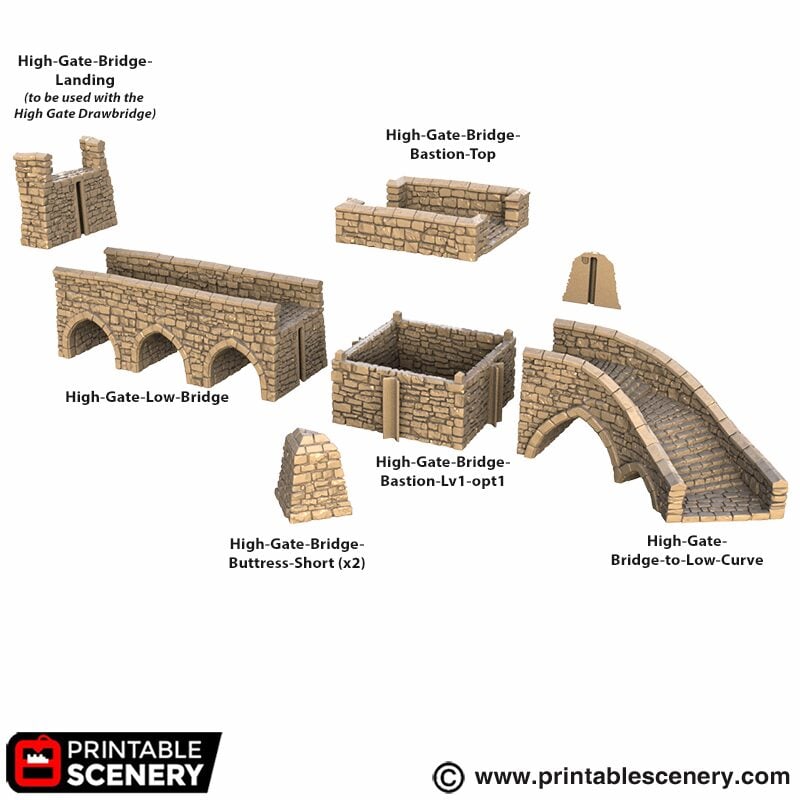
- Right-click on the image below and “Save As” to download the reference sheet for this pack.
- Layout options are available in the product gallery. Bastions can be exchanged for connector pieces and vice versa.
- Product measurements can be found in the image gallery.
- First Published version 1.2
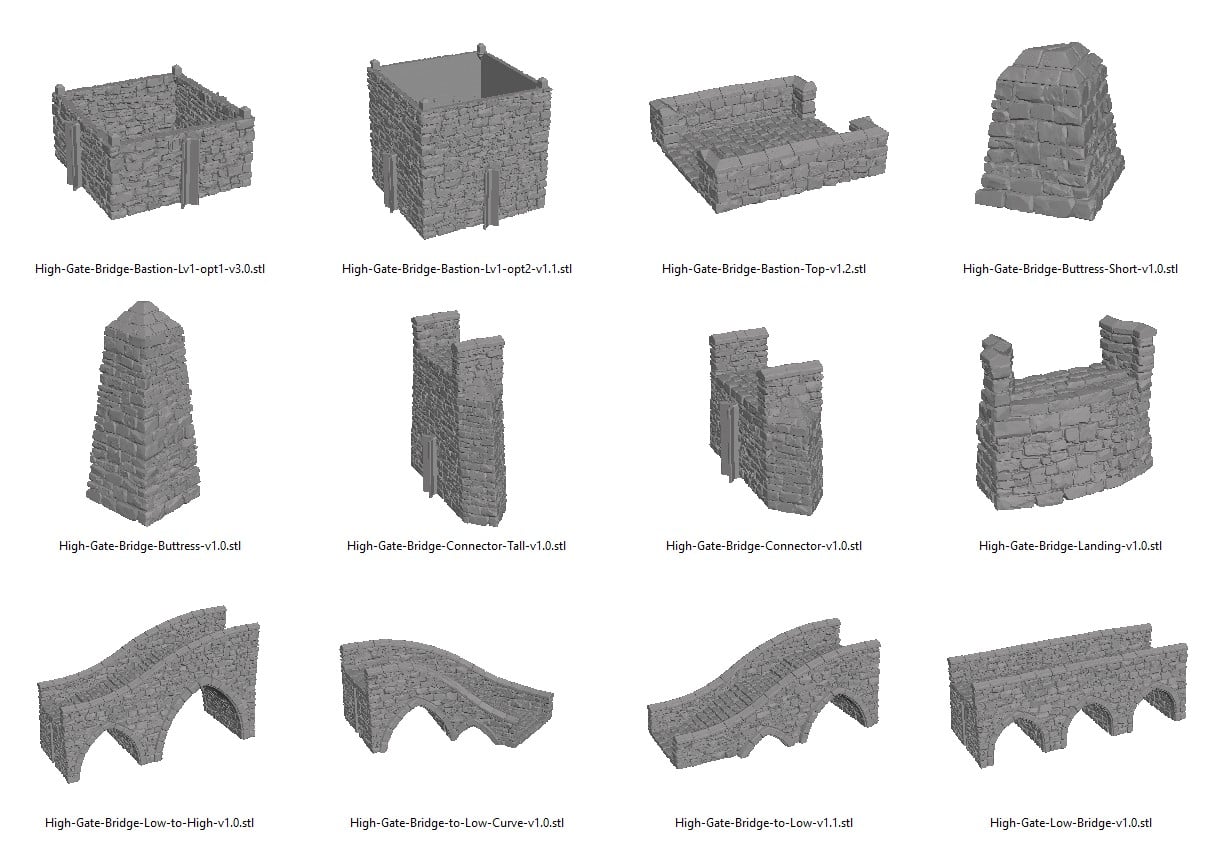
Flat Option Reference






Ray Brown (verified owner) –
Is it possible to create a high to low bridge piece that has a smooth path instead of steps to allow carts and wagons to negate with ease, maybe extend the length to decrease the angle. Tthanks for listening.
Joanne Boorer (verified owner) –
Thanks for your great suggestion. I have passed it onto the team.
Erich (verified owner) –
Hi Team!
Could you please consider to add a version of the Level 2 pass-through with doors similar to those of the Westgate Drawbridge?
Thank you & best regards
Joanne Boorer (verified owner) –
Thanks for your suggestion. I have added this to the updates request list.