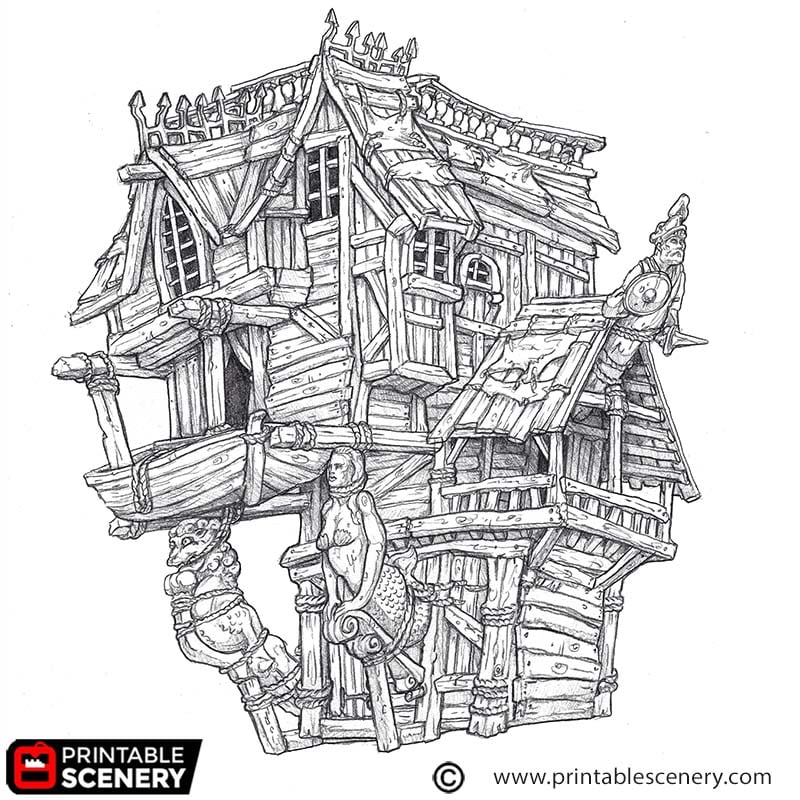
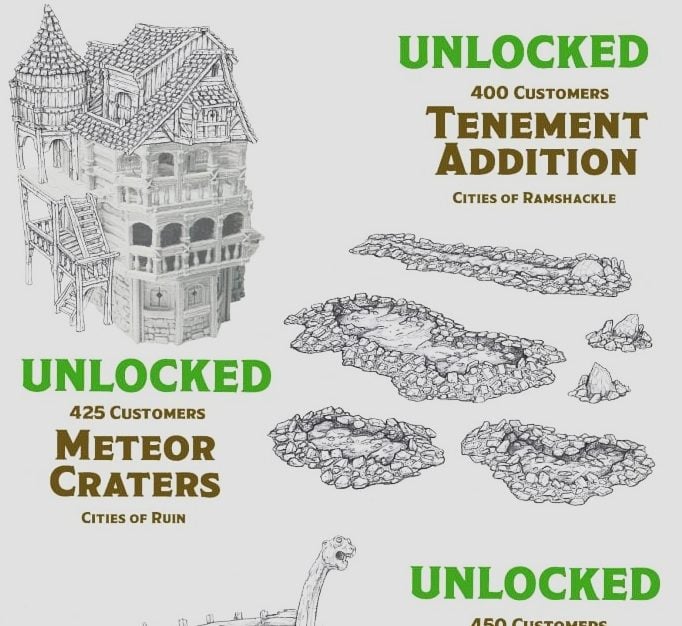
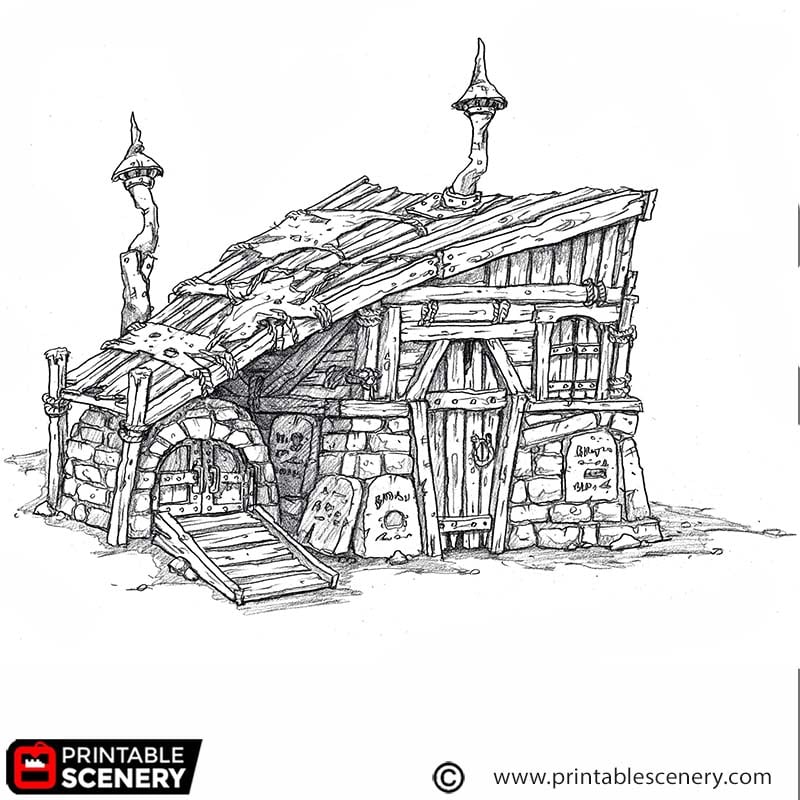
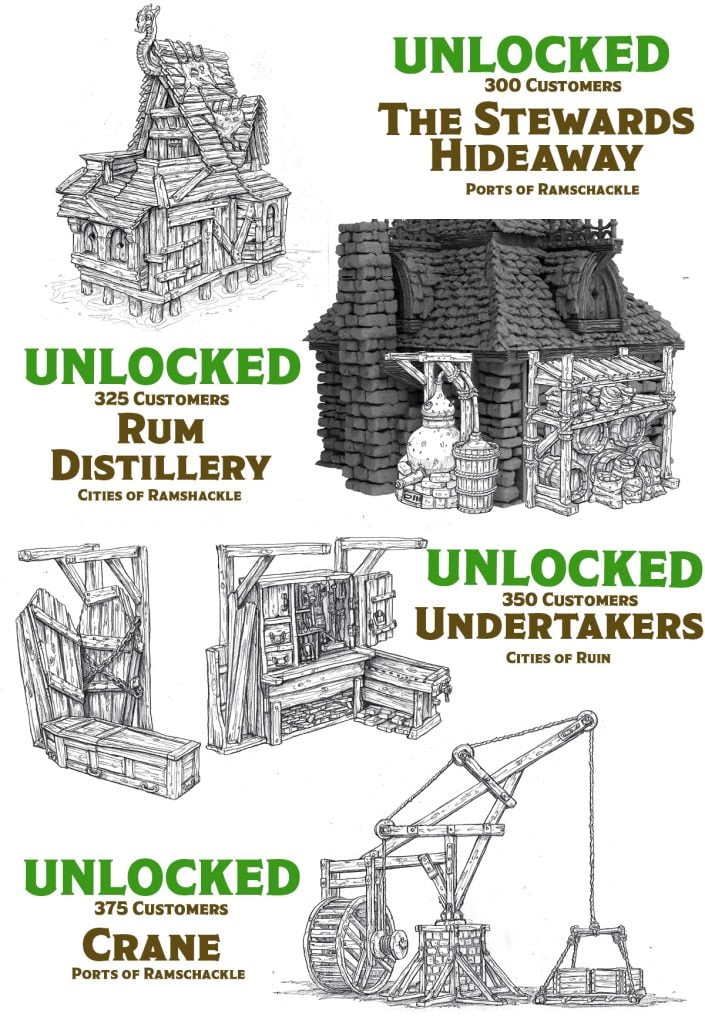
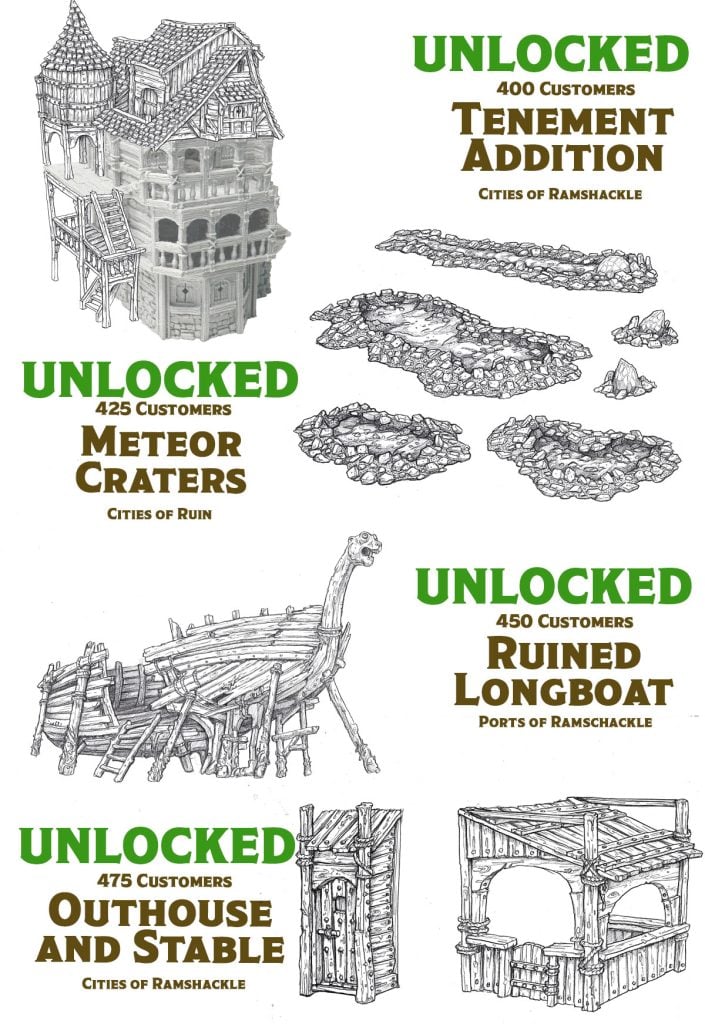
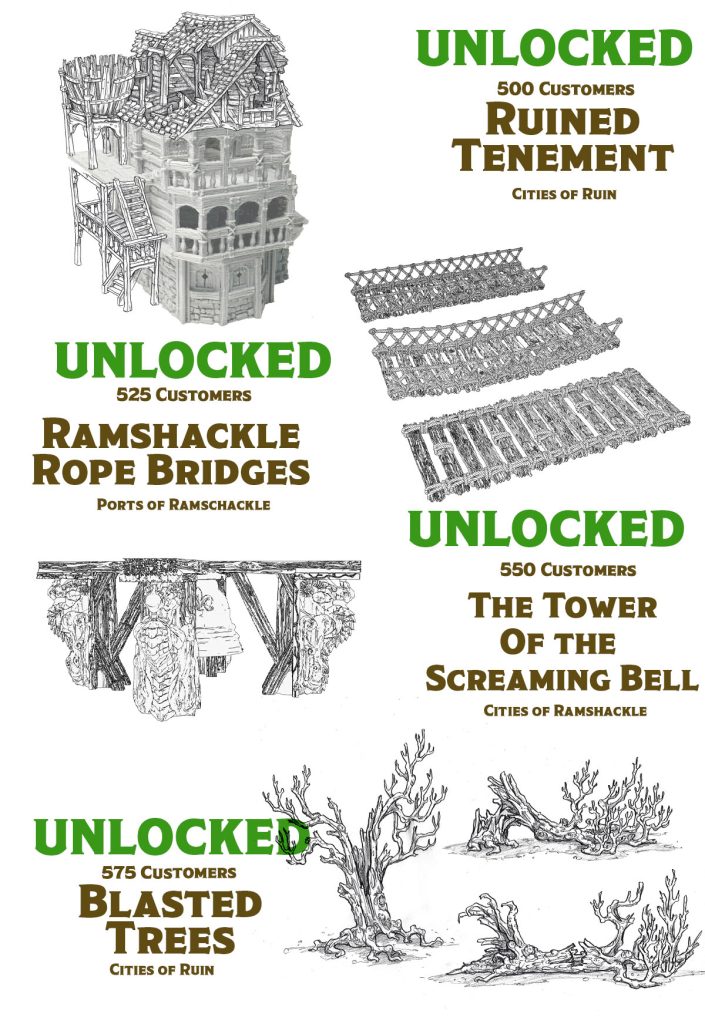
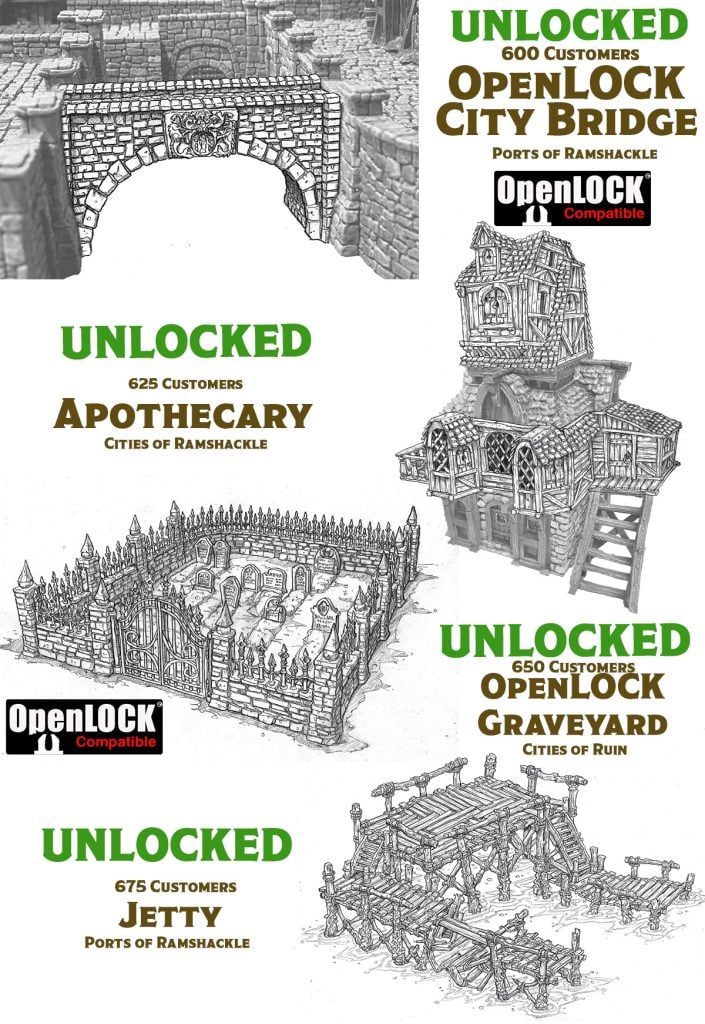
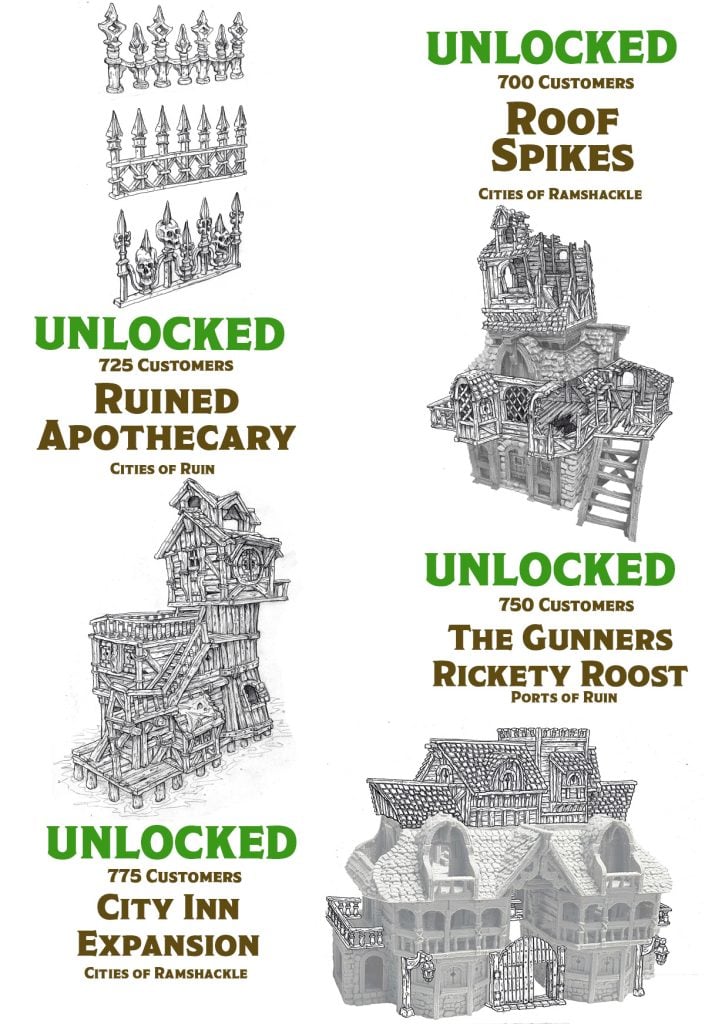
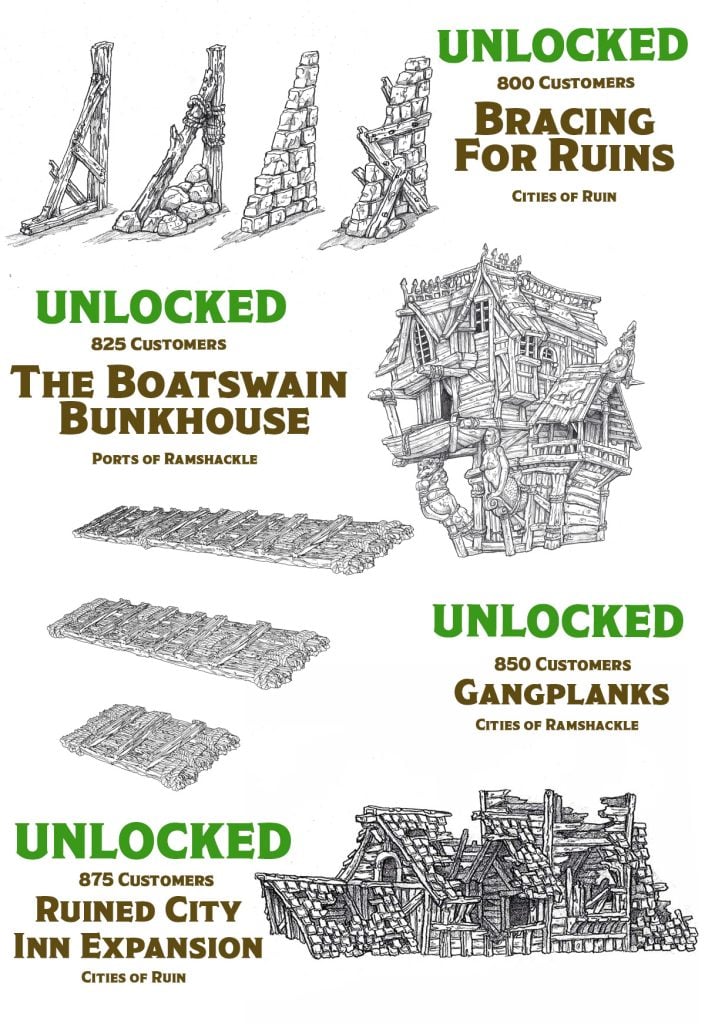
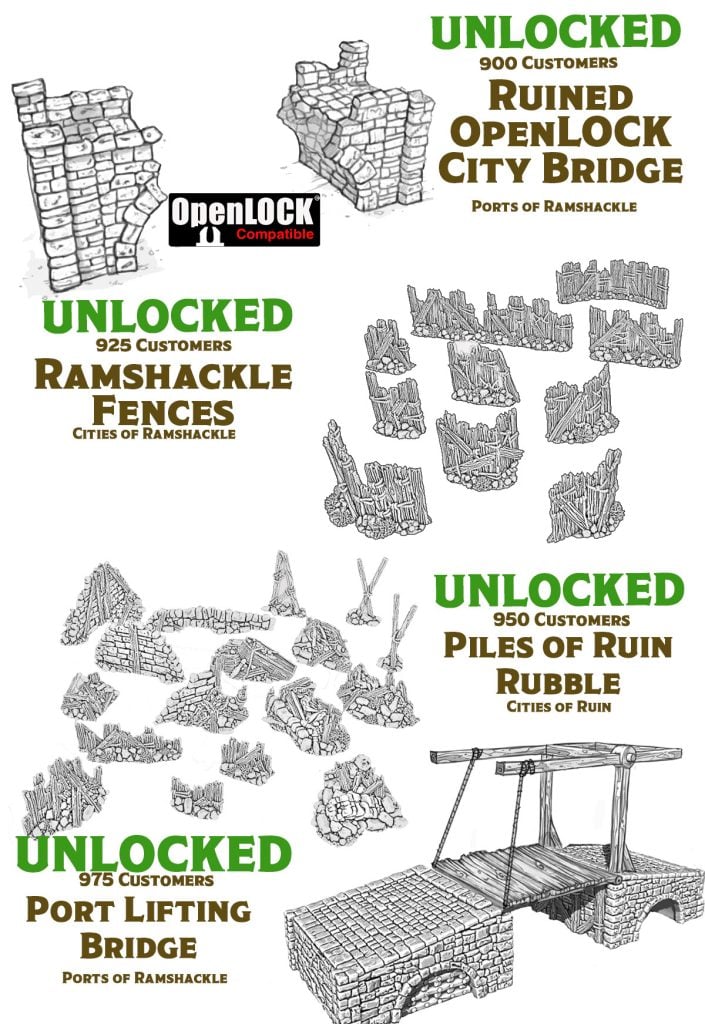
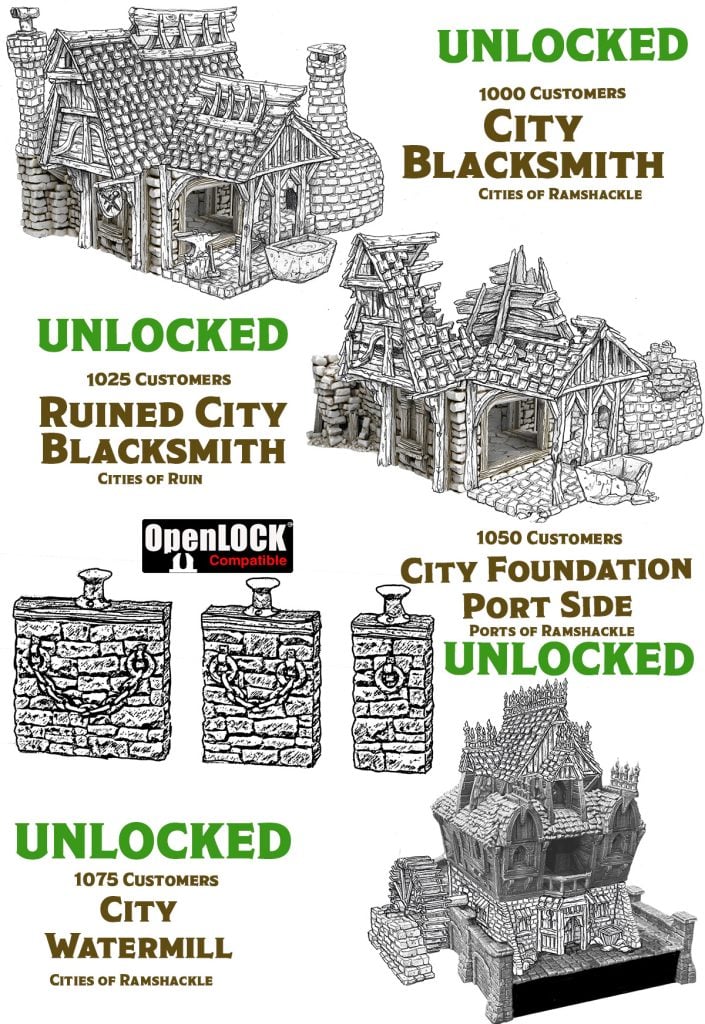
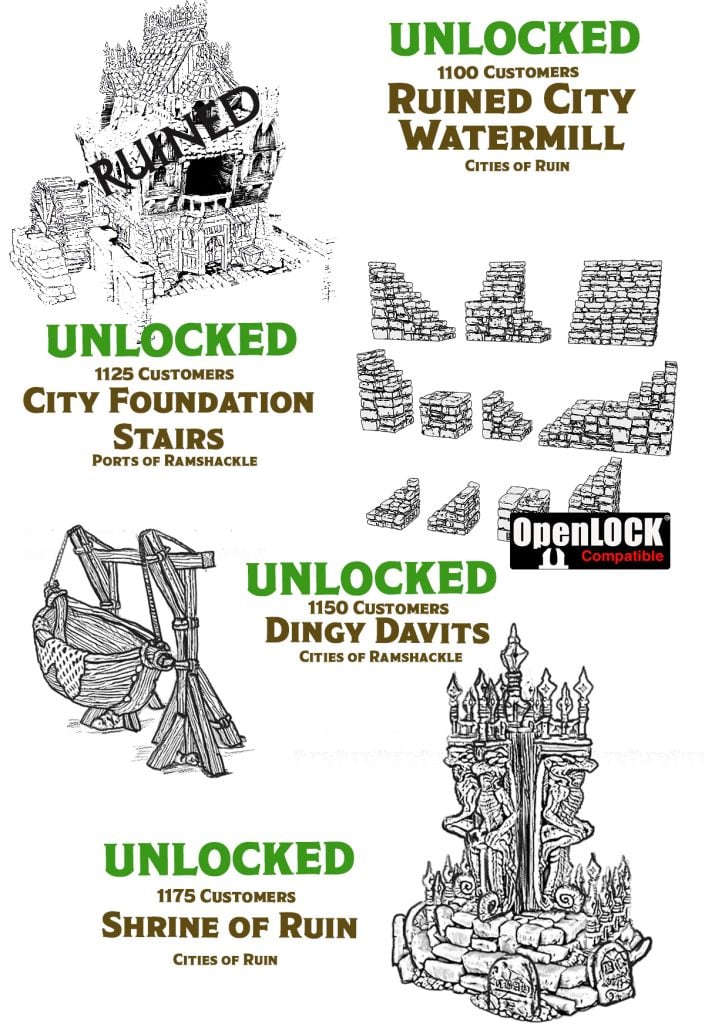
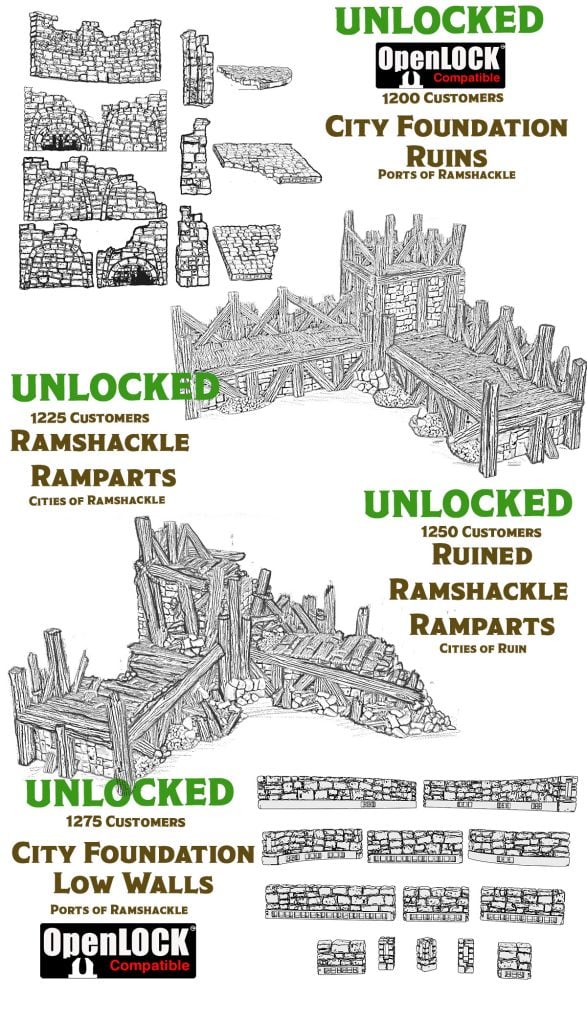
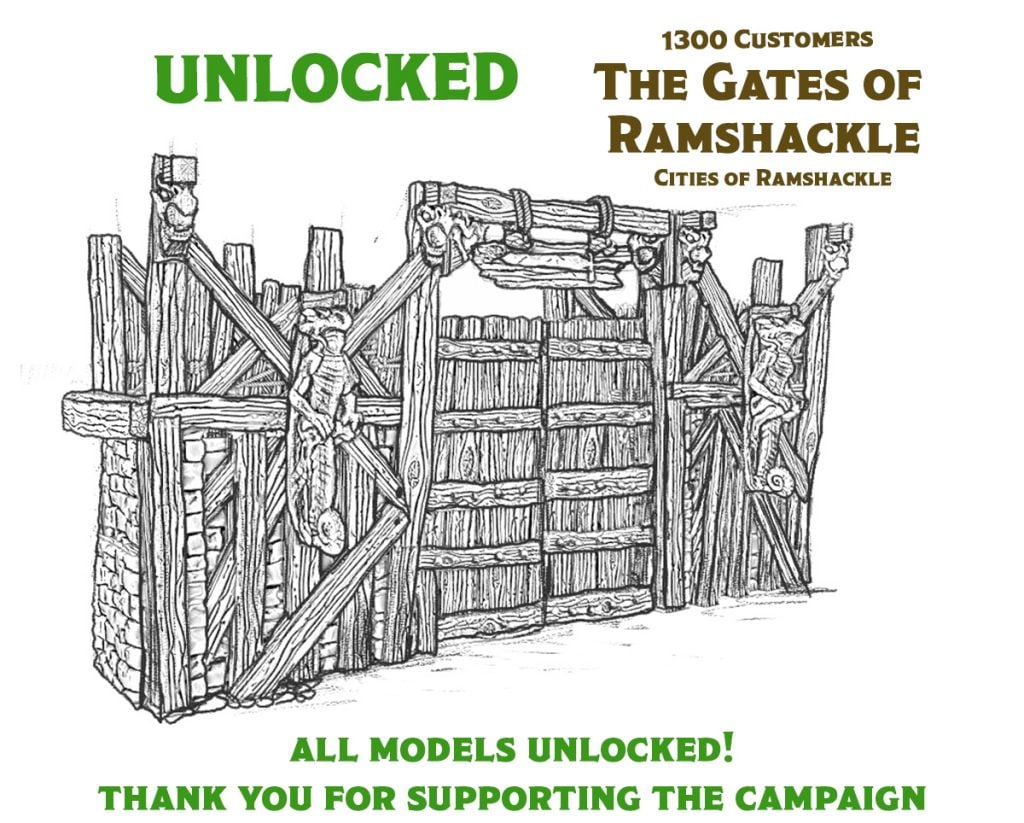
Thank you all for participating in our campaign. Today, another model was unlocked to add to our bundles. We now have 825 customers, and the Botswain bunkhouse has been unlocked. Email system update. Also, I updated the email system today, so if you have subscribed to the ‘daily campaign updates,’ you should receive this email…. Read more
646 customers have joined us on this journey so far, and as promised, we’re delivering big! ? Because of your enthusiasm, we’re thrilled to announce that we’ve unlocked 23 free downloadable models! That’s 23 additions to the bundles. Our first set of free models is primed and ready for download—mark your calendars for Monday because… Read more
Hi Everyone, thank you for your support Great news! We’ve already unlocked 20 free models within the first few days of our campaign. Our goal is to hit at least 50, and we’re well on our way! But guess what? We can’t do it without your help. Sharing links to our campaign is the key… Read more
Thanks to you guys, we have unlocked more models. These should now be visible as coming soon models Ive also added a new tab in the Campaign Menu so you can easily see which models are now in your bundle. We are working on the coming soon models at the moment and should be able… Read more
We have unlocked 11 free models, which are now part of your bundles Things are progressing better than expected, so we will need to start developing more ideas for free models; if you guys have ideas, please let us know in the comments on the campaign page. Thanks for your support so we can keep… Read more
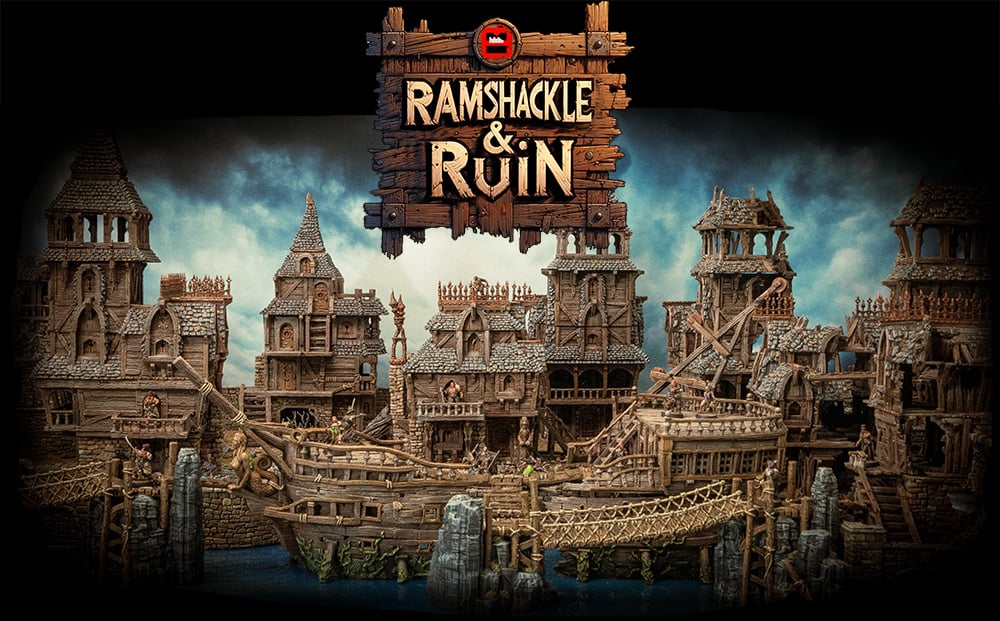
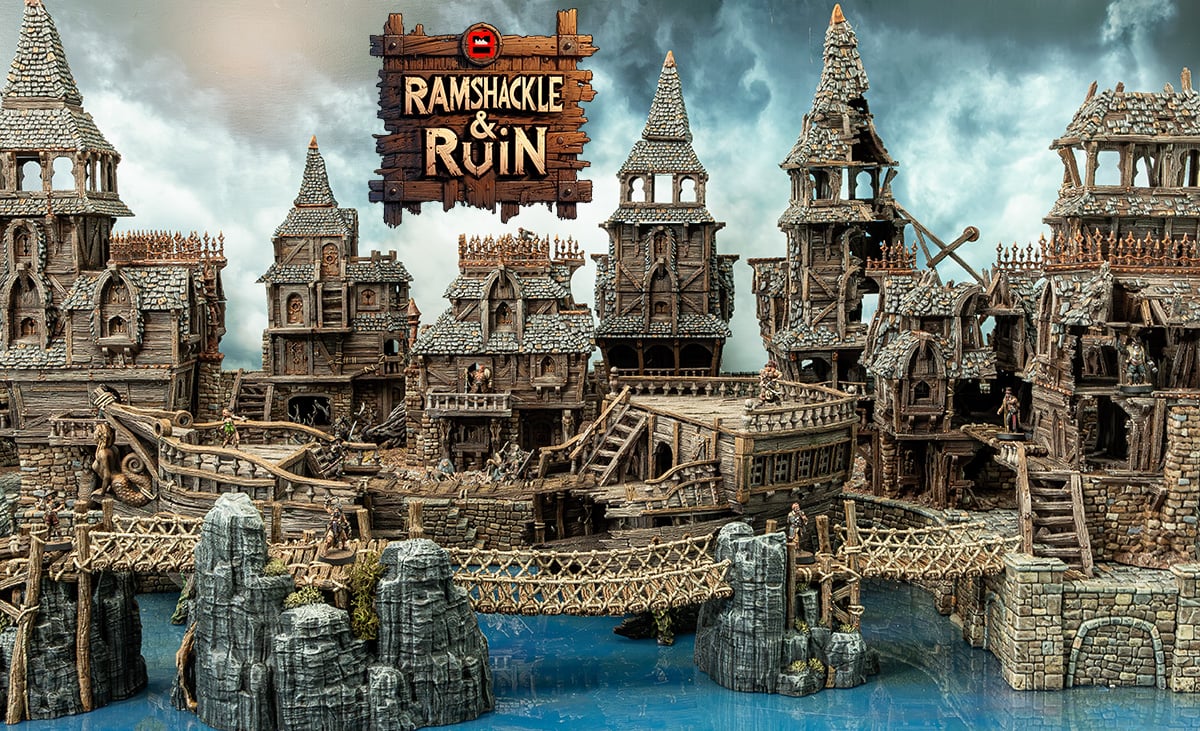
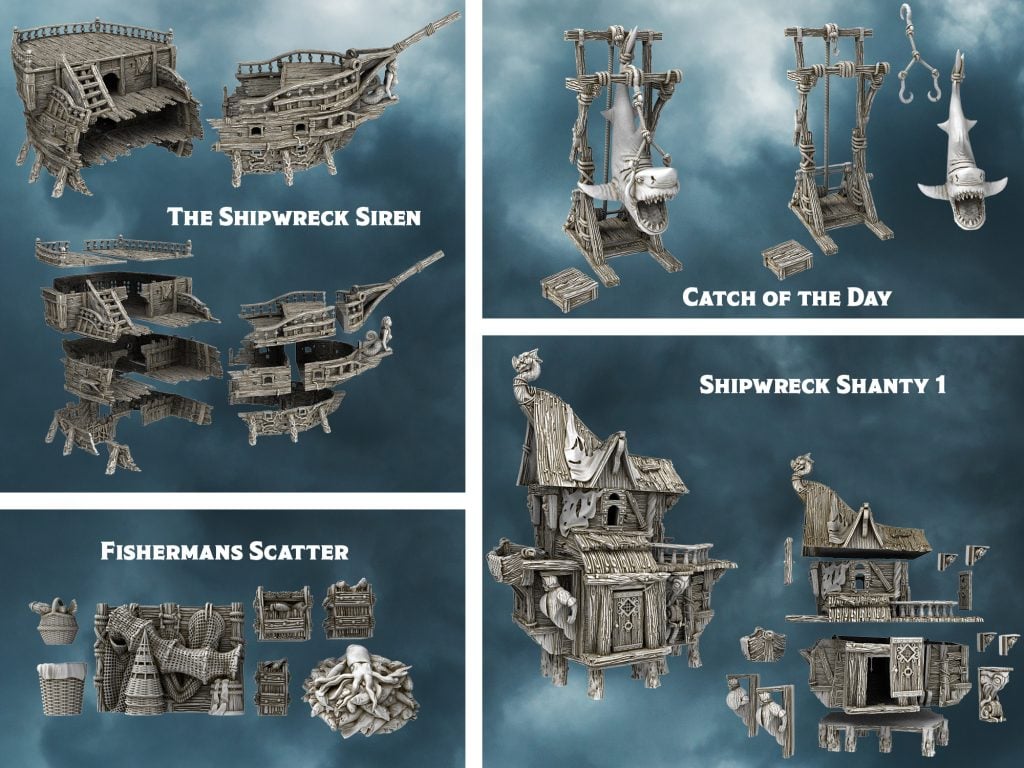
Welcome to our first on-site campaign, Ramshackle and Ruin. Featuring beautifully designed downloadable STL files for your home 3D Printer.
The campaign begins with a great set of models, and as more customers join, we will add more models to the campaign bundles.
Cities of Ramshackle & Ruin
Welcome to our first on-site campaign, Ramshackle and Ruin. Featuring beautifully designed downloadable STL Files for your home 3D Printer
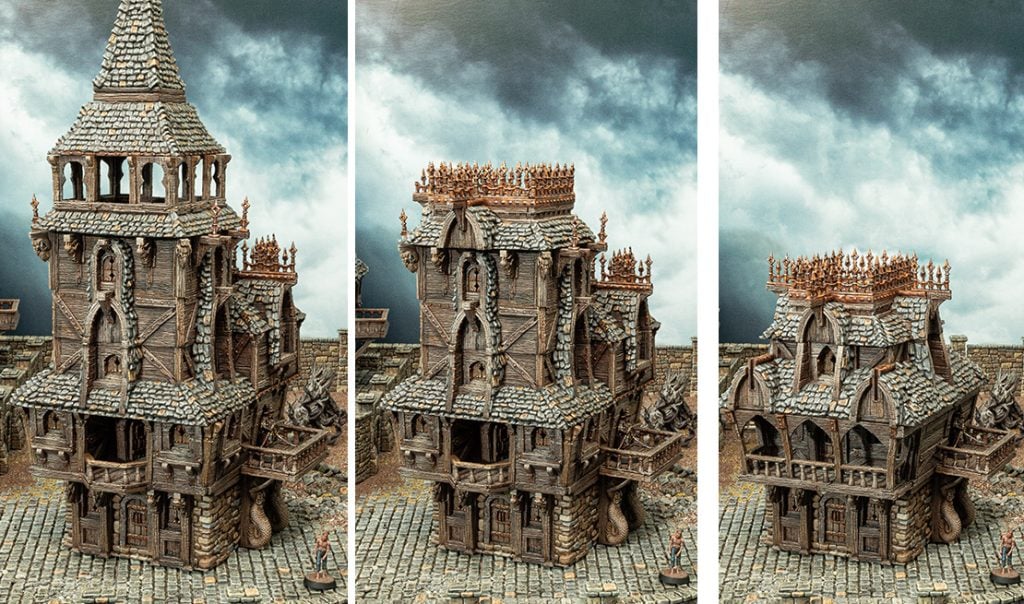
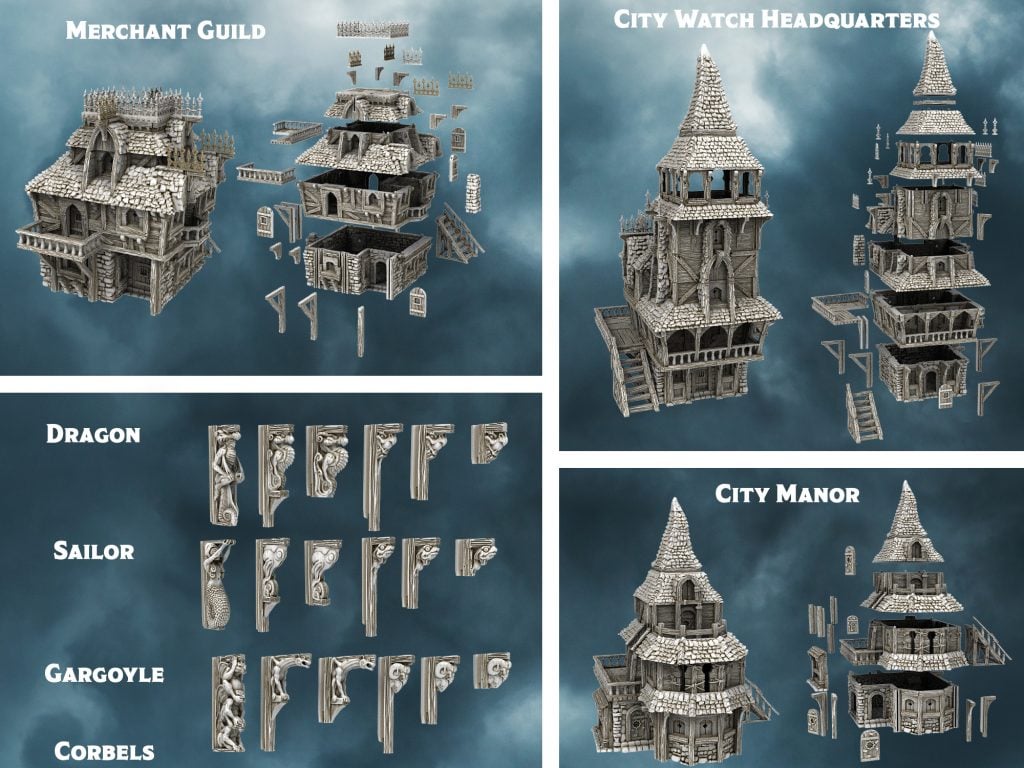
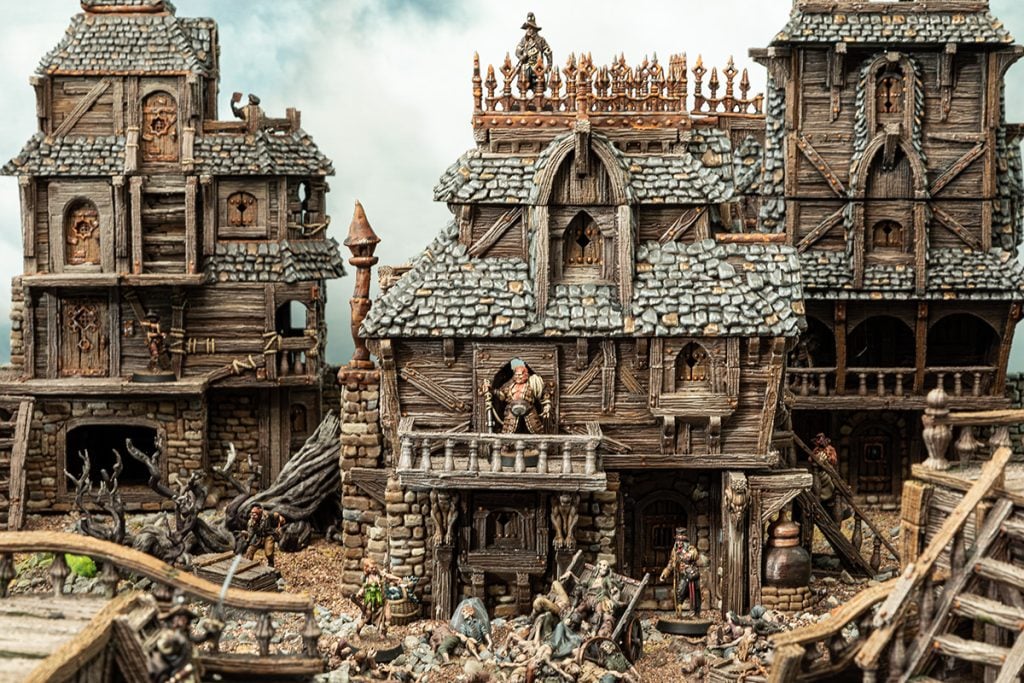
Construct entire cities with interchangeable levels and corbels with Ramshackle & Ruin.
Guaranteed Rewards: Unlike a crowdfunding campaign, our on-site bundle campaign guarantees you recieve all the models. With your Campaign Bundle purchase, you will receive everything listed, including items in the Models Tab. The campaign begins with a great set of models, and as more customers join, we will add more models to the campaign bundles. Keep an eye on the campaign page to see which models could be added, and leave comments and suggestions.
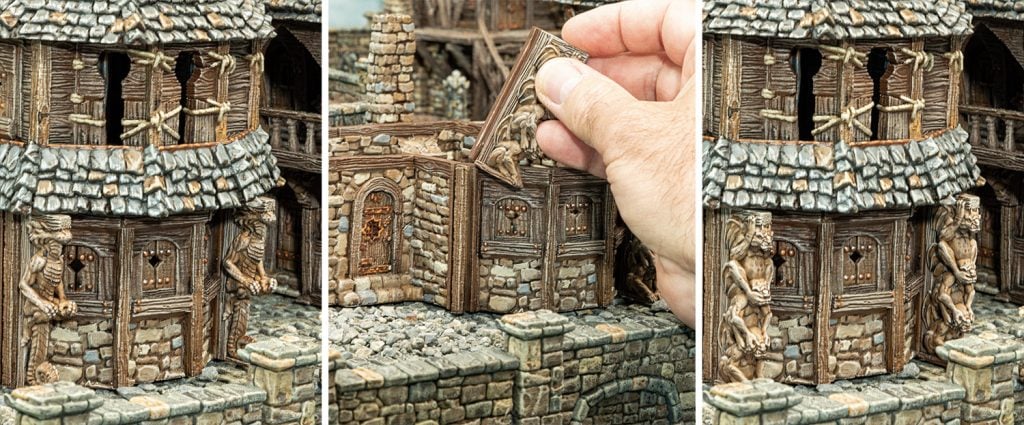
Swappable Levels: Mix and match building levels to create diverse structures. Print a single base and pair it with various tops to design a new building for every game session.
Interchangeable Corbels: Customize the appearance of your buildings with our unique corbels. These architectural elements are fully interchangeable across different buildings, allowing for limitless design possibilities.
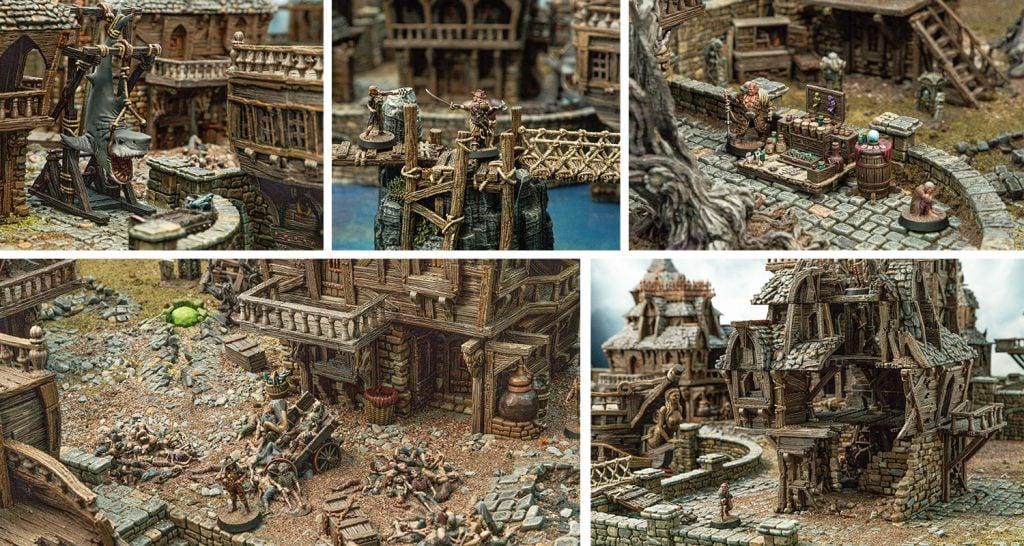
Great Miniature Placement: Every building, from the ground floor to the rooftop, is designed for great miniature placement.
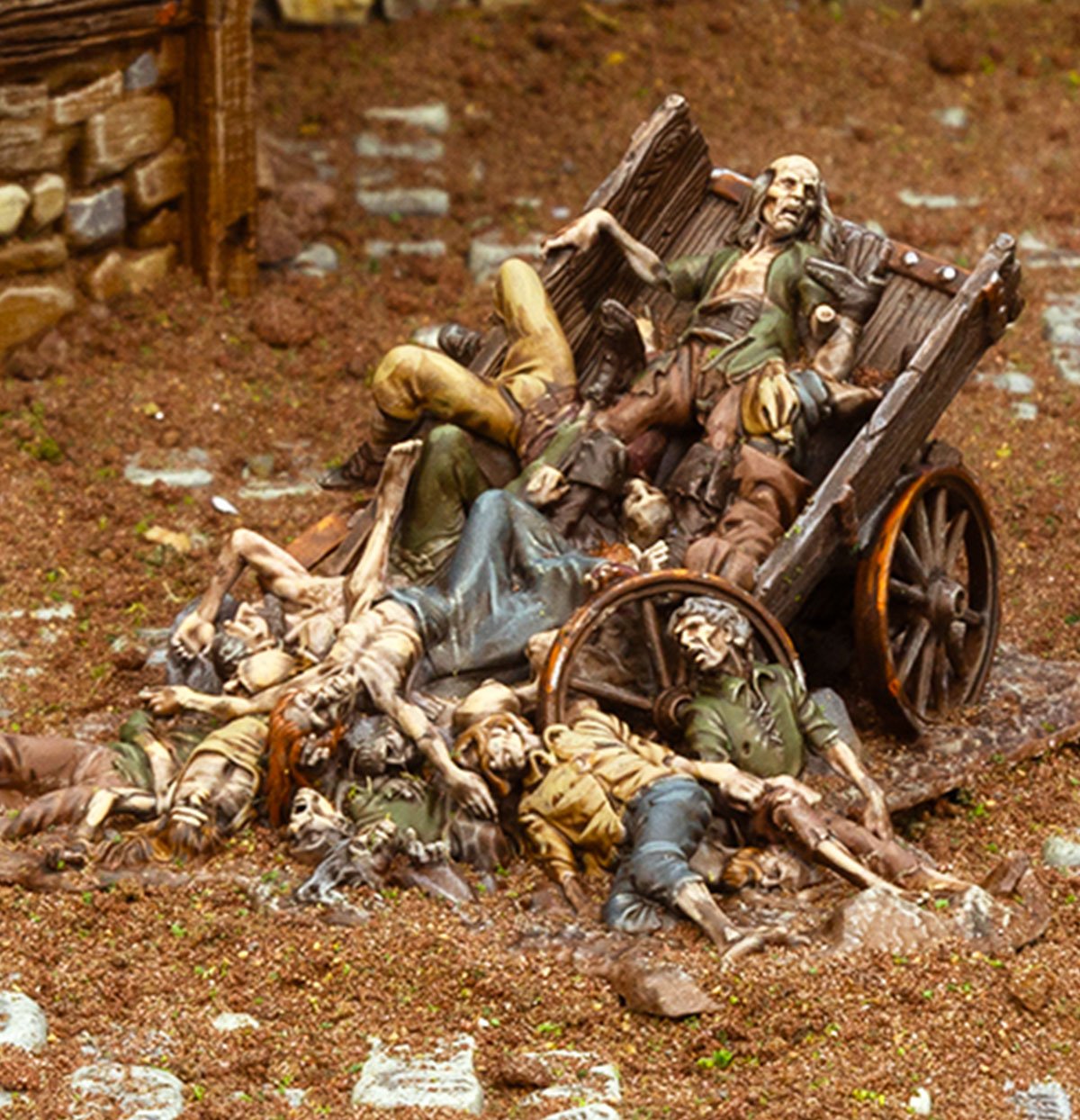
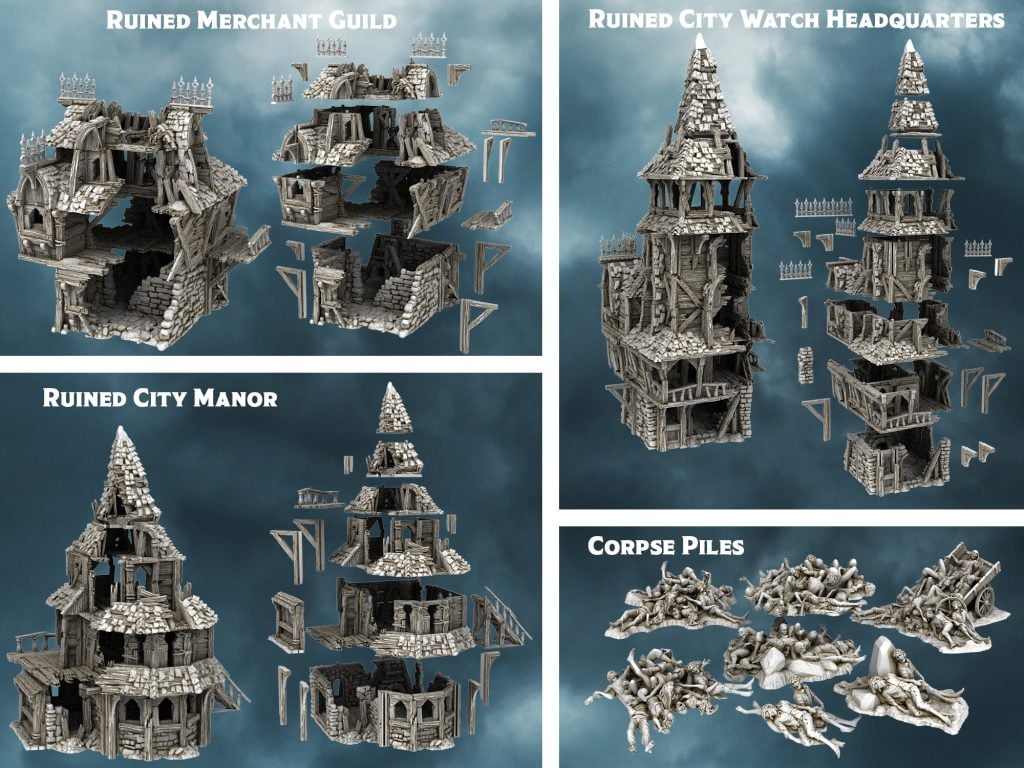
Cities of Ruin Bundle
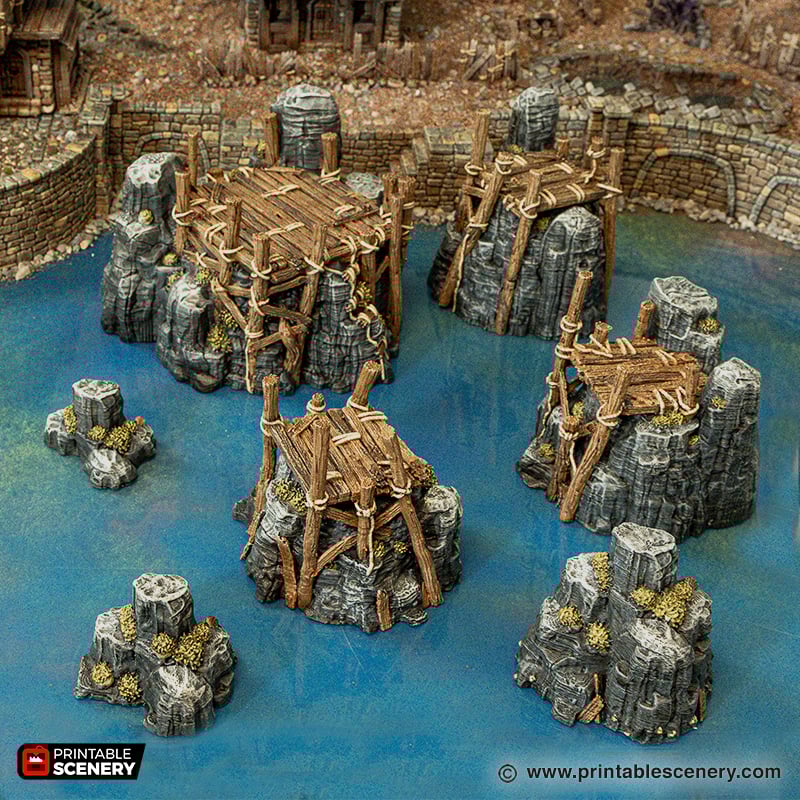
Ports of Ramshackle Bundle
Cities of Ramshackle Bundle
Join our Journey through the city and help create more new models. The more members we get on board, the more models will be included in the bundles.
Check out the next models that could be added to the Campaign Bundle
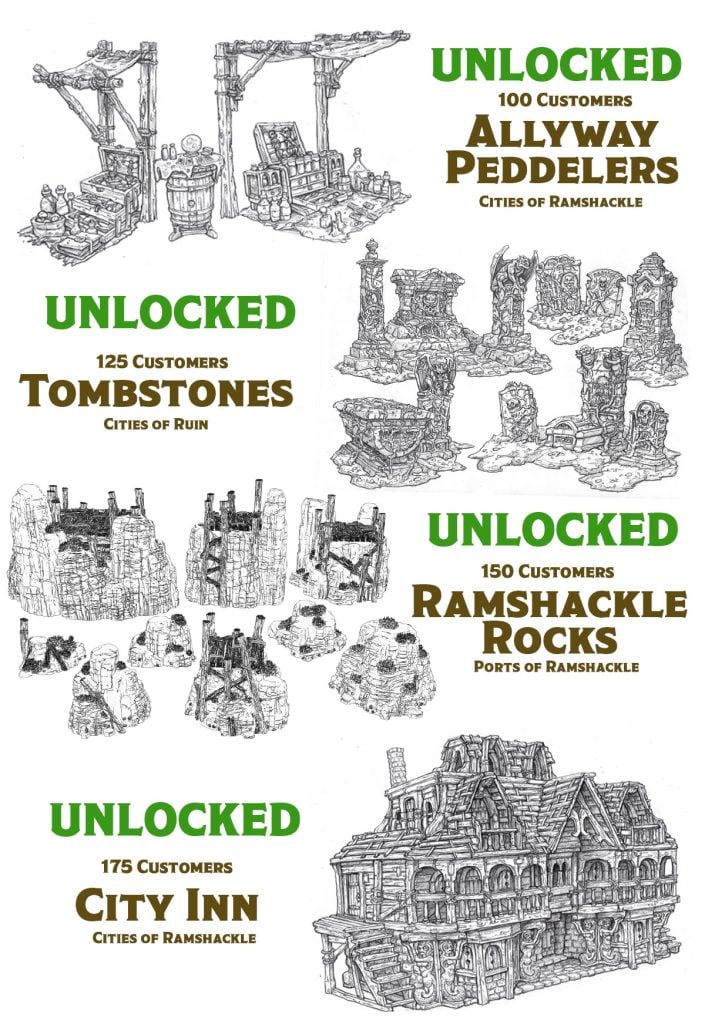
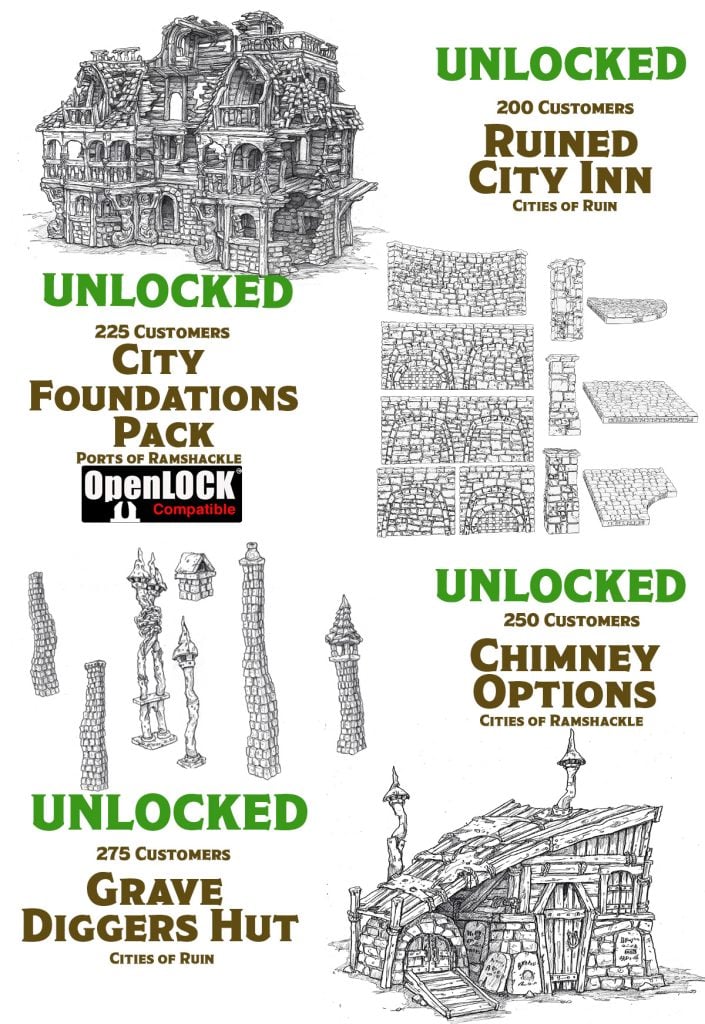
Unlocked means the model has now been added to your bundle for free!
Ramshackle and Ruin models are scaled to 32mm Heroic and are ideal for 3D printing on an FDM 3D Printer with a 200 x 200 mm Build Plate. We also provide cut-down versions for printers that are 120 x 120mm Wide.
This offer runs for 30 days, during which you can participate by purchasing one or more bundles and providing feedback and suggestions during the campaign. As more individuals purchase the campaign bundles, additional models are added. Models marked as “coming soon” indicate works in progress, with all listed models guaranteed to be completed within five months after the campaign concludes.
TERMS AND CONDITIONS: When you purchase a bundle in this campaign, you will receive STL files for the models as per your selected bundel/s. The free’ Unlocked’ models in your bundle will be produced and delivered over the following six months.
You have the right to print these models for your own use and for your friends and club members, but if you want to go into business selling our models for profit or publicly advertise that you print and sell the models, then you need to apply for a commercial license at [email protected].
Once you have downloaded a Printable Scenery model, you will get lifetime updates.
Buying this bundle grants access to a lifetime membership to this range, unlocking all 20 models in the bundle and adding all future free updates and models.
Here are Printable Scenery’s most frequently asked questions. If your question isn’t answered here, our Knowledgebase on the website is full of help articles and tutorials. Our support team is also ready to help with anything else; get in touch here.
How do I get started with 3D printing?
To get started with 3D printing, you generally need three things: the hardware (a 3D printer and filament), the software (slicer software that comes with your 3D printer), and the 3D print files. There are a lot of options when it comes to buying a 3D printer, and that will largely dictate which slicer software you get. We made this article to help with purchasing a 3D printer.
3D printers are generally divided into filament and resin. Filament printers are cheaper to run and suitable for terrain, while resin printers are higher-definition and better for printing miniatures. You can buy different kinds of filament for 3D printing, but we recommend PLA for our terrain.
How do I print STL files?
To print STL files, you’ll need a 3D printer (see above), slicer software (this comes with your 3D printer or is free to download), filament or resin, and the STL file. From there, it’s a matter of setting up your 3D printer (it will come with instructions), installing and using the slicer software (most have a walkthrough and plenty of information online), then sending the file to your printer, and voila.
What kind of files will I receive?
When you buy a product from Printable Scenery, you’ll get a download link for a .zip folder containing all the parts of the model as STL files. You’ll also receive reference sheets required for that product in the form of JPGs/PNGs.
After you purchase something from Printable Scenery, you’ll arrive at the Order Complete page. From there, you’ll see a link to download your files. You can also go to the My Account page, click the Downloads tab, see everything you’ve purchased there, and redownload those items anytime.
If you bought a bundle related to a campaign, you’ll find the models under the Campaign Bundles tab on the My Account page. See below for more information on how the Bundles work.
What kind of 3D printer and filament do I need?
The kind of 3D printer and filament you need depends on the type of things you’ll print. For printing terrain, we recommend a filament printer and PLA filament. Filament printers are cost-effective for printing large-scale models like terrain. If you plan on printing miniatures, we recommend a resin printer. They’re higher resolution than filament but require a cleaning solution after the print, as the resin leaves a residue that can make painting difficult. Check out this article for more in-depth knowledge on which 3D printer to buy.
How do I paint the models I print, like the ones from your website?
To paint plastic or resin models, you’ll need to prime them first. We recommend a rattle can primer, and most you find at a hardware store will do the trick. We also recommend acrylic paints for painting the models after they’re primed. There are a lot of brands of paints, and there’s no single brand we recommend. We use Vallejo, Army Painter, Citadel, AK Interactive, and at times, we use interior paints from a hardware store.
We also use a variety of brushes, large and small, synthetic and sable, from hobby stores and hardware stores. We recommend getting a range of sizes, from fine tips to broad bristles, at a price you’re comfortable with. Painting terrain can be messy, and brushes can take a beating.
Check out this article for a more in-depth guide on how we paint 3D models.
How do I assemble the models?
Assembling 3D printed models requires super glue, and some simple tools for cleaning up the parts. We recommend some fine clippers, a craft knife, a hand drill with some fine drill pieces (as small as 2mm), some putty for gap filling and a small blow torch for remodelling any warped parts.
Check out this article, which covers our tips on assembling 3D printed models.
How do the bundles work?
We offer two types of bundles: bundles of models and a campaign bundle that unlocks models for download. The bundles of models are simple downloads like any other product, with a .zip file containing everything in the bundle. The campaign bundle relates to our campaigns, which includes everything in that original campaign and all the stretch items unlocked along the way.
When you purchase a campaign bundle, you won’t receive a download link immediately like other products. You can go to My Account and click the Campaign Bundles tab. There you’ll see the campaigns you have a membership in, and you can add the products from that campaign to your cart and download them for free.
How do I receive email updates?
Go to My Account, click on the Emails tab, select the kind of emails you’d like to receive, and confirm that. We’ll email you whenever a product you’ve purchased has been updated.
I got an email that a product I bought was updated. How do I get the update?
You should receive an email with a link to the updated product. Follow that link to the product page, and if you’re logged in, you’ll see a download link. Alternatively, go to My Account, click on the Downloads tab, navigate to the model that was updated, and redownload the product. Redownloading will ensure you get the most up-to-date version of that product.
Where can I get your files printed?
We have a number of licensed printers worldwide that can print the models we sell. This list of licensed printers is available here.
Do you provide pre-supported models?
Yes, where we expect people to print models in resin, or if the model is particularly complex, we will provide the model with pre-supports. You can also generate your supports in the slicer if you wish.
Most of our models are designed to print without supports. If a model has supports added, we will specify the option in your models’ .zip folder.
Do you provide small-printer cuts for smaller 3D printers?
Yes, we provide small-printer cuts for all of our models. When you download them, you’ll find these in your .zip folder. We design our models to fit inside a 200mmx200mm print bed, but our small-printer cuts can go in a 120mmx120mm print bed.
What scale are your models?
We typically design our models in the 28mm-32mm range. To check which size the model you’re interested in is, from the Product page, click the Scale Calculator tab. The row highlighted is the scale of the model. You can also see the percentage by which to scale the model in your slicer to achieve other common scales.
We state that sales tax may apply to the product depending on your place of purchase. This information is shown in the final checkout stage. This amount is added to your total at checkout and paid directly to your country/state.
The payment gateway collects the sales tax amount, which is the amount that is required by your state or country, not Printable Scenery. Each country and state differs in how it wants the payment gateway to collect its sales tax/VAT/GST. It also changes in each country from time to time.
Can I sell your models?
Not without a license from Printable Scenery. If you’d like to become a licensed printer, contact us here. Please include some information about yourself, your shop, and online profiles if you have any, and we’ll be in touch with more details.
What settings do you use for your printer?
We typically use standard settings that are out of the box. Each product’s Additional Information tab includes specific details on printer settings, like layer height. Some models, like buttresses, we add a 5mm Outer brim to.
My download links aren’t working?
Please try clearing your cache and then redownloading the file from either the product page or the downloads section of your account. If you are having further troubles, contact us here.
Payment isn’t going through when I try to buy a product.
Please try logging out and back in through My Account and clearing your cache simultaneously. Then try to process the payment again.
Paddle runs the payment gateway, and we do not store transaction information. If you are having further troubles, contact us here, and we can lodge an inquiry.
We’ll regularly update the Printable Scenery frequently asked questions section. If you have anything else you’d like help with that is not covered in this article, get in touch with us here.
Buying this bundle grants access to a lifetime membership to this range, unlocking over 25 models in the bundle and adding all future free updates and models.