
SystemHEX: What’s the scale?
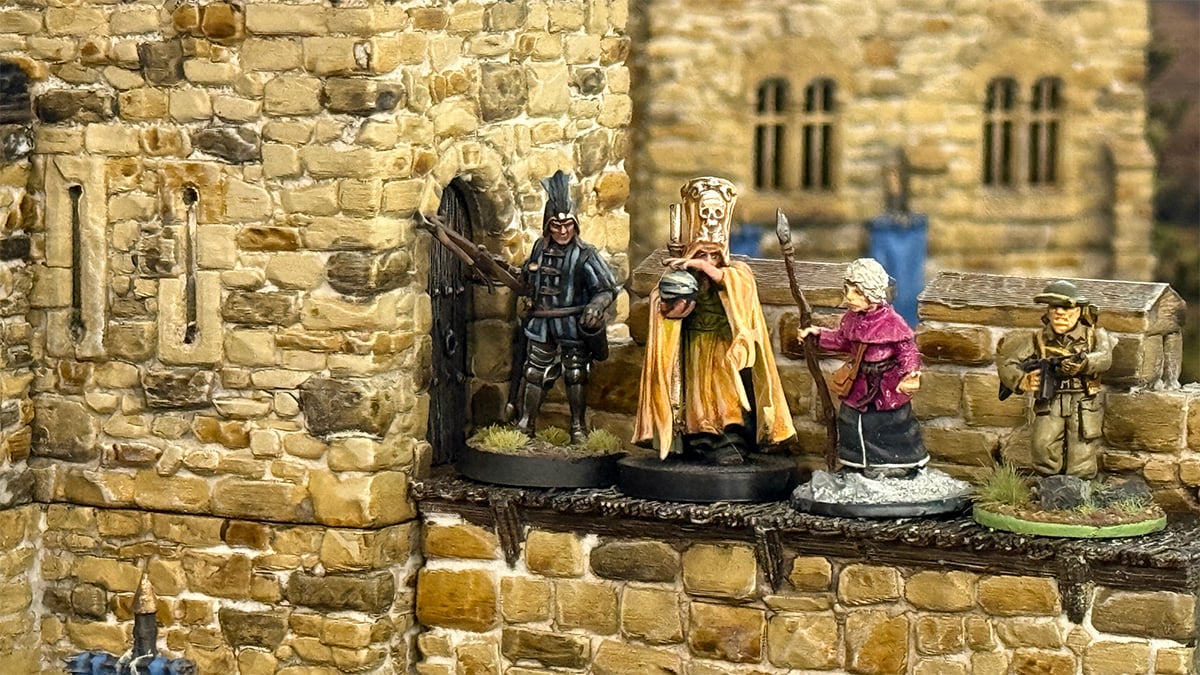
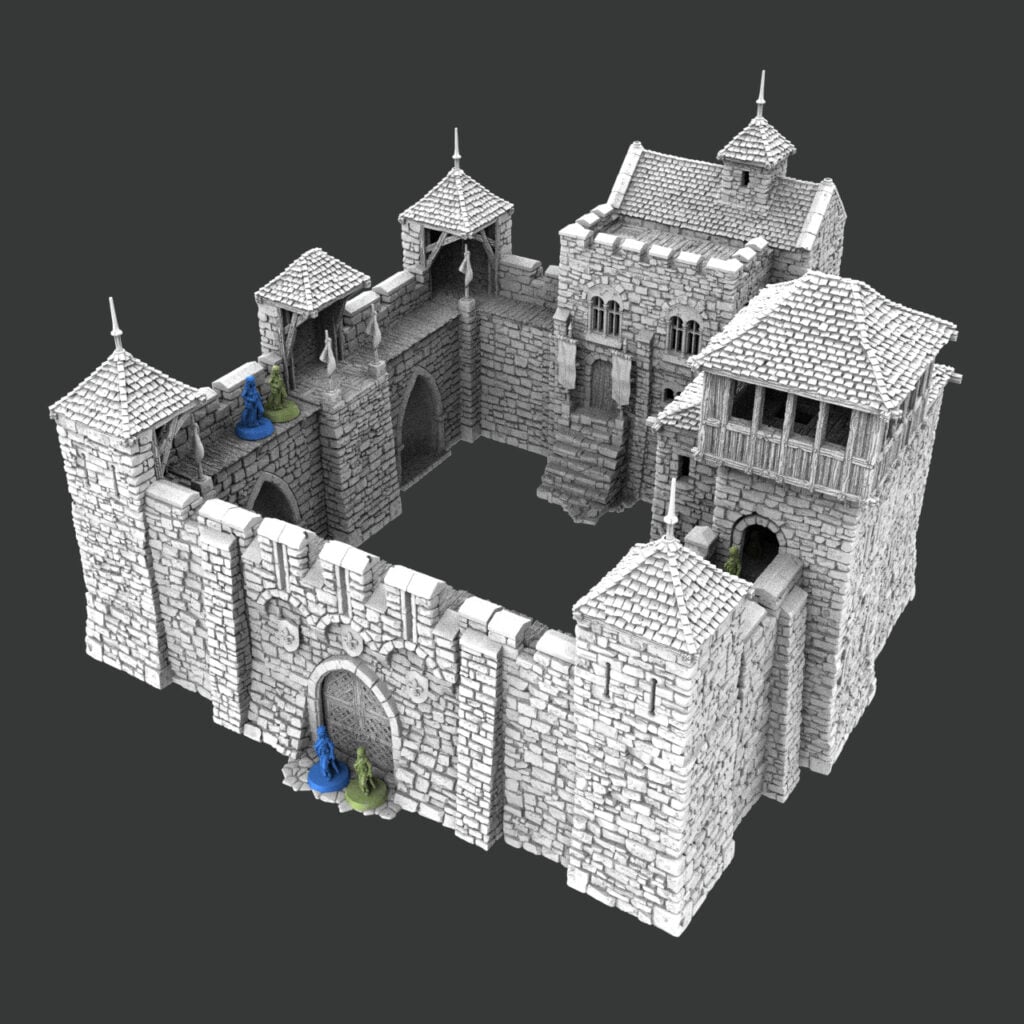
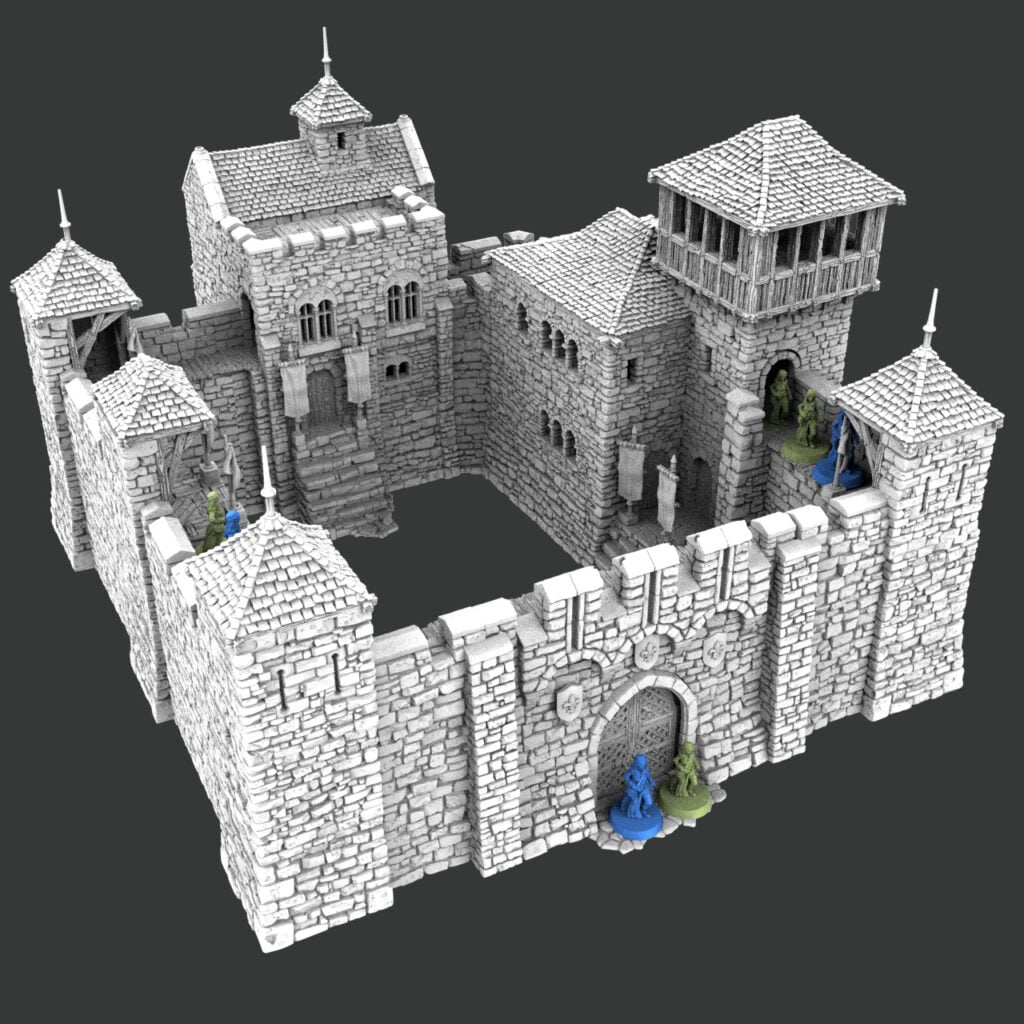
Throne and Ash is designed at 32mm, but because you print it yourself, you can choose to print it at 28mm. Neither scale is “wrong”. The right one depends on how your games actually use the castle.
The short answer: Print at 32mm (original size) for skirmish games when your figures will be moving around inside and on top of the castle, because you get more room to play. Print at 28mm (87% to 90%) when you want the castle to look smaller and more proportioned next to your true 28mm miniatures for dioramas.
28mm vs 32mm: what’s the actual difference?
A 28mm figure is 12.5% shorter than a 32mm one. SystemHex is set to 32mm, so printing it at 87.5% gives you a true 28mm castle.
Those millimeters are a figure’s height from the bottom of the feet to eye level, not the base size. A 28mm miniature often stands on a 25mm round base, and many 32mm figures do too, so the base won’t tell you which scale you’re looking at.
Individual product pages have a Scale Calculator tab. The highlighted row is the scale the STL ships at; the other rows show the percentage to print at to reach that scale.
| Scale | Figure height | Ratio | Print Throne and Ash at |
|---|---|---|---|
| 32mm Heroic & OpenLOCK (as supplied) | 32mm | 1:54 | 100% |
| 28mm Wargames | 28mm | 1:62 | 87.5% |
| OO Scale | 22mm | 1:76 | 68.8% |
| HO Scale | 20mm | 1:87 | 62.5% |
| 15mm Wargames | 15mm | 1:116 | 46.9% |
| 10mm Wargames & N Scale | 10mm | 1:159 | 31.3% |
Brands for different manufacturers and scales, like Heroic-scale figures, make this fuzzier. Many “28mm” ranges are sculpted with chunky hands, weapons, and heads, and many modern kits are closer to 30–32mm. That’s why a 32mm castle never looks wrong next to a 28mm army, and why the choice comes down to how you play and personal preference.
If you have 32 mm minis or heroic scale figures, print it at 32mm
If your miniatures are 32mm or heroic scale, print Throne and Ash at 100%, exactly as supplied. No scaling, no maths, and everything fits together straight off the printer. This is also the most versatile scale
If you have true 28mm figures, print at 32mm for skirmish games inside the castle
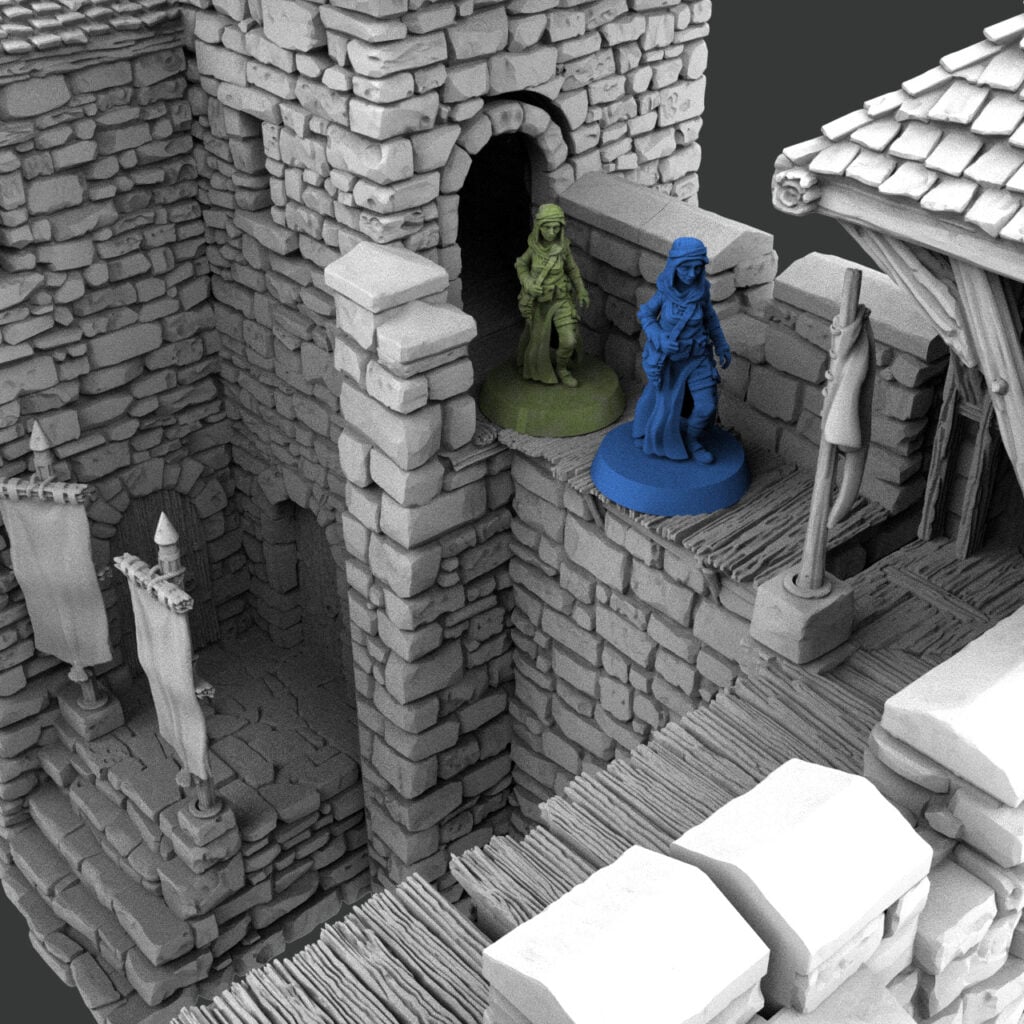
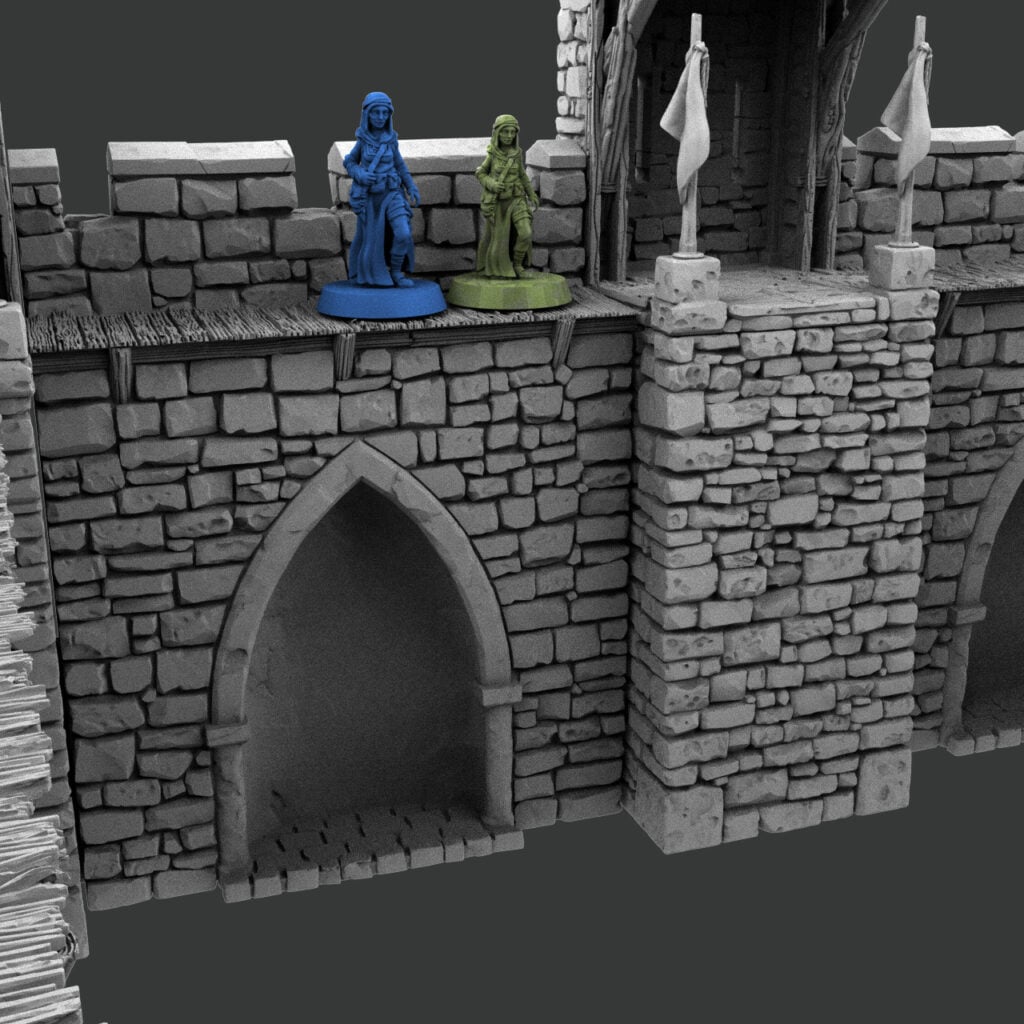
At 32mm, the castle is built to be played as is. When your figures are climbing towers, fighting along the walls, and clearing rooms, the extra play space you’ll use every turn.
This is the scale for skirmish wargames, dungeon crawls, and RPG sessions where a handful of characters move from room to room, and the castle is the battlefield. It’s why I describe it as “more playable” when customers ask: most wargamers will be happy printing it as supplied.
If you have 28mm figures, print at 28mm for dioramas
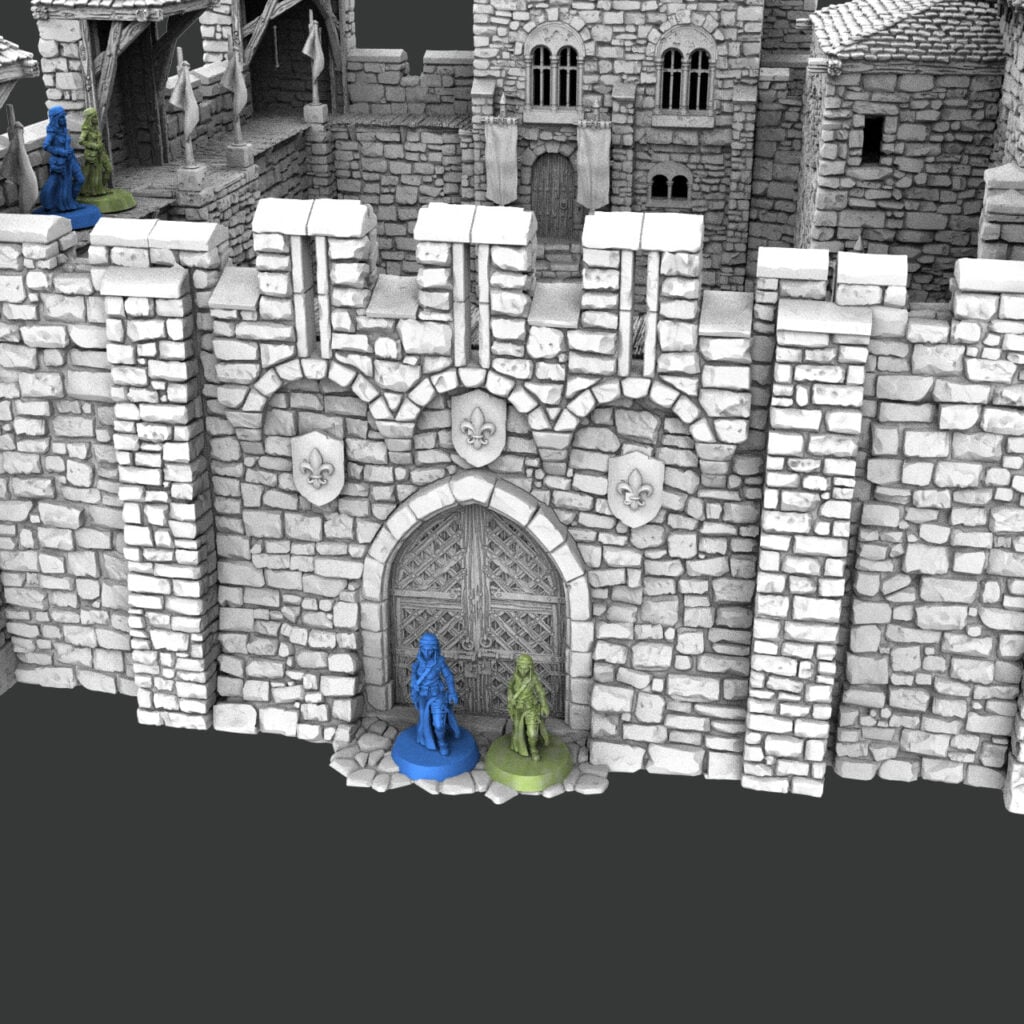
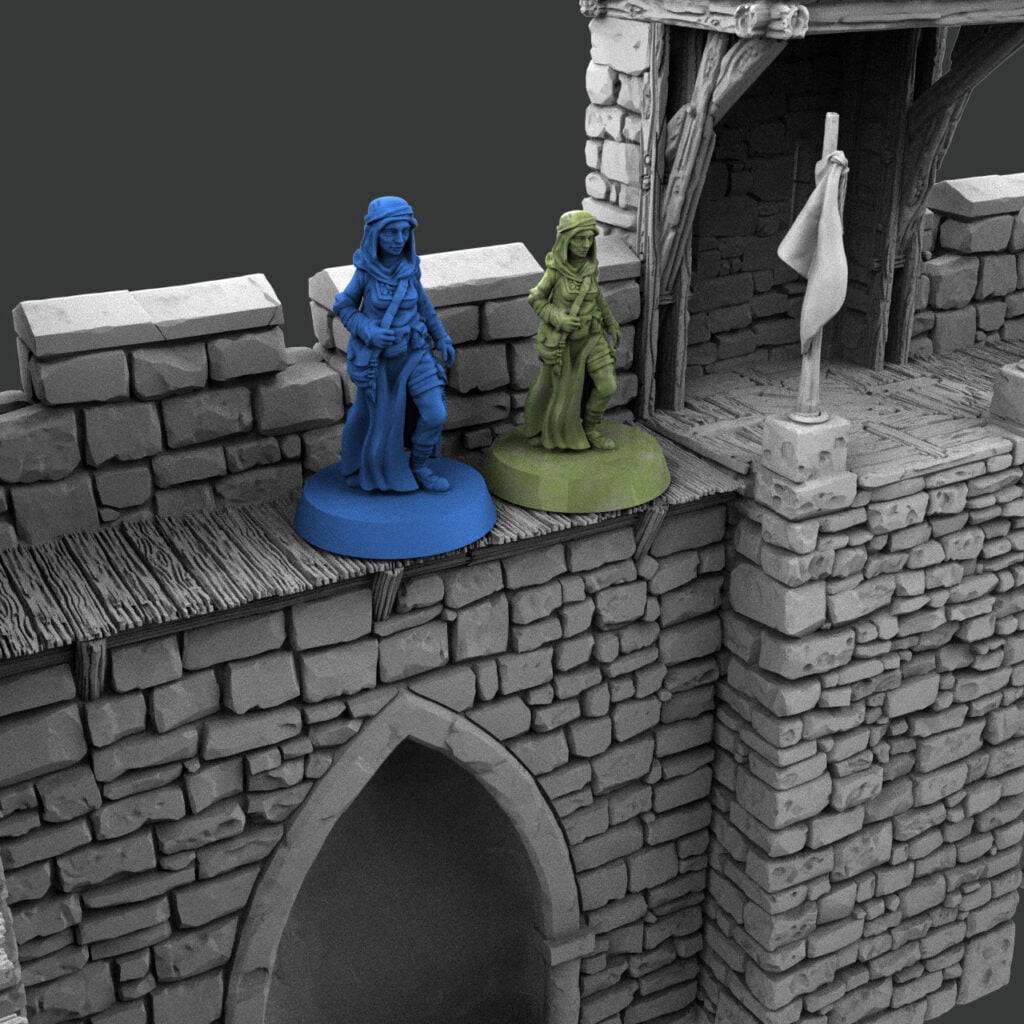
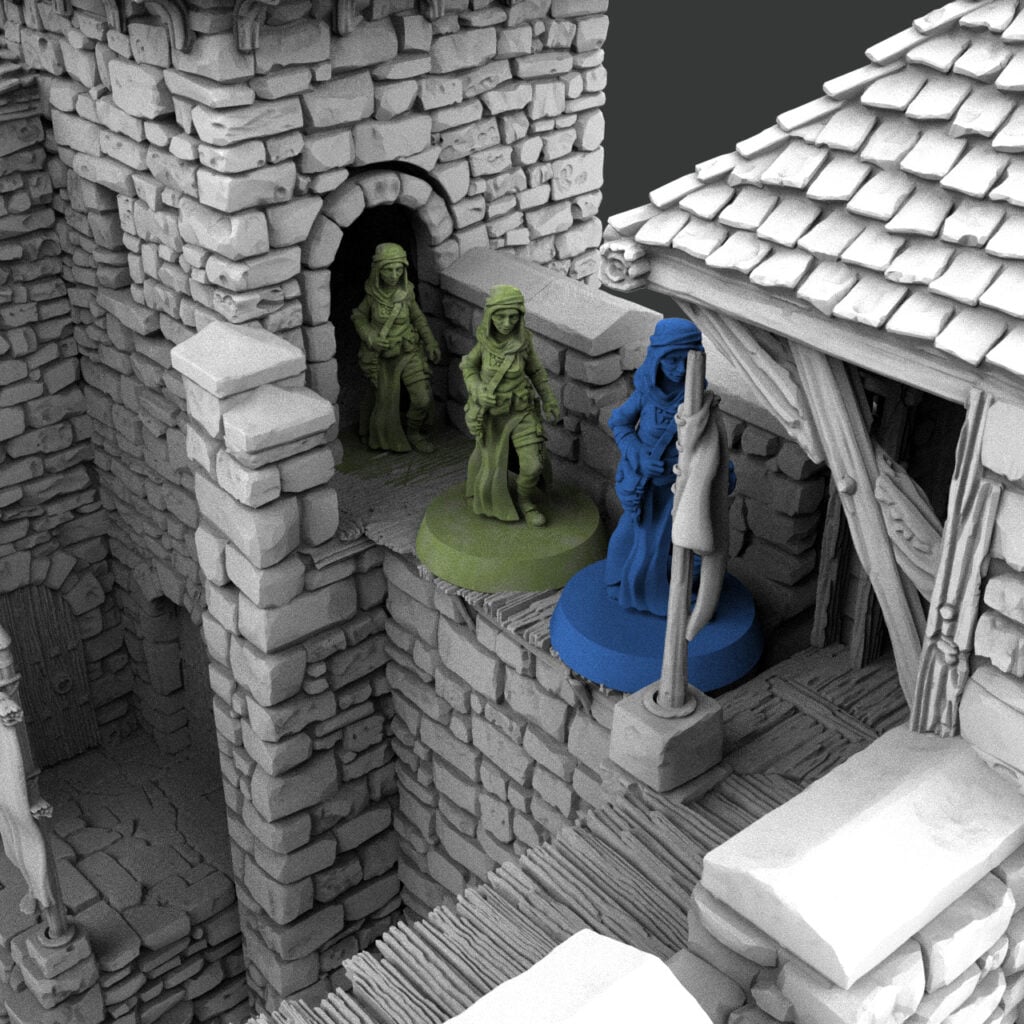
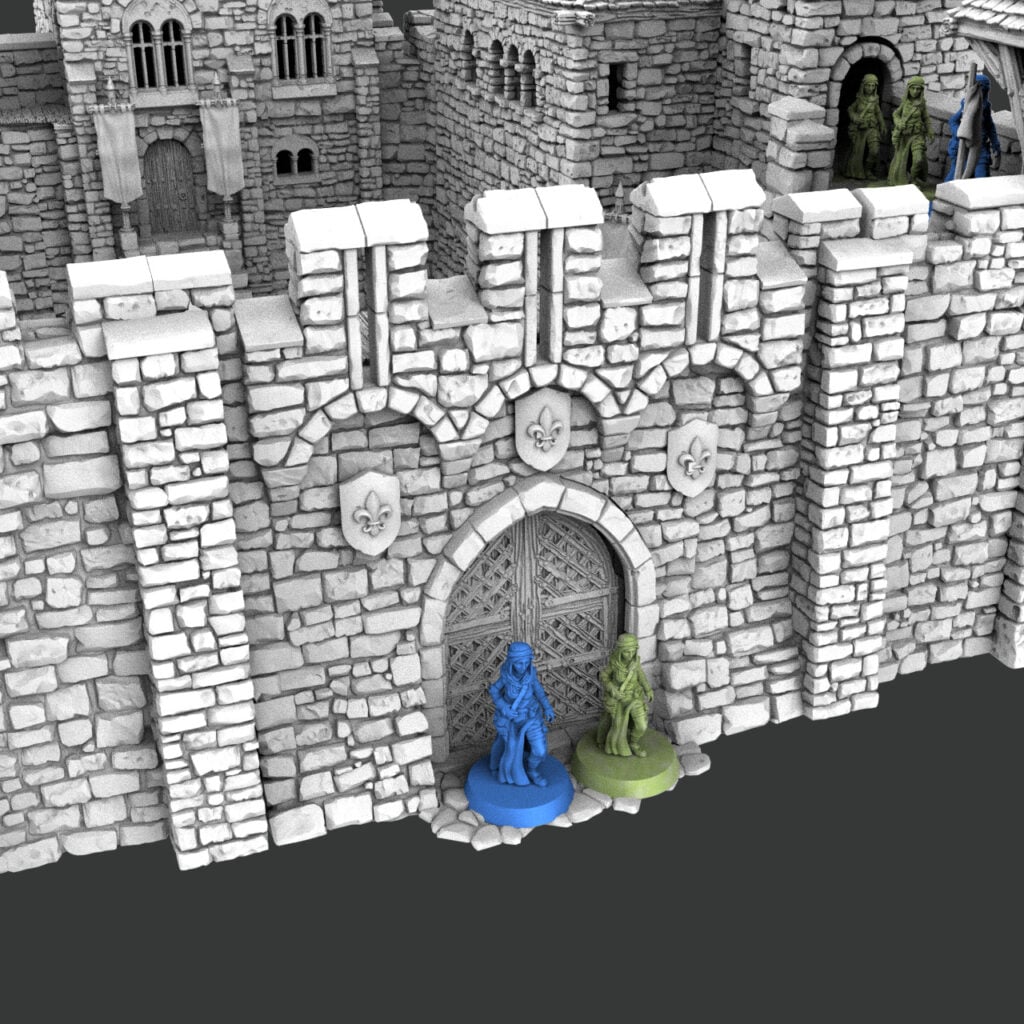
At 87.5%, the castle’s proportions match 28mm figures. Doors, windows, crenellations, and wall heights sit where they should next to your miniatures, so the castle looks like it was built for the people standing in front of it.
That matters most when the castle is scenery rather than a playing surface. In a mass-battle game like Kings of War, a castle usually acts as blocking terrain: regiments march around it, it breaks up line of sight, and nobody goes inside. All that extra interior room at 32mm goes unused, while the bigger footprint eats into the table your units need to maneuver.
Scaling down also pays off at the printer:
- Table space: at 87.5%, each piece covers about 77% of the area (0.875 × 0.875), so the castle takes up nearly a quarter less of the table.
- Filament: volume shrinks to about 67% (0.875³), roughly up to a third less material per piece.
- Bed size: big parts get easier to fit. The 181mm Barracks part comes down to about 158mm, and the 130mm Hex tower base to about 114mm.
- Resin printers: 28mm works well in resin. Hollow the walls and add drainage holes, and use the small printer cuts for any part that’s still too big.
TIP: If 87.5% feels a touch tight, I often suggest 90% for dioramas: close to true 28mm, with a little extra room to spare.
Why I print mine at 32mm
As a personal call, not a rule, I normally use my terrain for skirmish games, so I print at 32mm (100%) without a second thought. It looks great with 28mm and 32mm minis.
How to print SystemHEX at 28mm
Scaling takes about a minute in your slicer. The working is simple: new scale ÷ current scale × 100, so 28 ÷ 32 × 100 = 87.5%.
- Check the Scale Calculator tab on the product page. SystemHEX is highlighted at 32mm, and the 28mm Wargames row shows 87.5%.
- Open the STL in your slicer and find the scaling tools. In most slicers, they sit on the left of the scene.
- Make sure uniform scaling is enabled so the model shrinks evenly rather than warping.
- Enter 87.5% (or 90% if you want a little extra room).
- Scale every piece that connects by the same amount, so walls, towers, and connectors still fit together.
- Sanity-check with Syd Scale. Drop a 28mm Syd next to a doorway in the slicer; if Syd fits through the door, you’re in scale. Use the unbased Syd so base height doesn’t skew the comparison.
For the full walkthrough, including the video and more about Syd, see “Scaling Printable Scenery Models.”
Which scale should you print?
Pick by how the castle will be used on the table, not by the label on your miniatures.
| How you’ll use the castle | Print at | Why |
|---|---|---|
| Skirmish games fought on the walls and in the towers | 32mm (100%) | Room for based figures on walkways, stairs and floors |
| RPG sessions and dungeon crawls inside the castle | 32mm (100%) | Interiors are easy to reach into and play in |
| Alongside OpenLOCK terrain | 32mm (100%) | The calculator lists 32mm as OpenLOCK scale |
| Mass battles where castle as blocking terrain | 28mm (87.5%) | Smaller footprint |
| Display pieces and dioramas with 28mm figures | 28mm (87.5–90%) | Proportions match the miniatures |
| Smaller printer bed or resin printer | 28mm (87.5%) | Smaller parts and about a third less material |
Whichever you choose, it’s the same set of files. Print a test piece at each scale, stand your figures next to it, and go with what looks and plays best on your table.
Sources
- Throne and Ash (All 3 Bundles), Printable Scenery
- Ashes Cottage (Ruined), Scale Calculator tab, Printable Scenery
- Scaling Printable Scenery Models, Matt Barker, Printable Scenery