Creating Mixed Hex & Square Layouts with SystemHEX
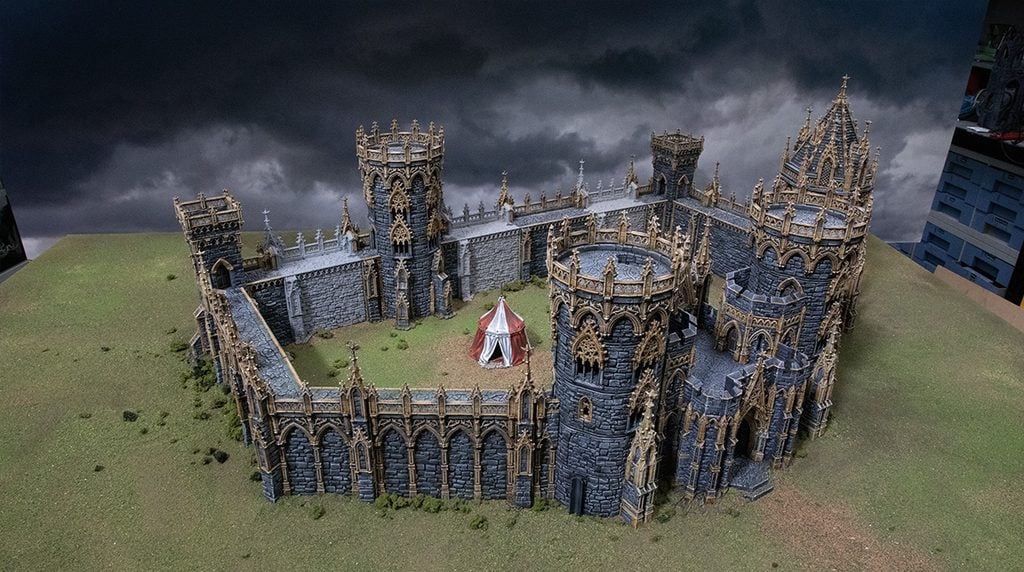
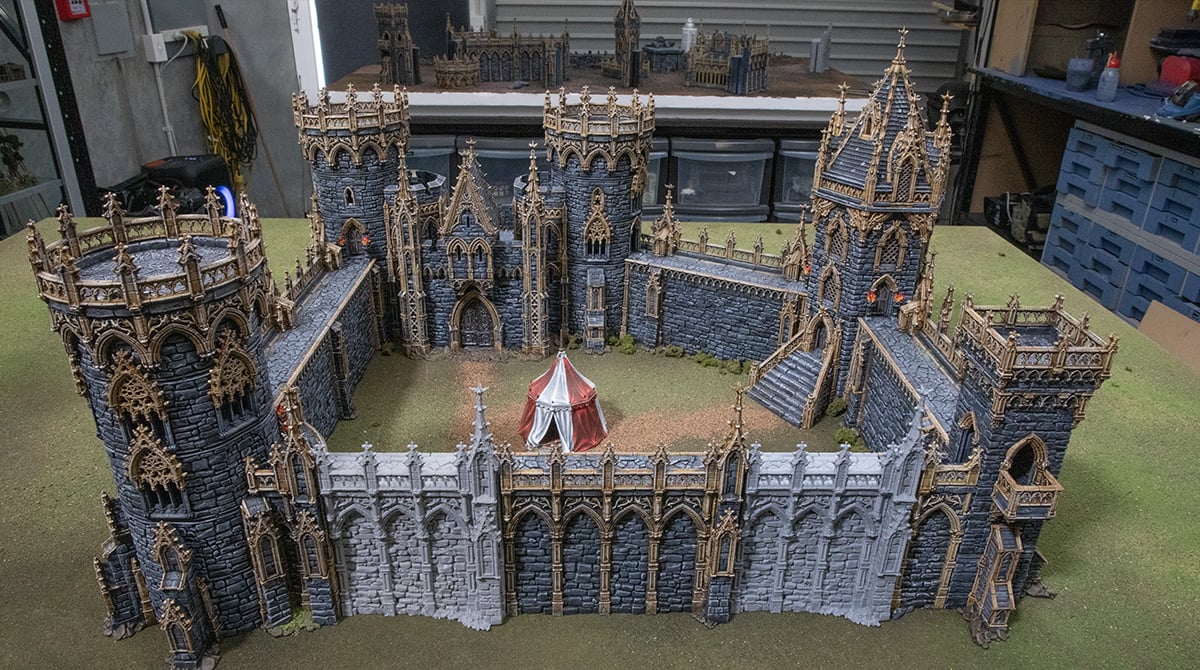
In this article, we’ll show you how to build square castles and ways to integrate square layouts into SystemHEX. We’ll cover how the square G Adaptors on the Gatehouse work, as well as techniques for using the new Square-to-Hex Wall effectively. The methods in this guide can be used with all of your SystemHEX buildings.
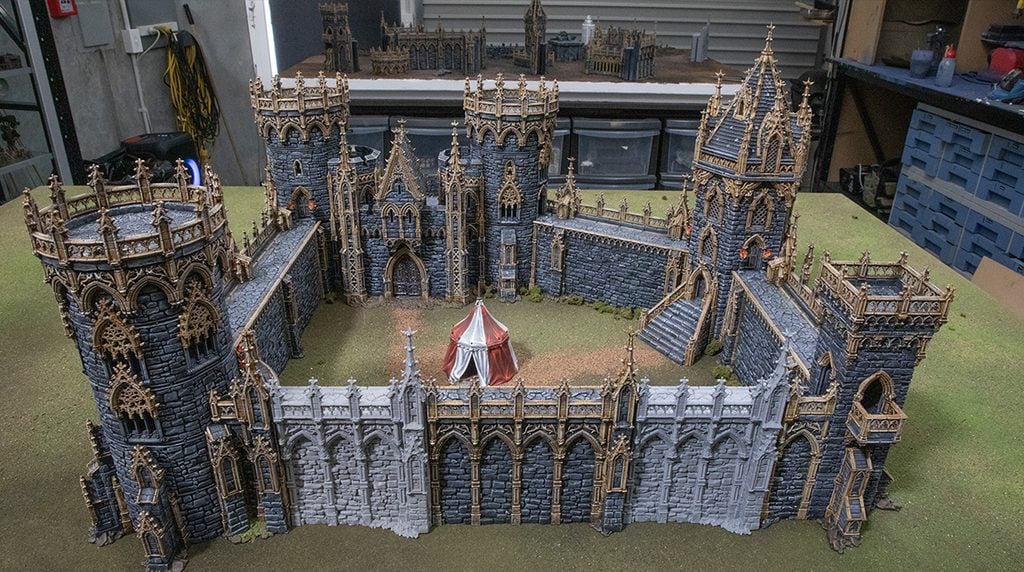
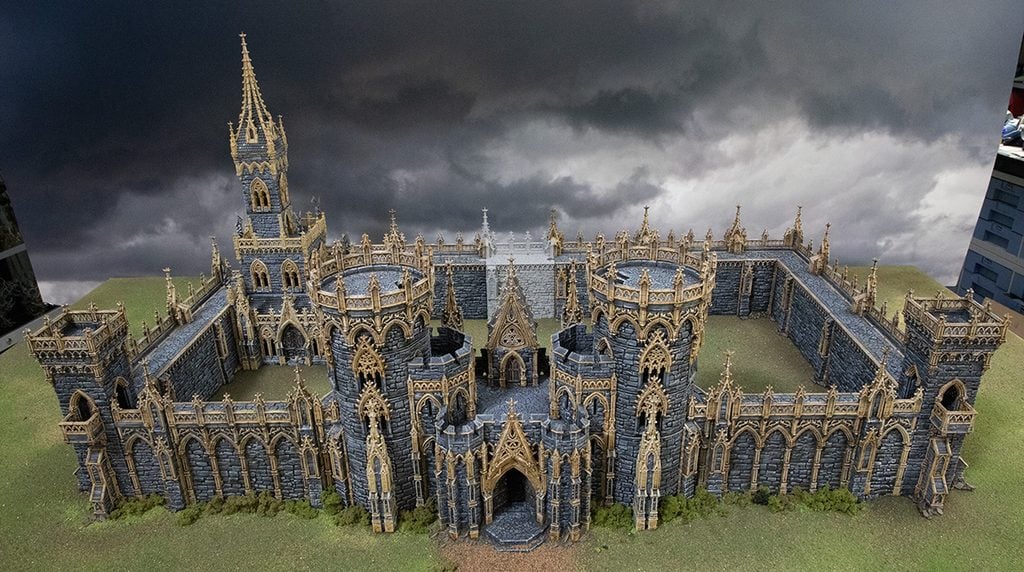
With the addition of the G Square Adaptor, you can now create a flat-faced gatehouse setup, which many have been asking for. The Adaptor works by sitting on two Sliders at the base of the towers, which splits the difference to give you that 90-degree angle.
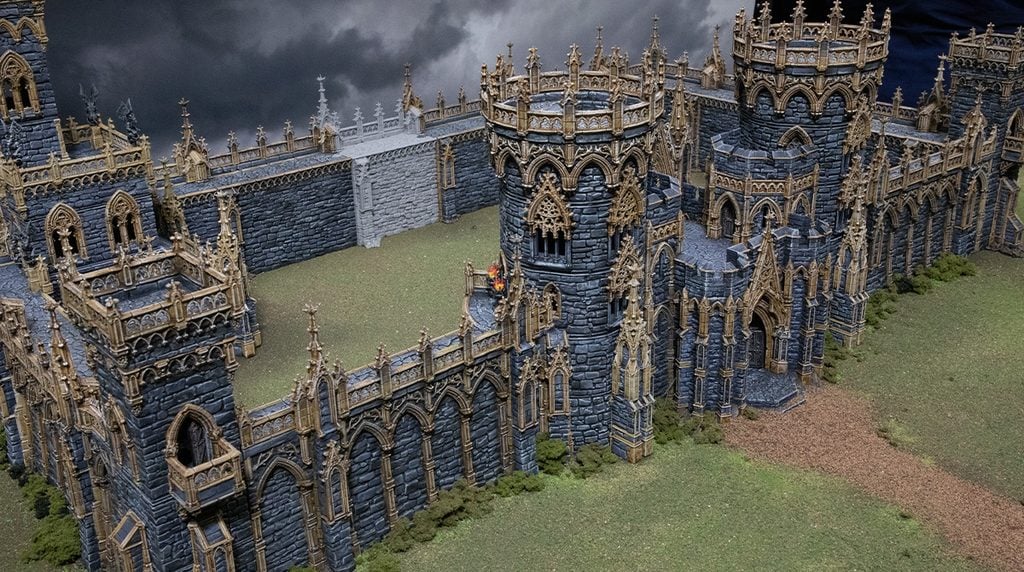
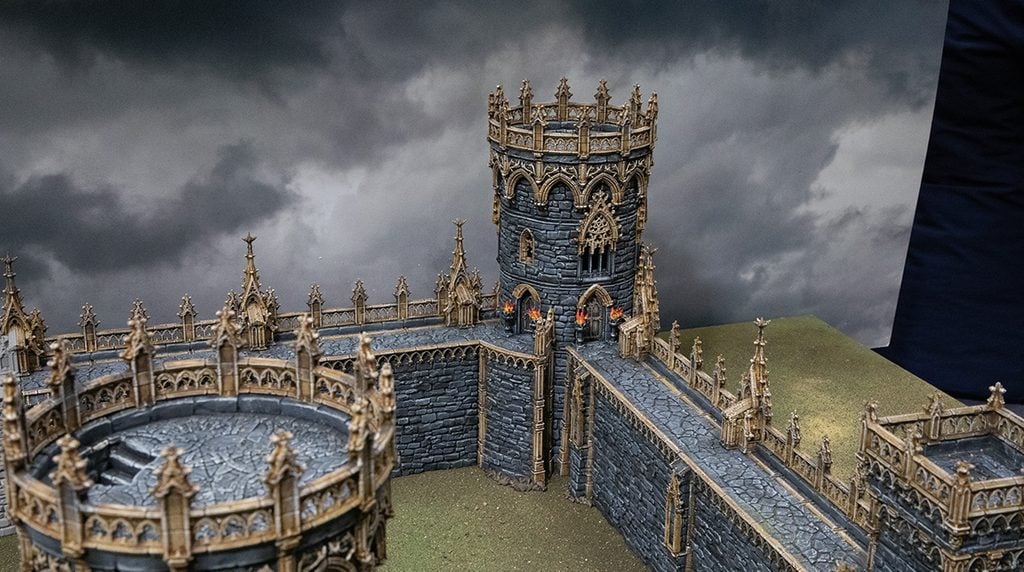
As the adaptors attach to the round towers on the sides of the gatehouse, this technique also works on plain round towers. The normal G Adaptors can be used to place the tower on a straight wall, but by using the G Square Adaptor, you will now be able to place the tower on a 90-degree corner, which you have been unable to do in the past.
Because of how SystemHEX works, the gatehouse will not work on its own in a square setup. The way to fix this is by adding a Gothic Short wall opposite it, which will make up the difference in length between the hexes and squares
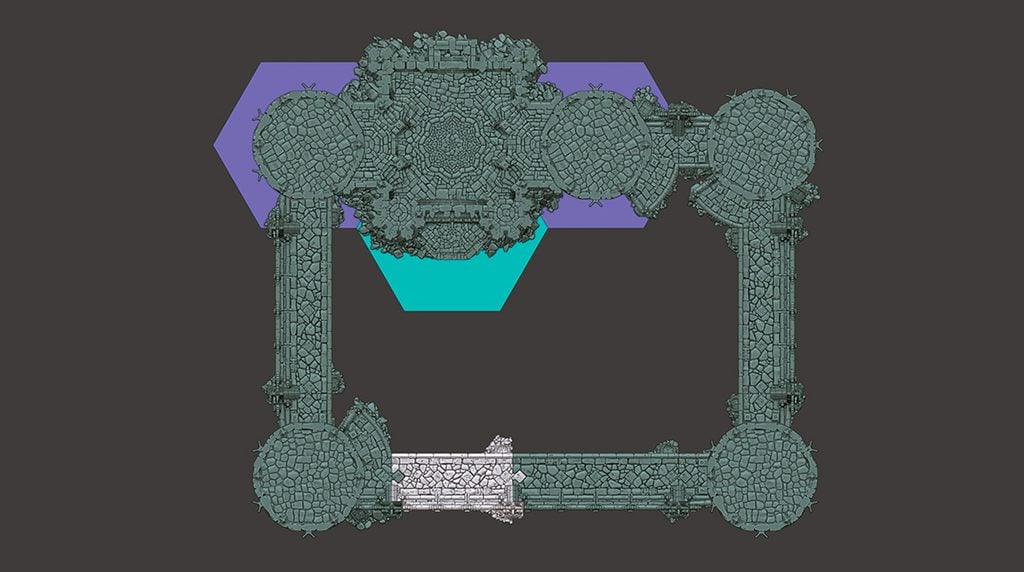
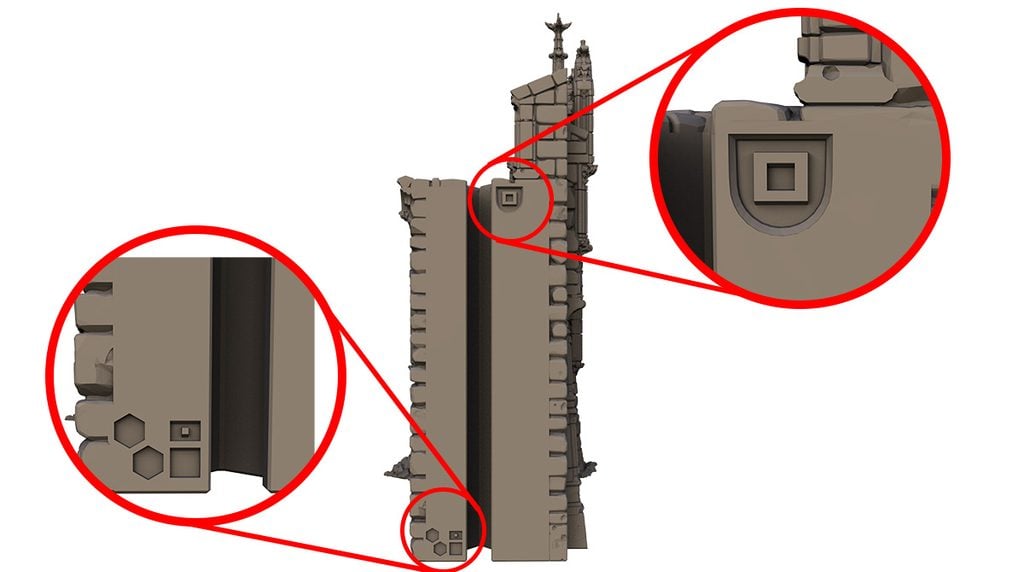
The Square-to-Hex Wall is needed when combining hex and square layouts together, the length of two hexes is equal to one normal wall and one short wall. This is shown by the symbol on the side of the Gothic Short Wall, for quick reference. So if you wanted a square wall to be opposite a four-hex-long wall, you will need two short walls and two normal walls