
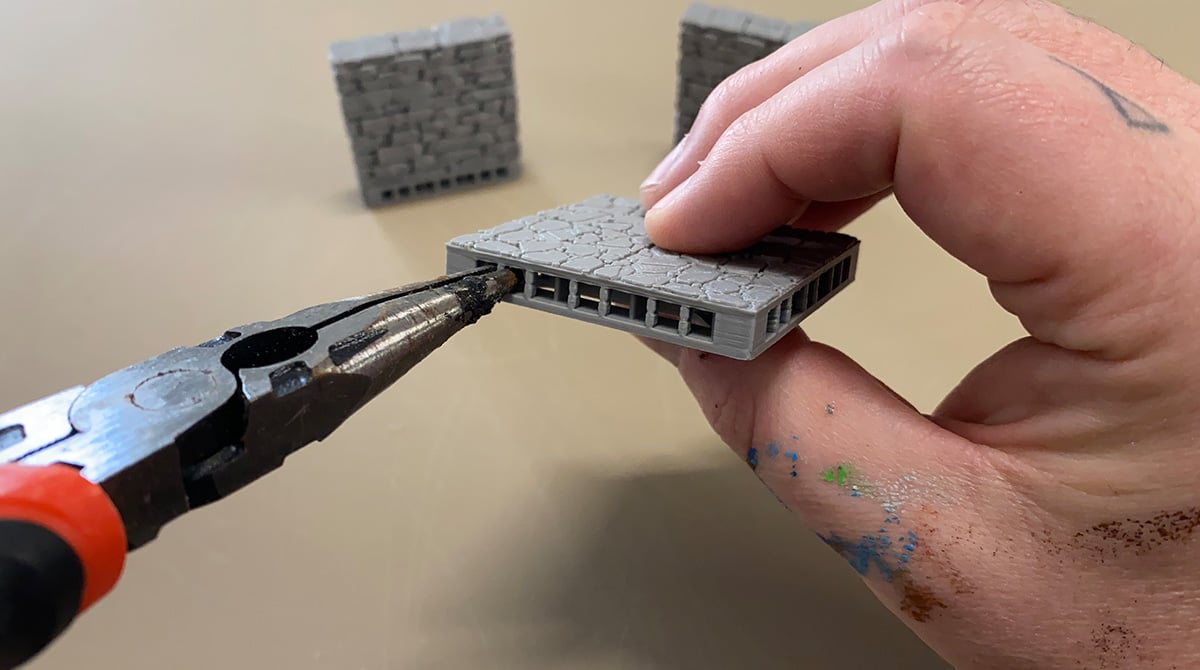
Removing supports from the OpenLOCK ports
In this article, we’ll show you how we go about removing the small supports that are printed on all OpenLOCK model ports. These small supports are printed to support the overhangs in the OpenLOCK port mouth. You need to remove these supports post-printing before you can insert the OpenLOCK clips.
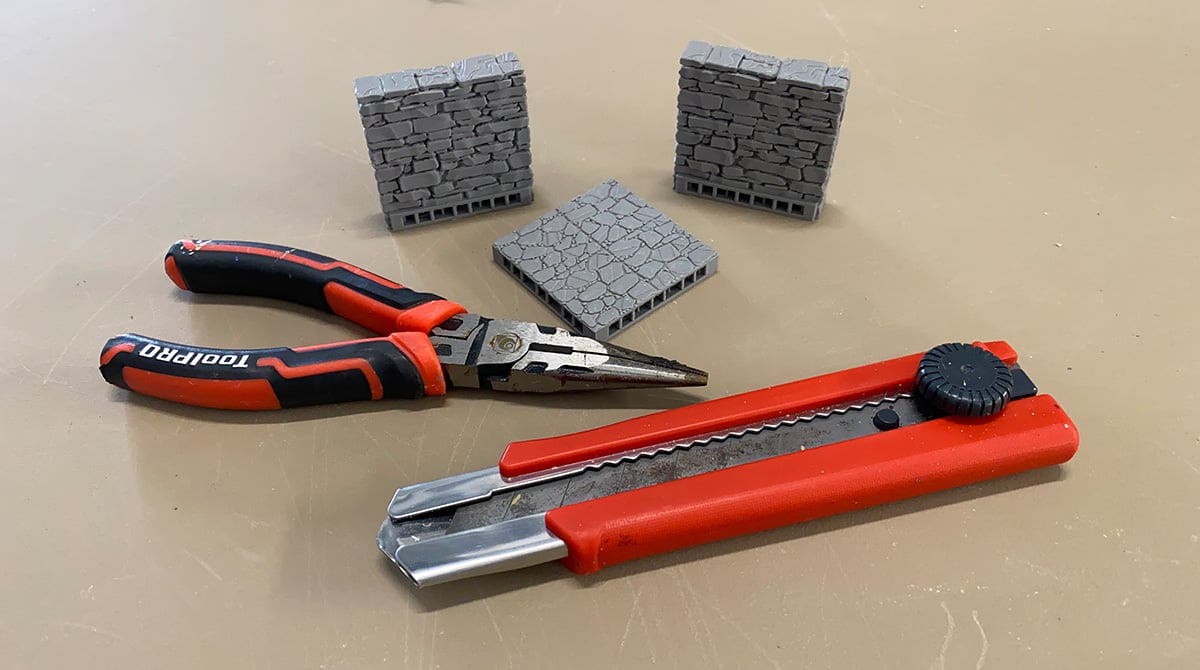
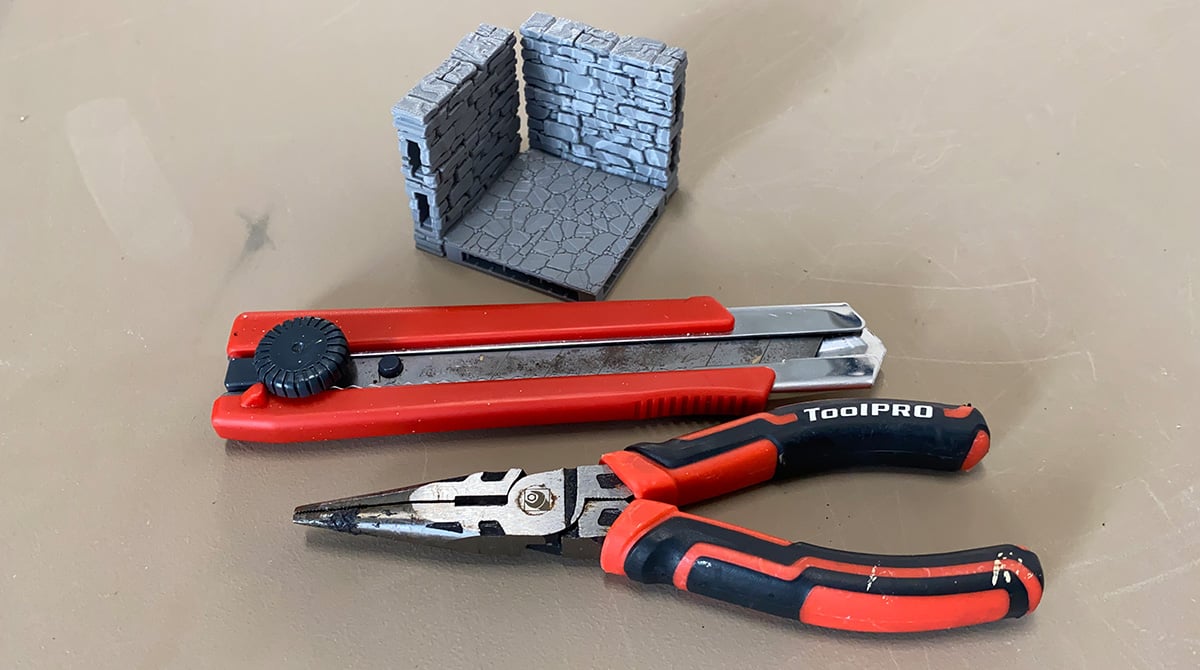
For this, we recommend using some needle-nosed pliers and a box-cutter or hobby knife.
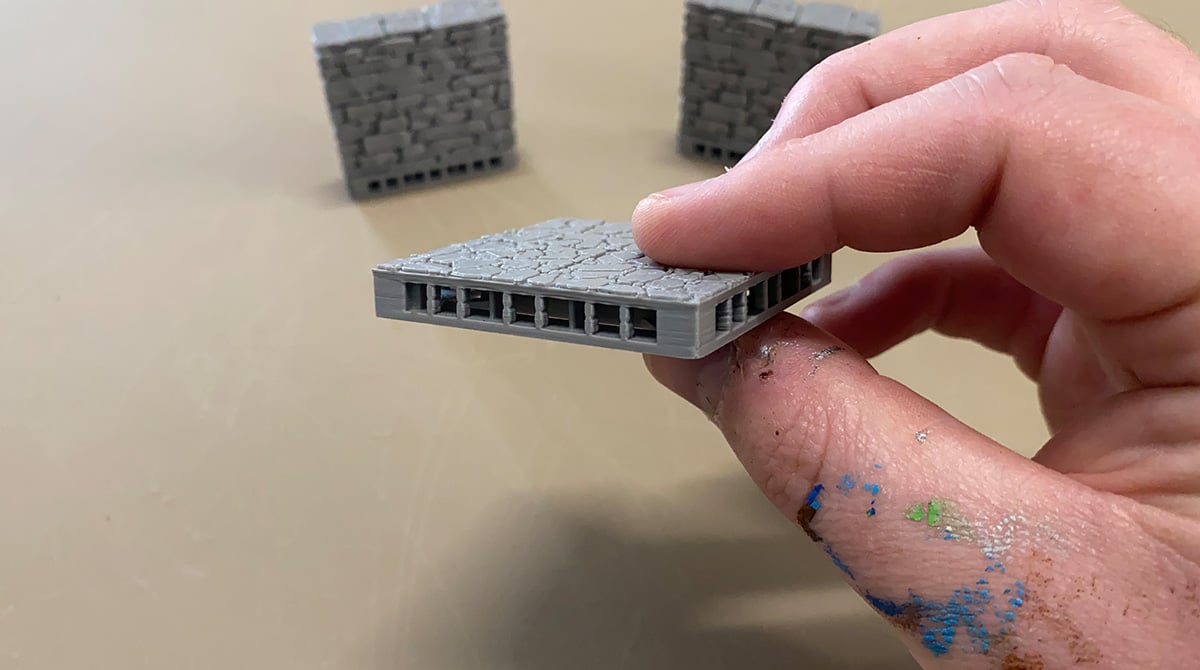
Here you can see the OpenLOCK port supports that we’ll be removing clearly. They’re the small bars on the outside, not the parts on the inside. They’re the dividers between the OpenLOCK ports, and we don’t want to damage them as they provide pressure to make the clips hold.
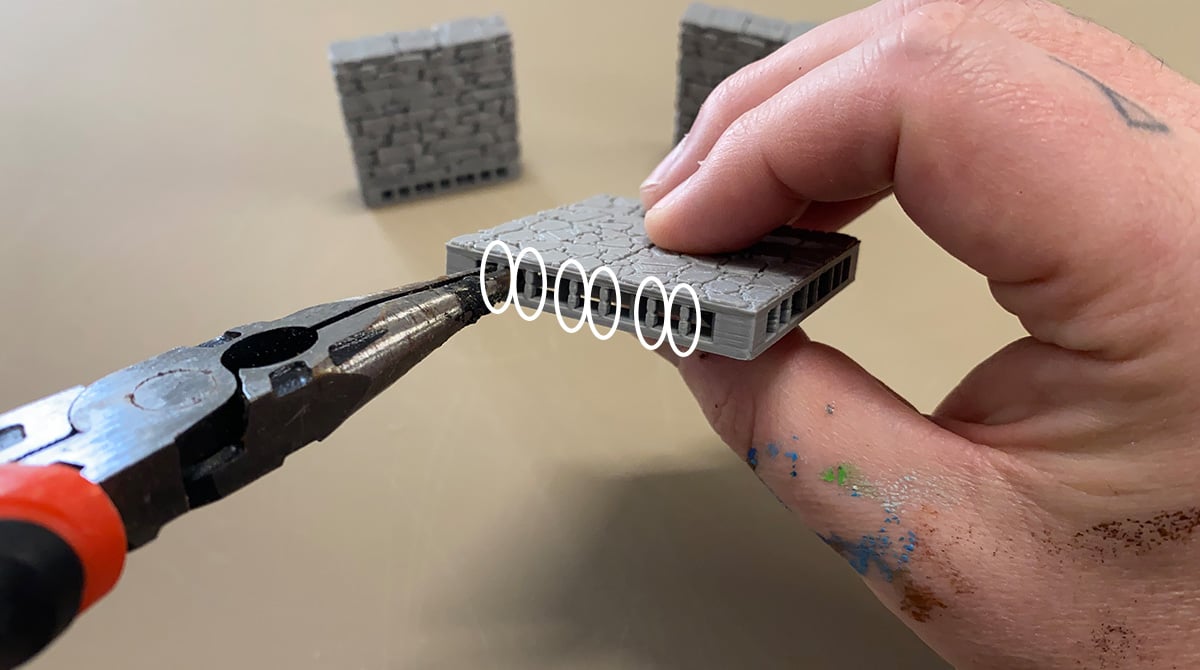
You can use the pliers to grip and twist the supports in each port, breaking them and pulling them out in one fluid motion.
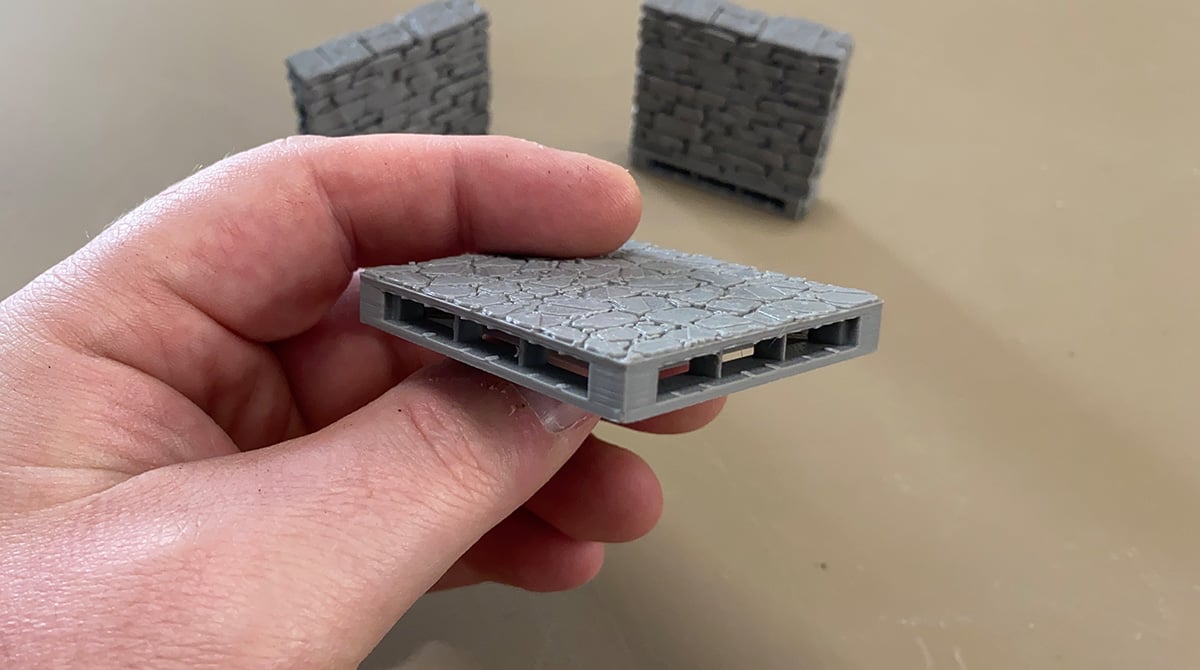
This will often leave small nodules on the inside of the port. If these nodules are too large, you may want to go in with a hobby knife to trim them out.
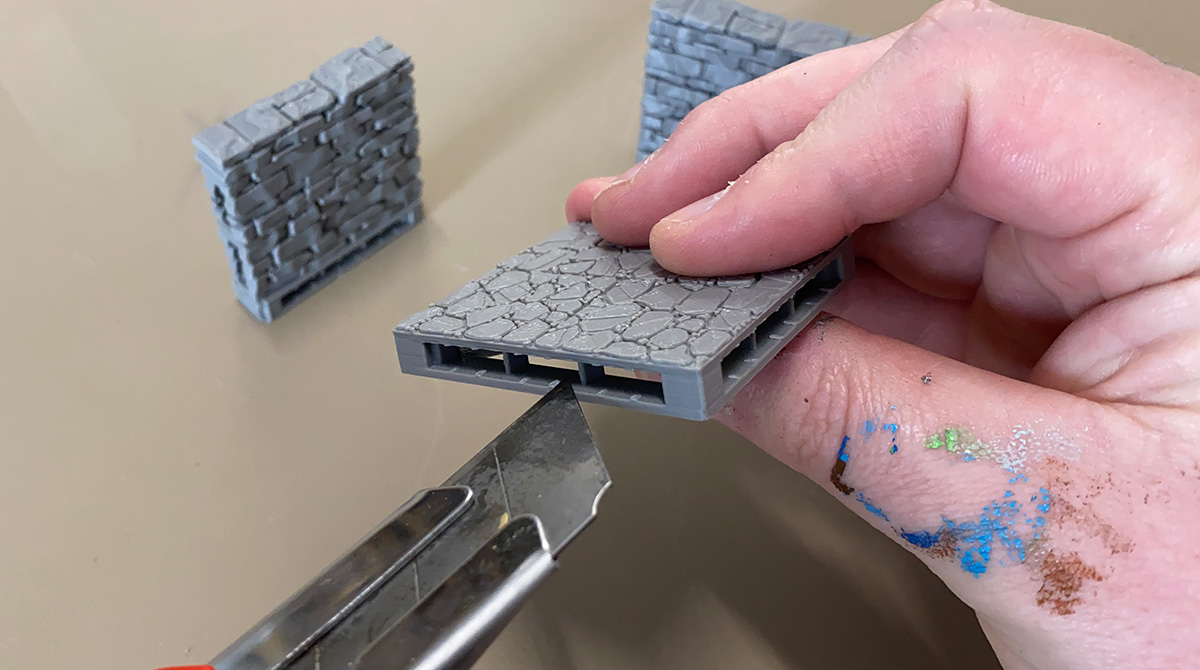
Always slice away from fingers when doing this. You won’t often need to trim these little bumps, as they can often provide some extra resistance, making the clips hold even better. But occasionally, the pliers won’t quite get the whole support out in one go.
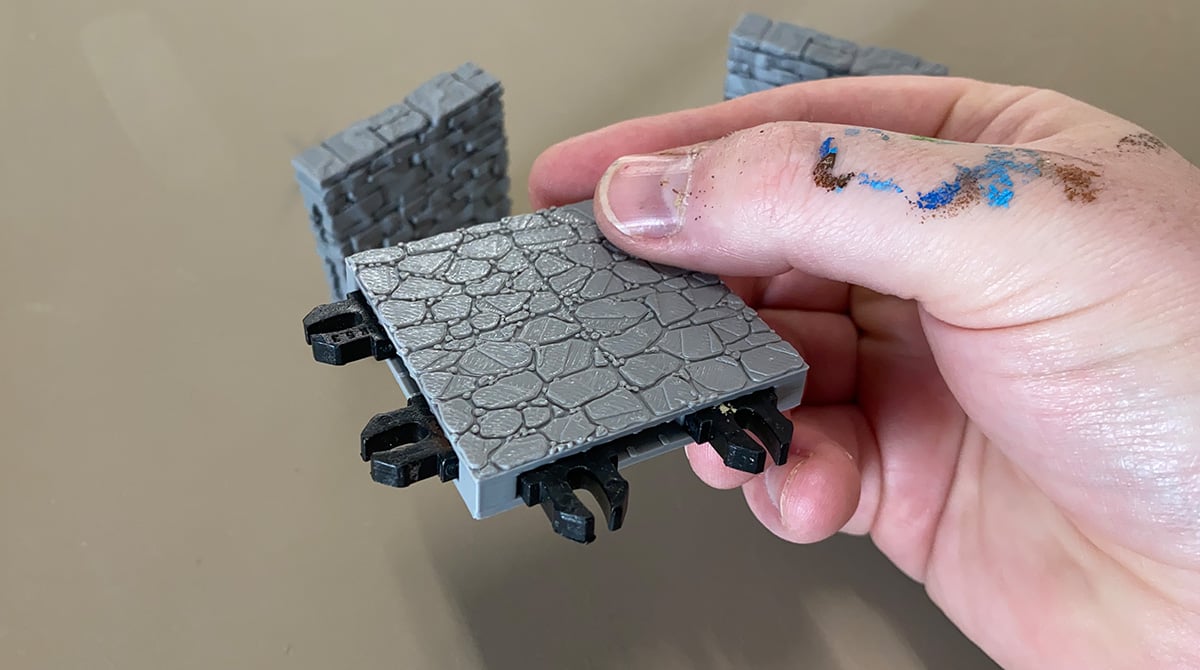
With the supports removed, you are all ready to plug in your OpenLOCK clips to start assembling your epic dungeons. Hope this quick tutorial on removing the supports in your OpenLOCK ports helped. Let us know if there’s anything else you’d like help with by leaving comments below.
I notice that remaining bumps of plastic and rough top sides of the openings makes it very difficult to insert the lock pieces. Is there a technique for removing the supports cleanly or for smoothing the ports?
Yes, I use a pair of long nose plyers, this pulls out the support without forcing apart the OpenLOCK port
Do I have to add aditional supports or I can use the file as it is.
You can print the file as iit is and remove the printing supports at the front of the ports afterwards.
My dividers keep breaking when I put them together/pull them apart 🙁
You might be having problems with your z-layer height and resolution or you’re twisting or clipping the supports out. IF you email [email protected] we can have a look at any issues.